

Spec-first planning
BrainGrid starts by asking clarifying questions, then writes a spec that includes acceptance criteria, a data model, and a readiness score before any build work begins.

BrainGrid is an AI app builder that writes a spec, gets approval, then builds, verifies, and runs apps live.
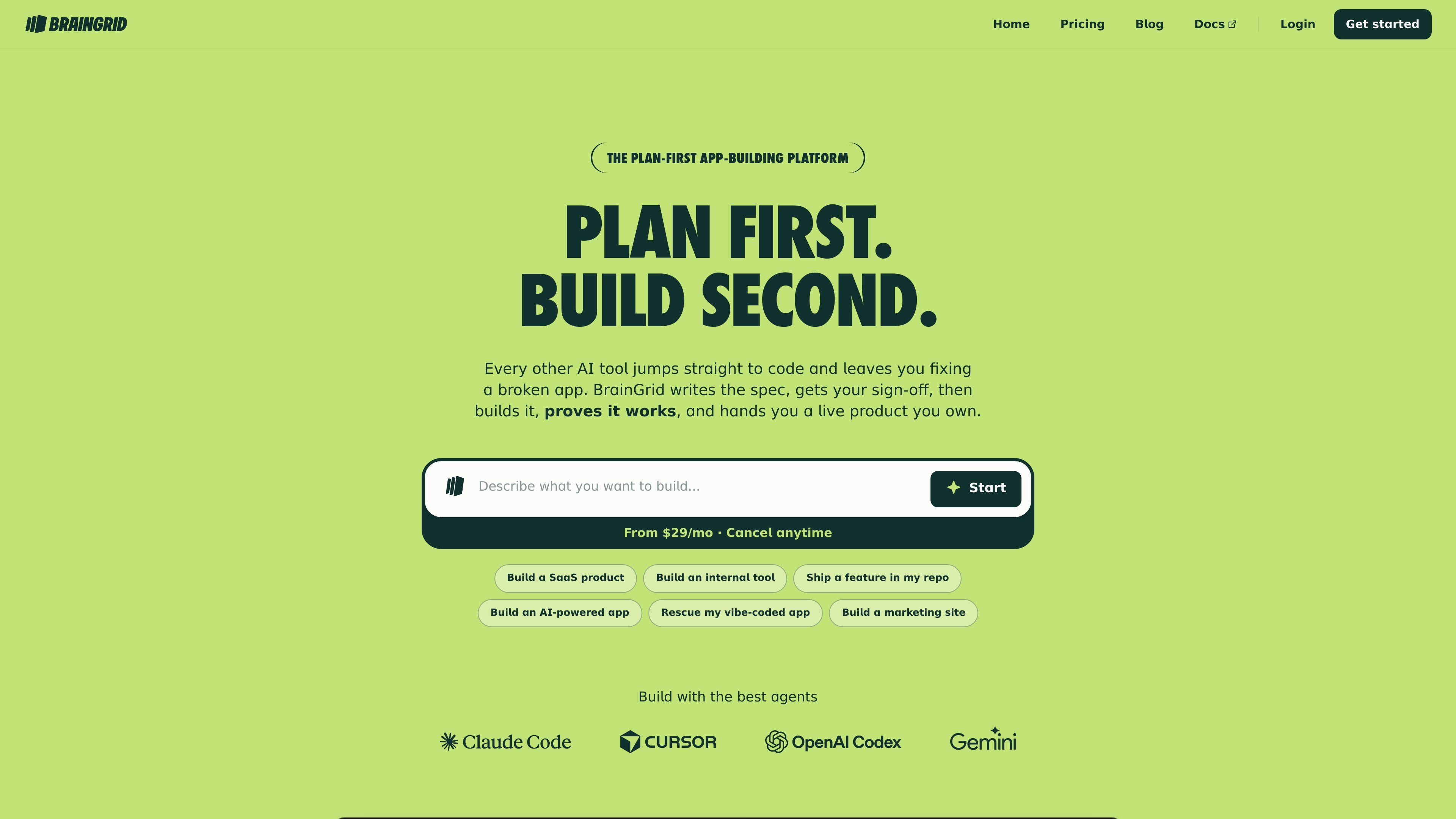
BrainGrid is an AI app builder that plans before it builds. Instead of jumping straight to code, it starts by writing a spec, asking clarifying questions, and getting your sign-off before implementation begins.
The product then builds the app, verifies every acceptance criterion with attached evidence, and can run the result live with hosting, sign-in, data, and email handled. BrainGrid supports both a cloud workflow and a handoff to your own tools through MCP or CLI, so it can fit solo builders, teams, and developers working in their own repo.
BrainGrid starts by asking clarifying questions, then writes a spec that includes acceptance criteria, a data model, and a readiness score before any build work begins.
After sign-off, the Builder Agent uses Claude Code in a cloud sandbox to implement the spec, with a live preview available during the process.
The platform checks each acceptance criterion and attaches proof such as test runs, screenshots, or flow recordings so the result can be inspected.
For developers who want to keep their existing setup, the spec can move into Claude Code, Cursor, or Codex over MCP or CLI and continue in their own repo.
BrainGrid can run the product live with hosting, sign-in, data, and email handled, and it assigns the app its own URL on BrainGrid Cloud.
The homepage shows multiple project types, including SaaS products, internal tools, repo features, AI-powered apps, marketing sites, and rescued prototypes.
Map out a SaaS idea, approve the spec, and let BrainGrid take it from planning through verified delivery and live hosting.
Replace a spreadsheet or a rented tool with a scoped internal app that lives on BrainGrid Cloud for your team.
Plan a feature in BrainGrid, then continue implementation in your own repository with Claude Code, Cursor, or Codex over MCP or CLI.
Bring a prototype or “vibe-coded” app back through the planning loop so missing requirements can be verified before more changes are made.
Use BrainGrid to launch a marketing site that is on-brand, lives on your domain, and is hosted as a working product rather than a static mockup.
BrainGrid is an AI app builder that starts with a written spec. It asks clarifying questions, defines acceptance criteria and a data model, then builds the app and checks each criterion with attached evidence before it runs live.
The homepage says BrainGrid is for people building SaaS products, internal tools, repo features, AI-powered apps, marketing sites, and rescued prototypes. The pricing page also positions it for solo builders, builders working faster, and teams collaborating on plans and specs.
No. The pricing page says there is no free trial and that you choose a paid plan before anything is provisioned.
Yes. The pricing page says you can change or cancel your plan anytime.
BrainGrid can be used in its own cloud workflow or with your own agent and repo. The homepage says the spec can travel over MCP or CLI to Claude Code, Cursor, or Codex, and the pricing page says plans support bringing your own agent.

Firebase Studio is a web-based workspace for full-stack app development with Gemini-assisted coding, app previews, cloud emulators, collaboration, and browser deployment.

EZsite AI is an AI website builder that turns a URL into a fullstack React or Vue.js app with hosting, custom domains, code export, and backend features.

blop is a QA agent that writes browser tests as code in your repo, runs them in CI, clusters repeated failures, and can open PRs to fix broken tests.

Orca is an Agent Development Environment for shipping with coding agents, running multiple CLI agents in parallel across isolated worktrees, with desktop and mobile workflows.

BotLab is a tool for testing video-game bots by running them in simulated game clients, reviewing session logs, and comparing results in the Reactor. It offers a free tier for short sessions and a paid Pro plan for longer online runs.

AI Magicx is a unified AI workspace for chat, image, video, voice, music, email and developer tasks, helping teams and creators manage multiple models in one place.