

Self-checkout workflow
Shoppers can add items by placing or weighing them in the cart, then complete payment on the cart and leave with a digital receipt.

Caper AI-powered smart shopping carts for grocery retailers: self-checkout, digital engagement, and POS and loyalty integration—no app required.
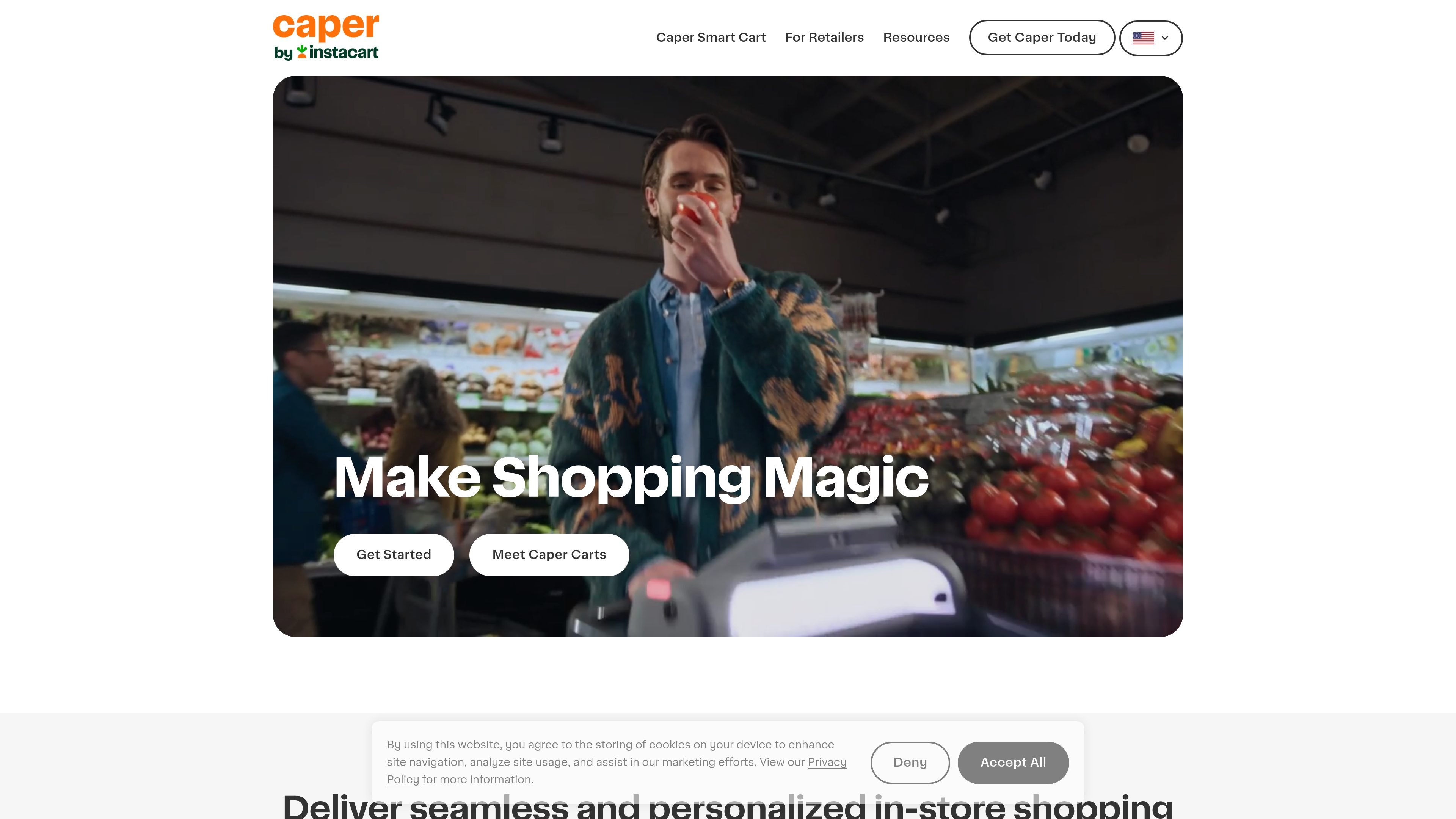
Caper is an AI-powered smart shopping cart system for grocery retailers. It combines cart-based self-checkout, a shopper-facing screen, and retailer management tools to support a faster in-store checkout flow and more interactive shopping trips.
The product is positioned for stores that want to connect physical shopping with digital conveniences such as loyalty programs, shopping lists, digital coupons, recommendations, and on-cart payment. Caper says the carts work with existing POS systems and can be launched with support from its team, reducing the need for major store changes.
Shoppers can add items by placing or weighing them in the cart, then complete payment on the cart and leave with a digital receipt.
The cart can sync shopping lists from Instacart or a retailer’s Storefront Pro-powered app through a QR code, and automatically check off items as they are added.
The screen supports personalized recommendations, digital coupons, loyalty prompts, and gamified elements such as a coupon wheel.
Retailers can connect Caper to existing POS and loyalty systems, with integration steps described as part of the launch process.
The retailer site describes cart verification tools, cart management, task alerts, and status or asset tracking to support store operations.
The product page says carts use AI-powered computer vision, sensor fusion, GPS tracking, all-day battery life, and weather resistance.
A grocery store can use Caper to let shoppers scan, weigh, and pay in the aisle instead of waiting for a separate checkout lane.
Retailers can use the on-cart screen to prompt coupons, recommendations, and loyalty actions during the shopping trip.
Stores that want to connect digital and physical shopping can let customers import shopping lists from Instacart or Storefront Pro-powered apps.
Store teams can use verification tools, task alerts, and cart management features to monitor carts and support loss prevention.
Retailers can deploy a guided launch with training, signage, and system integration rather than redesigning the store around a new checkout system.
Caper Carts are designed to work with existing store systems rather than replacing them. The source says they integrate with a retailer’s current POS system and loyalty program, and the retailer setup flow includes connecting the carts to POS, inventory, and other systems.
The source says customers can start shopping without an app download or login. They grab a cart, add or weigh items, pay on the cart, and receive a digital receipt by text or email.
The source describes two model families: Caper M3 and Caper M3 Scan. It also notes two cart models more generally on the retailer page, with options such as a bottom shelf attachment and mobile or fixed charging stations.
Caper’s retailer page says setup typically involves unloading and preparing the carts, QA, connecting them to store Wi-Fi and charging rails, and possibly supporting signage and staff training. It presents launch as a guided process with the Caper team.
The retailer page says Caper Carts can use cart verification tools, cart management, task-based alerts, and reporting and analytics that are marked as coming soon. The smart-cart page also says carts include GPS tracking and automatic wheel locking if they move outside configured parameters.

PRIME AI delivers AI for fashion retail: size finder, persistent device ID and risk signals API, and virtual try-on to improve fit and reduce returns.

Photoroom is an AI visual editing platform for e-commerce that removes backgrounds, creates product images, and prepares listings from phone, web app, or API workflows.

豆绘AI is an online AI image generation and editing platform for ecommerce and design, supporting white background, scene, interior rendering and post-processing.

PixelPrompt is a browser-based AI image and video workspace for prompt optimization, text-to-image, and text-to-video generation. It supports ecommerce visuals, ad creatives, and short-form UGC-style content without requiring a local GPU.

OneText helps merchants turn SMS conversations into orders with campaign messaging, cart recovery, conversational replies, and order sync.

Dropmagic is an AI Shopify store builder that creates branded storefronts from source products with AI copy, images and design. Launch faster without coding.