

Background noise removal
Automatically removes heavy background noise such as traffic, barking dogs, slamming doors, wind noise, ambient noise, static, mic noise, buzz, hiss, hum, and puffs.

Cleanvoice is an AI podcast editor that removes background noise, filler words, silence, mouth sounds, and breath noise from audio or video.
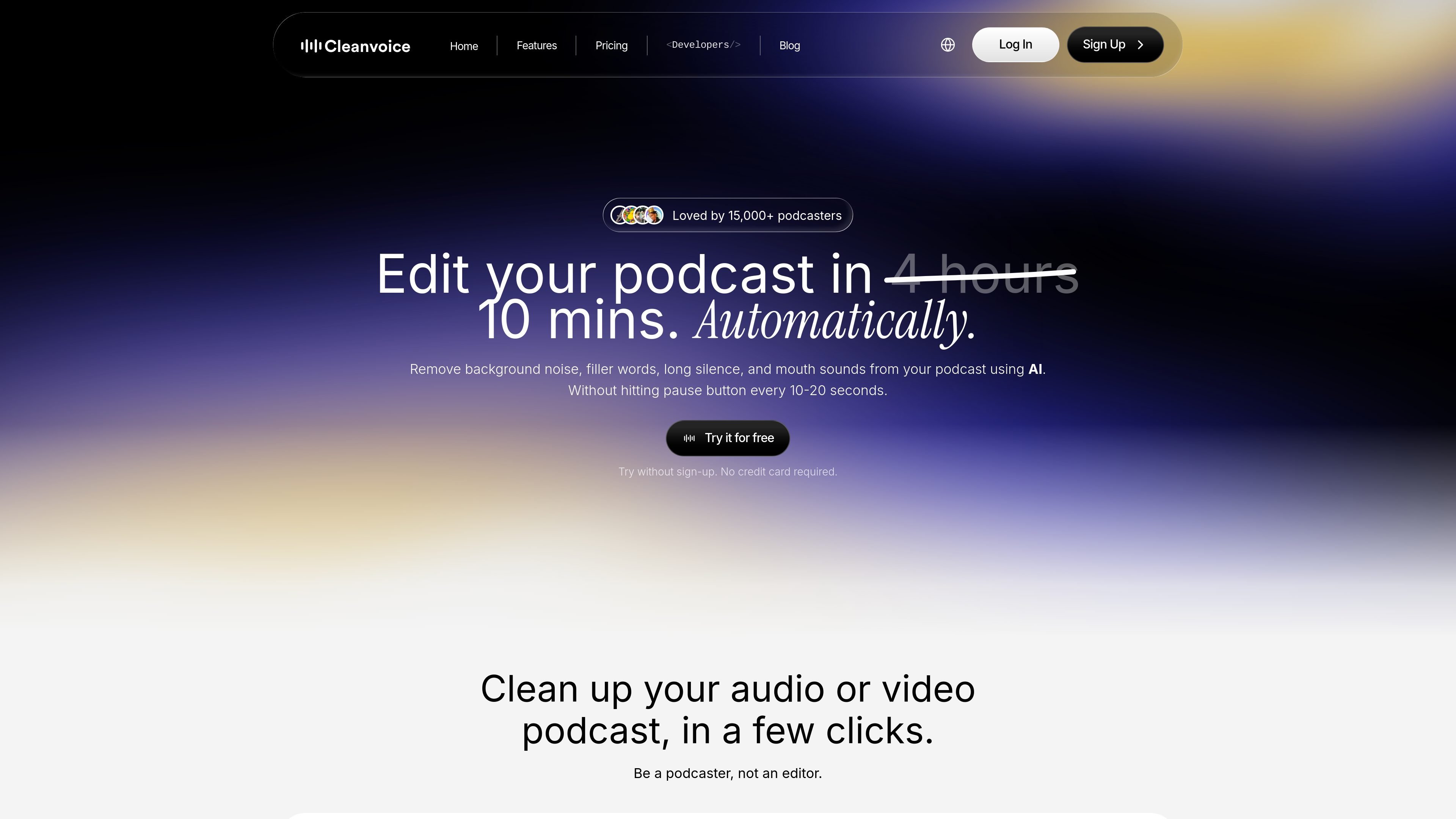
Cleanvoice is an AI podcast editor for cleaning up audio and video recordings in a few clicks. It focuses on removing filler words, background noise, long silence, mouth sounds, and other common spoken-audio issues without requiring a manual edit every few seconds.
The product is aimed at podcasters and other people who work with spoken recordings, including media agencies, businesses, audio engineers, and video editors. In addition to cleanup, it can transcribe recordings, generate summaries, export timelines, and support multitrack editing or API-driven workflows.
Automatically removes heavy background noise such as traffic, barking dogs, slamming doors, wind noise, ambient noise, static, mic noise, buzz, hiss, hum, and puffs.
Detects and removes filler words in more than 20 languages, helping shorten pauses and tighten spoken audio.
Cleans long pauses, dead air, mouth sounds, and breath noises to produce a more polished recording.
Provides audio enhancement described as studio sound, with tone balancing, voice-level adjustment, and removal of echo and distortion.
Generates podcast summaries, show notes, chapter markers, and social content from the recording.
Supports multitrack editing, timeline export, templates, and API-based automation for editing at scale.
A podcaster can upload an episode, remove filler words, silence, and background noise, then download the cleaned file instead of editing manually in a timeline.
A producer working with separate guest tracks can clean multiple files and use multitrack editing to sync them into a single uninterrupted episode.
A team can generate transcripts, summaries, show notes, and chapter markers to speed up post-production and repurpose a recording for other channels.
An audio engineer or experienced editor can export timelines of removed parts and use those markers in tools such as Audacity, Audition, or Reaper for manual refinement.
A company or project that needs repeated processing can use the API to automate editing, enhancement, transcription, and summarization at scale.
Cleanvoice is designed for podcasters, media agencies, businesses, audio engineers, and video editors. The site also says it can be used for voiceovers.
Yes. You can upload audio or video and try editing it for free, and the site says no credit card is required for the trial.
Cleanvoice supports audio and video files including .wav, .mp3, .m4a, .flac, and .mp4, and says it supports batch uploading as well.
The site says the API can automate audio editing, video editing, audio enhancement, speech enhancement, transcription, and summarization through a single API call.
Cleanvoice says it stores original and edited files for 7 days and then removes them permanently.

Inpodcast AI is a browser-based AI podcast studio for turning documents, scripts, and text into podcast-style audio with voice cloning and text to speech.

SongCleaner is a web-based AI audio editor that removes unwanted words from songs for cleaner playback at home, in class, or at events.

Altered is an AI voice changer and voice content creation platform for media production and live voice use. It combines voice morphing, text-to-speech, transcription, translation, cloning, and editing in one application.

PodcastWorld is a web-based podcast discovery and community site for browsing podcasts and episodes, reading summaries and key takeaways, and engaging by topic and guest.

Podfy.ai is a browser-based AI video tool that turns text, scripts, audio, and music into edited videos with narration, subtitles, effects, and soundtrack for faster short-form social content.

RSS.com is a podcast hosting platform to publish, distribute, and monetize shows from one dashboard. Free start, auto distribution, analytics, and team tools.