

Video, photo, and GIF face swapping
Swap faces in videos, photos, and GIFs from the browser, with support for a simple upload, add-face, and download flow.

DeepSwap is a web-based AI face swap service for video, photo, and GIF content. It supports a simple upload-and-download workflow and adds related editing tools plus an API option for broader workflows.
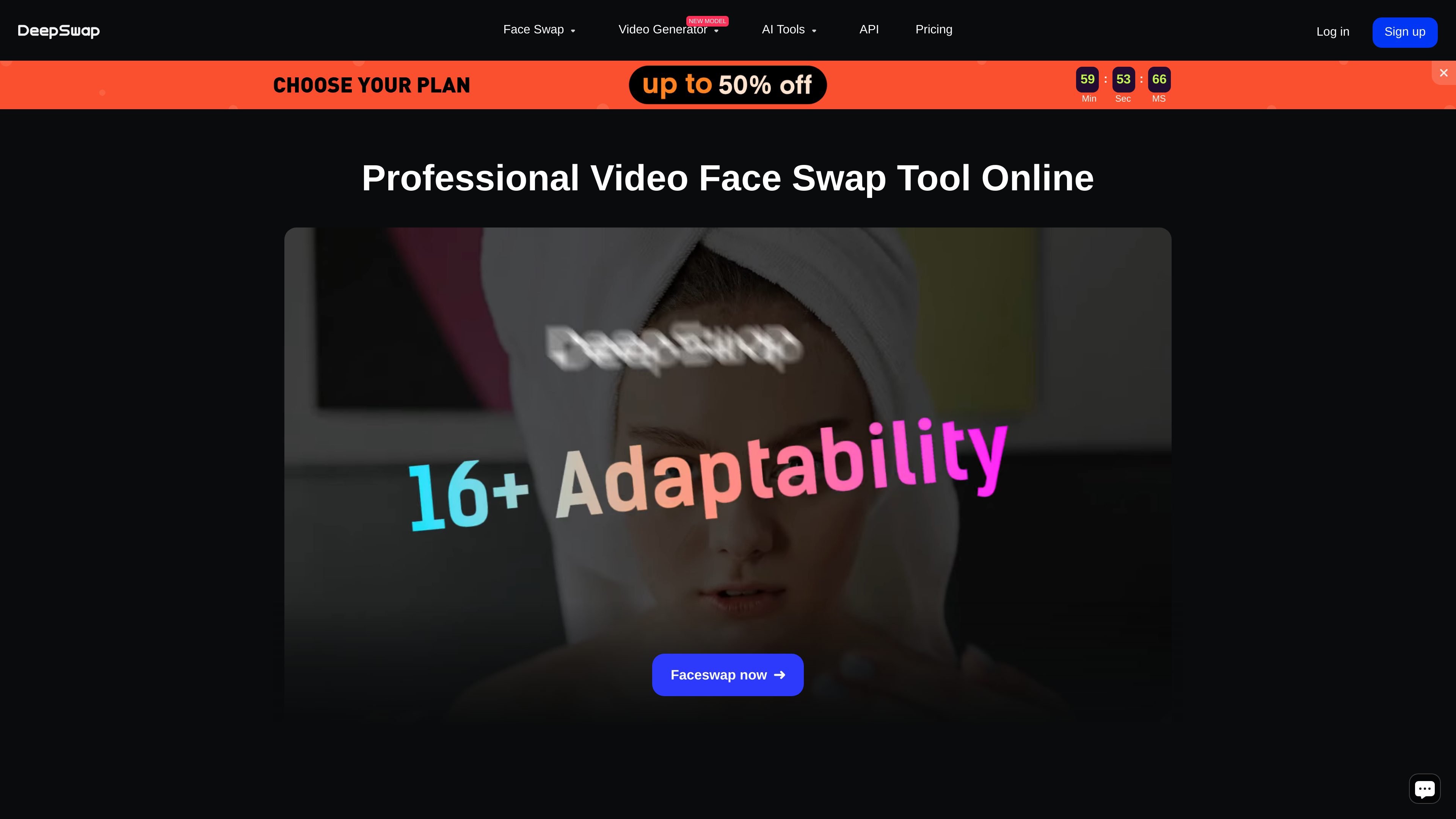
DeepSwap is an online AI face swap service for video, photo, and GIF content. It lets users upload media, add a face, preview the result, and download the edited file through a straightforward browser-based workflow.
The site positions the product around face-swap quality and speed, with claims of support for challenging scenes such as occlusion, angle changes, expressions, lighting differences, and video jitter. It also offers related AI editing tools and an API entry point for developers or businesses that want to connect face-swapping capabilities to other workflows.
Swap faces in videos, photos, and GIFs from the browser, with support for a simple upload, add-face, and download flow.
The site says its self-developed model is optimized for 16+ challenging scenes, including occlusion, angle changes, expression changes, lighting, and jitter.
The homepage states that video face swaps can reach 4K HD output, while the about page says 1080P output is supported and 4K is coming soon; the site also offers HD face swap options on pricing.
The homepage says a one-minute video can be processed in about 10 seconds using high-performance GPU acceleration, emphasizing faster turnaround for short clips.
The homepage says up to 6 faces can be swapped simultaneously in the same video clip, which is useful for group scenes and multi-person edits.
The pricing page lists additional AI tools such as Enhance Images, Erase Background, and Cartoonize Images, alongside the face swap product.
Creators can swap faces in short clips or longer videos when they want a quick edit without using a desktop editor. The workflow is designed to move from upload to download in a few steps.
The homepage highlights movie-role and cosplay-style use, where users place a face into a familiar scene for entertainment or fan content.
The site mentions group photos and meme making, which makes the tool useful for lightweight social content and prank-style edits.
The about page and homepage both point to challenging-scene handling, making the product relevant for footage with occlusion, angle changes, facial movement, or mixed lighting.
The pricing page lists an API, suggesting teams may use DeepSwap as a face-swap capability inside a broader product or workflow.
DeepSwap supports face swapping in video, photo, and GIF formats. The site’s workflow is simple: upload media, add a face, then preview and download the result.
The FAQ says clearer, unobstructed faces work better, and faces should ideally face the camera directly. Side angles, fast motion, and very small faces can reduce tracking quality or prevent a successful swap.
If a generation fails, credits are automatically refunded and can be checked in credits history. If a task is flagged as inappropriate, users can submit feedback from the prompt shown in the app or site.
Uploaded images and videos are retained for a default period of 30 days, unused files are deleted after that period, and generated creations are stored for one week. The FAQ also notes that creations are deleted one week after membership expires.
The FAQ says website subscribers can manage cancellation through their account info page, while some mobile subscriptions are handled through Google Play or the Apple App Store. Refunds are available only when benefits have not been used, and cryptocurrency purchases are not refundable.

Upsampler is an AI platform for creating, editing and upscaling images and videos in one workspace. Pay per credit, full API access, commercial use included.

Rizzle turns articles into editorial-grade video and distributes it across major channels with AI-assisted, human-reviewed workflows for publishers.

Photoroom is an AI visual editing platform for e-commerce that removes backgrounds, creates product images, and prepares listings from phone, web app, or API workflows.

豆绘AI is an online AI image generation and editing platform for ecommerce and design, supporting white background, scene, interior rendering and post-processing.

AnyClip is a visual intelligence platform for video that automates enrichment, improves discovery, and supports engagement and monetization.

AI HomeDesign is a web-based photo editing toolbox for real estate listings, with AI staging, item removal, day-to-dusk rendering, enhancement, and renovation tools. It is built for agents and other listing workflows that need editable, listing-ready images quickly.