

E-commerce content generation
Generate product images, posters, and videos for e-commerce workflows, including Amazon, TikTok, Shopify, and other online shop use cases described on the site.

Designkit is an AI product image and video generator for e-commerce teams and sellers. Create listing images, posters, videos and editable assets from existing photos.
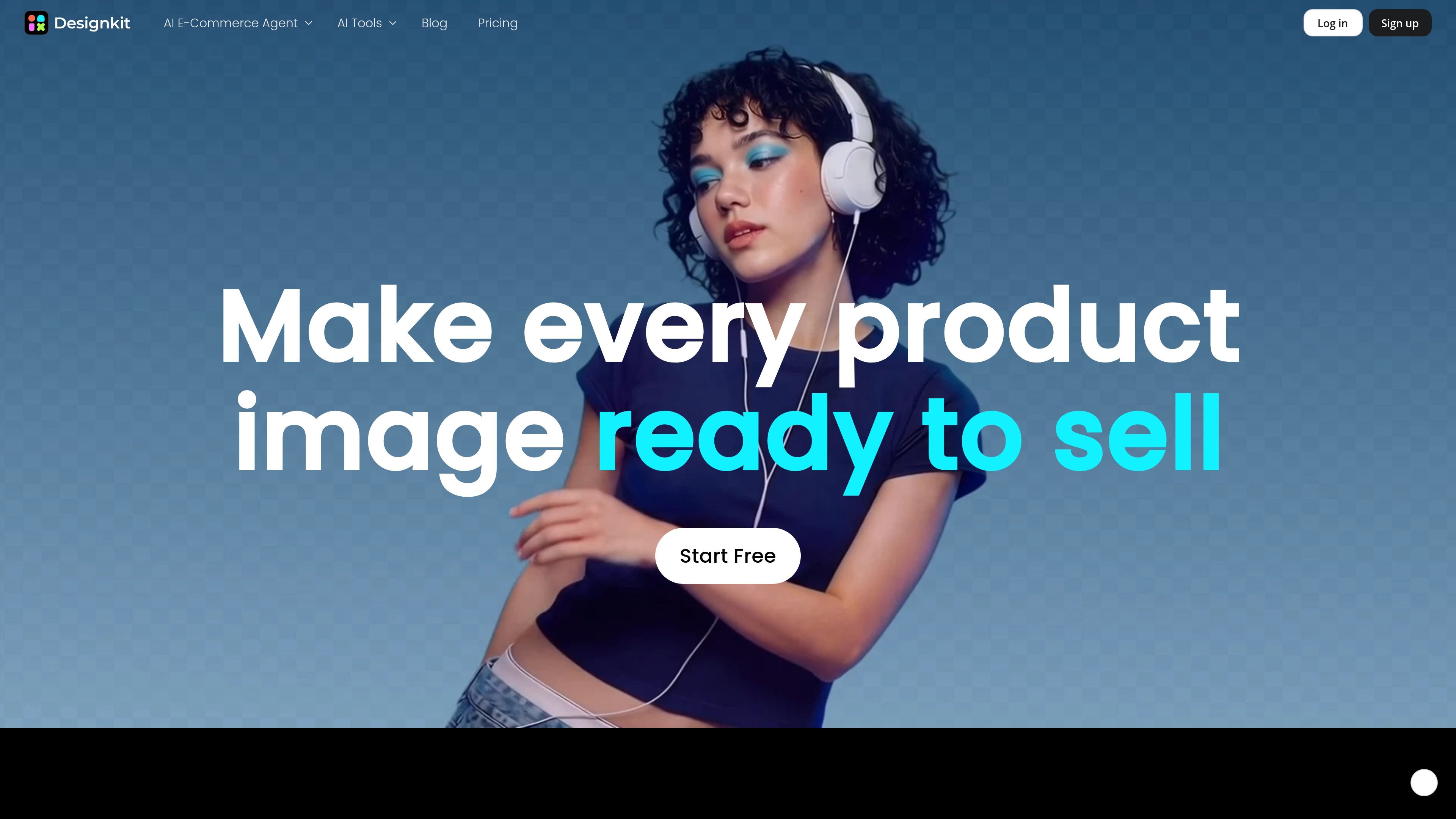
Designkit is an AI product image and video generator for e-commerce teams and sellers. It combines image generation, editing, and batch workflows to help users create product listings, ad creatives, and short-form video assets from existing product photos.
The site positions the product around a multi-step workflow: generate listing assets, refine them with background removal or enhancement, and export images or videos ready for marketplaces and social channels. Pricing and FAQs indicate a credits-based model with free credits for new users and subscription plans for heavier use.
Generate product images, posters, and videos for e-commerce workflows, including Amazon, TikTok, Shopify, and other online shop use cases described on the site.
Turn a supplier photo into a listing image set, with white-background hero shots, lifestyle scenes, and infographic-style assets called out on the home page.
Use the background changer to upload an image, remove clutter, and replace the backdrop with solid colors, preset scenes, or prompt-based backgrounds.
Create transparent PNG cutouts with deep-layer segmentation for difficult edges such as hair, shadows, reflections, and fine textures.
Remove watermarks from images, and the site navigation also lists tools for removing text, adding watermarks, and adding stickers to photos.
Process multiple images in one workflow, with batch processing available across core editing actions and paid plans.
Create marketplace-ready product imagery from a supplier photo by generating white-background hero shots, lifestyle scenes, and supporting visuals for a full listing set.
Produce ad creatives and social assets by swapping backgrounds, composing scene-based product shots, and exporting polished images for channels such as TikTok.
Clean up raw product photos by removing the background, cutting out the subject, enhancing resolution, or fixing object clutter before publishing.
Prepare catalog assets at scale by applying the same editing action to multiple images in one batch, which helps keep a storefront visually consistent.
Generate or edit transparent assets for design workflows that need cutouts ready for Canva, Photoshop, or similar templates.
New users receive 20 free credits when they sign up, and the site says you can claim 10 free credits every day by logging in. The free tier lets you test core image and video generation features before upgrading.
The pricing page says Designkit supports credits-based access, monthly subscription plans, and one-time credit purchases. The site also lists iOS APP and Android APP download options, and the pricing page shows Web, iOS, and Google in the plan table.
The pricing page says paid plans include image generation, e-commerce image generation, poster generation, background/object removal, image enhancement, image upscaling, image extension, and background generation. The home page also highlights product images, posters, videos, fashion models, and product photography workflows.
The home page says batch processing is built into every feature, and the pricing page lists batch processing tools on paid plans. You can upload multiple images and apply actions such as background generation, background removal, object removal, and upscaling to a batch.
The pricing page says subscriptions use credits, with membership credits valid during the membership period and separately purchased credits valid for one year. The FAQ also states that paid plans are royalty-free for commercial use, while refund terms differ for subscriptions, credits, Google Play/App Store purchases, and API users.

Photoroom is an AI visual editing platform for e-commerce that removes backgrounds, creates product images, and prepares listings from phone, web app, or API workflows.

豆绘AI is an online AI image generation and editing platform for ecommerce and design, supporting white background, scene, interior rendering and post-processing.

Upsampler is an AI platform for creating, editing and upscaling images and videos in one workspace. Pay per credit, full API access, commercial use included.

PixelPrompt is a browser-based AI image and video workspace for prompt optimization, text-to-image, and text-to-video generation. It supports ecommerce visuals, ad creatives, and short-form UGC-style content without requiring a local GPU.

AI HomeDesign is a web-based photo editing toolbox for real estate listings, with AI staging, item removal, day-to-dusk rendering, enhancement, and renovation tools. It is built for agents and other listing workflows that need editable, listing-ready images quickly.

Podfy.ai is a browser-based AI video tool that turns text, scripts, audio, and music into edited videos with narration, subtitles, effects, and soundtrack for faster short-form social content.