

Document OCR for formulas and tables
Recognizes formulas, tables, and other document structures from PDFs or images, including complex matrices, line-by-line equations, and multi-level table headers.

Doc2X is an AI document processing tool for PDFs and images that extracts formulas, tables and text, then converts them to Word, LaTeX, HTML and Markdown.
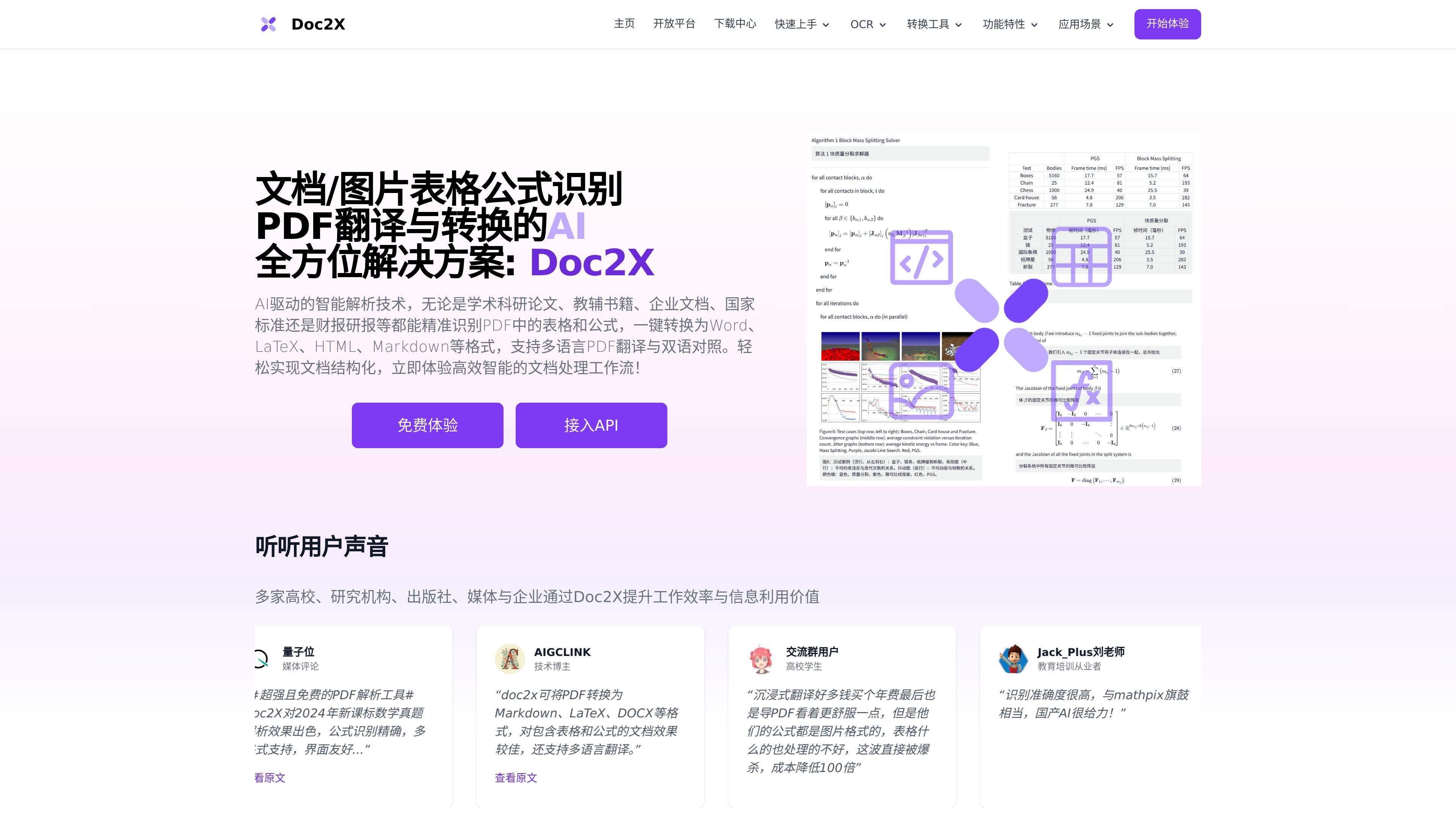
Doc2X is an AI document processing product for PDFs and images that focuses on OCR, translation, and format conversion. It is positioned for users who need to extract formulas, tables, and structured content from academic papers, textbooks, corporate documents, standards, and financial reports.
The product turns uploaded documents into editable outputs such as Word, LaTeX, HTML, and Markdown, and it also supports multilingual PDF translation with bilingual comparison. The site emphasizes document structuring, editable formula handling, and high-volume API workflows for teams that process large amounts of content.
Recognizes formulas, tables, and other document structures from PDFs or images, including complex matrices, line-by-line equations, and multi-level table headers.
Converts PDFs into Word, LaTeX, HTML, Markdown, and DOCX-style outputs, with support for previewing against the original PDF before editing or export.
Supports multilingual PDF translation with bilingual comparison views and bidirectional jumping between source and translated content.
Provides image formula OCR workflows that can compare model outputs, edit recognized formulas, and use templates for academic or office work.
Offers batch processing and API access for high-volume PDF recognition, conversion, and data extraction workflows.
Researchers and students can convert paper PDFs into editable text, formulas, and tables for literature review, note-taking, and paper preparation.
Teachers can digitize exercise sheets and textbooks, then reuse the extracted content for courseware, bilingual materials, or online question banks.
Finance and compliance teams can extract structured tables and text from reports, standards, and filings for analysis and internal knowledge workflows.
Publishing and media teams can turn scanned books or periodicals into editable files for review, layout, and web publication.
Technical teams can use the API and batch tools to process large document sets for data extraction, RAG pipelines, or training corpora preparation.
Doc2X is built for uploading PDF or image files and extracting formulas, tables, and document structure into editable outputs. The source also notes that conversion and translation can be handled in the browser and through an API workflow.
The source says Doc2X can convert PDFs into Word, LaTeX, HTML, and Markdown, and also supports PDF translation with bilingual comparison. It additionally supports image formula recognition and editable formula workflows.
The site states that Doc2X uses large-model OCR techniques for complex formulas and tables, and that users can access a free trial from the homepage. It also mentions API documentation and examples for further integration.
The source says uploaded documents are encrypted and that users can choose to delete temporary server files after conversion. No broader compliance certification is stated in the provided pages.
Immersive Translate is a bilingual AI translation tool and browser extension for websites, PDFs, subtitles, meetings, images, and comics with privacy-focused translation.

OCR.chat is a browser-based OCR and document chat tool for converting images, PDFs, Word files, and screenshots into editable text and structured outputs. It also lets users ask questions about finished documents, with answers cited to the source page.

Rows is a spreadsheet-based AI data analyst for importing, analyzing, and sharing business data in one workspace using plain language, not code or formulas.

LeadJarvis AI event lead capture scans business cards, enriches contacts, and sends personalized follow-up via WhatsApp and email for booth teams.

Fight Health Insurance is a generative AI tool for understanding health insurance denials, drafting appeal letters, and optionally faxing appeals.

PDFSummarizer.net is a free AI PDF summarizer that turns PDFs into concise summaries, with chat, translation, and key insight extraction.