

AI video generation
Creates AI-generated video content for cinematic videos and films, with the homepage positioning Flova as an all-in-one video generator.

Flova is a web-based AI video generator for animation, filmmakers, and creators, with video, audio, character consistency, and account-based credits.
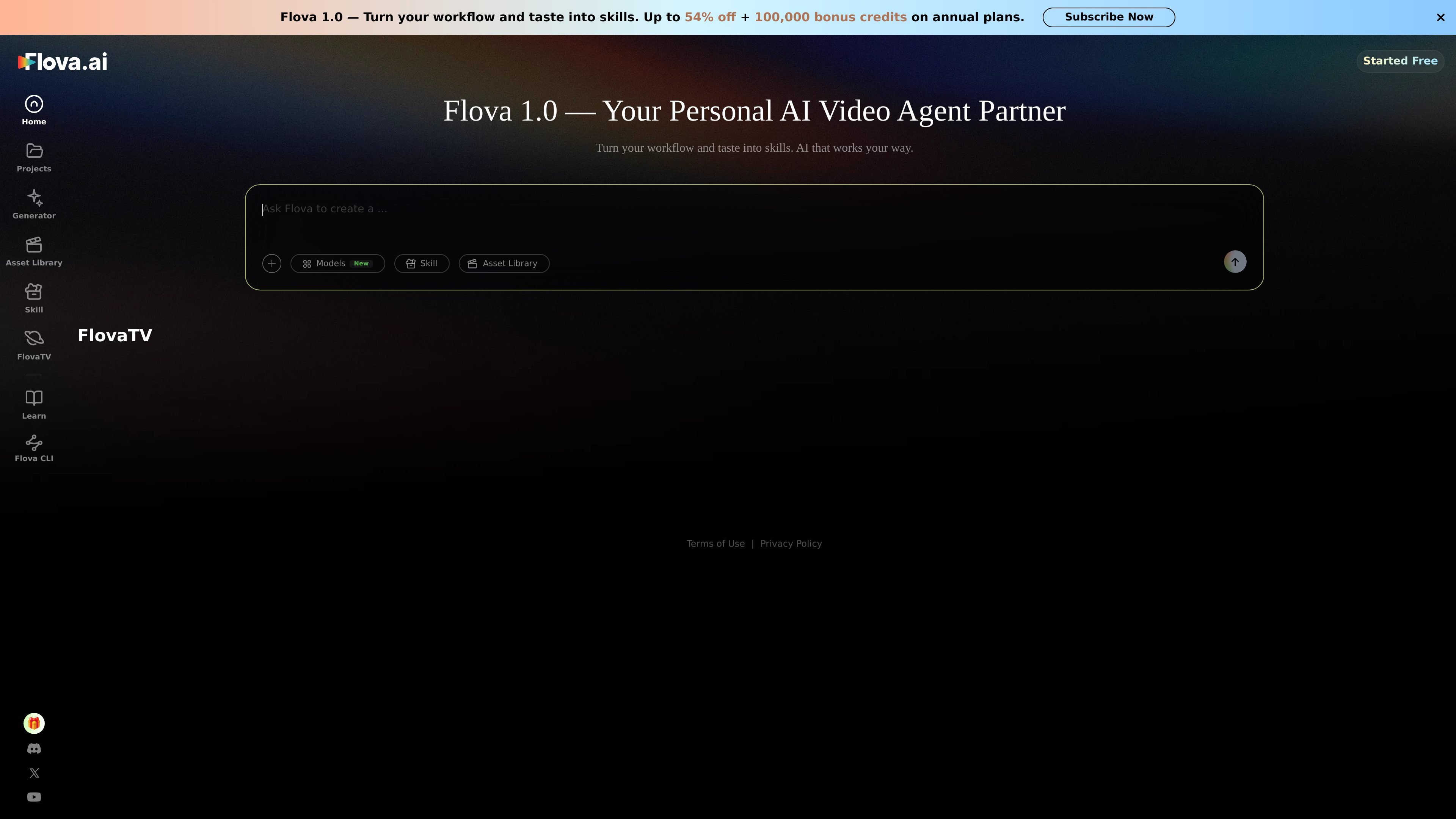
Flova is an AI video generation product aimed at animation, filmmakers, and creators who want to turn ideas into cinematic video output. The homepage describes it as an all-in-one tool for generating videos, audio, consistent characters, and editable footage.
The pricing page shows that Flova is organized around credits and subscriptions, with usage spanning chat, image generation, video creation, music, narration, and editing. That makes it more than a single-purpose video tool: it is positioned as a broader creation workspace with multiple media types and a shared account model.
Creates AI-generated video content for cinematic videos and films, with the homepage positioning Flova as an all-in-one video generator.
The homepage says Flova can produce audio alongside video, so creators can generate multimedia outputs in one workflow.
The site describes support for consistent characters, which is important for maintaining visual continuity across scenes.
The homepage mentions editable footage, and the pricing page includes editing in the credit system, indicating support for post-generation adjustment workflows.
The pricing page lists a model-based workflow for chat, image generation, video creation, music, narration, and editing, showing that the product spans multiple creation modes.
The pricing page includes asset-library-based generation and “one Asset Library media item” quick generation on some plans, suggesting a library-centered production flow.
Use Flova when you want to turn a concept into cinematic video output and keep generation, audio, and editing under one account.
Use the consistency-focused features when you need the same character to appear across multiple shots or scenes.
Use the asset-library workflow when you want to build new generations from existing media stored in the library.
Use the subscription and credit system when a team or individual needs repeatable access to chat, images, video, music, narration, and editing in one place.
Use the pricing page details to compare monthly and yearly plans before committing to a billing cycle, especially if you expect to use higher model concurrency or commercial export features.
Flova is presented as an all-in-one AI video generator for cinematic videos and films. The site says it can transform ideas into AI-generated videos, audio, consistent characters, and editable footage.
The pricing page says Flova uses credits for chat, image generation, video creation, music, narration, and editing. Credits are deducted based on the selected model, generation duration, resolution, and other applicable settings.
Yes. The pricing page lists monthly and yearly subscription plans, and says subscriptions automatically renew at the end of each billing cycle unless canceled beforehand.
The pricing page includes refund rules stating that if no generation features have been used after the most recent payment, a full refund may be requested within 7 days of purchase. It also says failed generations caused by a system issue are automatically refunded in credits.
The source shows web pages for the generator, projects, and library, but it does not provide detailed platform compatibility or third-party integration information.

Rizzle turns articles into editorial-grade video and distributes it across major channels with AI-assisted, human-reviewed workflows for publishers.

Podfy.ai is a browser-based AI video tool that turns text, scripts, audio, and music into edited videos with narration, subtitles, effects, and soundtrack for faster short-form social content.

Nim Video is a web-based AI video and image creation platform for turning prompts, images, and source footage into editable visuals. It offers a free tier and paid subscriptions with added credits, higher output options, and commercial-use features.

Pika is an AI video generation platform for creating and editing short videos from prompts, images, and existing footage. It also offers plan-based commercial use, watermark-free downloads on higher tiers, and select partner API access.

Upsampler is an AI platform for creating, editing and upscaling images and videos in one workspace. Pay per credit, full API access, commercial use included.

PixelPrompt is a browser-based AI image and video workspace for prompt optimization, text-to-image, and text-to-video generation. It supports ecommerce visuals, ad creatives, and short-form UGC-style content without requiring a local GPU.