

Persistent repository memory
Greplica builds a persistent memory from repo structure, code, and session transcripts so the agent can query prior work instead of re-grepping the same repository context every session.

Greplica gives AI coding agents persistent, searchable repository memory to reuse context across sessions, with local and managed modes.
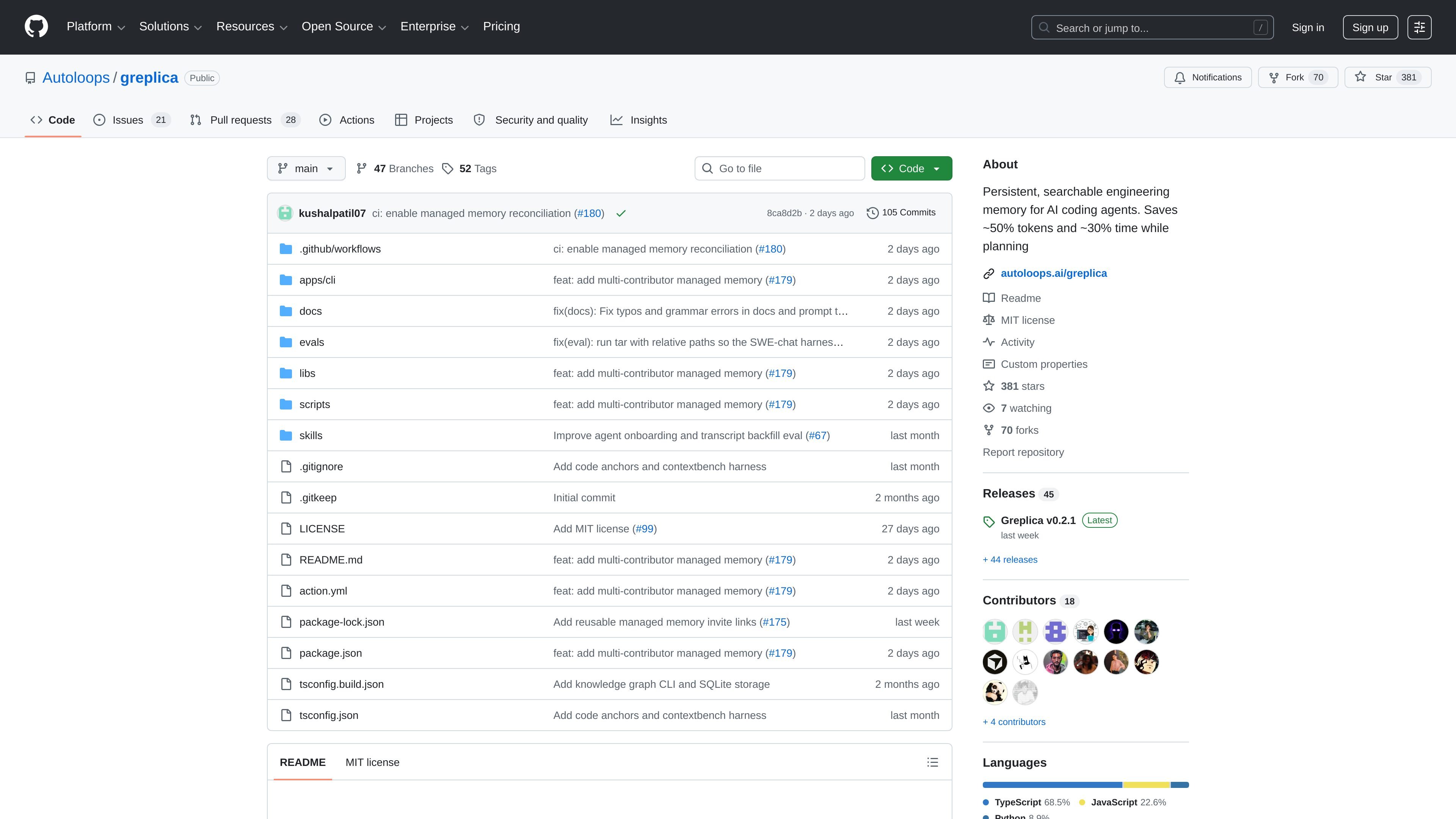
Greplica is a developer tool for AI coding agents that aims to preserve engineering context across sessions. Its README describes it as a persistent, searchable engineering memory that helps agents avoid re-learning the same repository context, especially on complex tasks.
The product builds memory from repository structure, code, and session transcripts, then lets an agent query that memory before doing more exploration. The source also distinguishes between a fully local mode with no telemetry and a managed mode that connects an authorized repository to shared team memory.
Greplica builds a persistent memory from repo structure, code, and session transcripts so the agent can query prior work instead of re-grepping the same repository context every session.
The README describes a query-first workflow where the agent can ask Greplica for context before exploring the codebase on its own, which is meant to reduce repeated context gathering.
Local mode keeps data fully local and, according to the README, does not send telemetry. That makes it suitable when teams want repository memory without server-side sharing.
Managed mode connects an authorized repository to shared team memory, allowing contributors on different clones and forks to query the same repository memory.
The package includes a GitHub Action that audits a Memory PR against an exact merge SHA and attests the result with GitHub OIDC.
The README documents graph inspection commands, including a browser graph view and graph context queries, for viewing and retrieving stored memory.
Use Greplica when an AI coding agent keeps re-deriving the same repository facts across sessions. The memory layer is meant to give the agent a persistent place to look up prior context first.
Use managed mode when multiple contributors, including people on forks or separate clones, need to query the same repository memory. The README says managed memory is shared across contributors with authorized access.
Use the local mode when you want repository memory to remain on the machine and avoid telemetry. The README describes local mode as fully local.
Use the GitHub Action when a managed repository needs a reproducible reconciliation step against an exact merged commit. The action is built to audit a Memory PR and attest the result with GitHub OIDC.
Use graph view or graph context commands when you need to inspect what memory Greplica has stored or retrieve focused answers about the repository. The README shows browser and CLI-based graph commands for this purpose.
Greplica offers an agent-facing setup flow that starts from a prompt inside the repository you want it to remember. The README says most users should paste the provided install prompt into their coding agent, and that prompt runs a short questionnaire before installing Greplica in local or managed mode.
The README states that Greplica explores repo structure, code, and session transcripts to build persistent memory. It can then be queried before the agent starts exploring the codebase again.
Managed mode is designed for contributors on different clones and forks to query the same repository memory. The README notes that local mode stays fully local with no telemetry, while managed mode connects to an authorized repository and shared team memory.
The published workflow in action.yml is a composite GitHub Action named "Reconcile Greplica memory." It checks out the exact merge commit, sets up Node.js 22, and runs a CLI command to reconcile memory against a managed repository UUID.
The README says Greplica requires Node.js 22-26. For managed mode, it also requires access to a managed Greplica server and uses GitHub's browser device flow for login.

Firebase Studio is a web-based workspace for full-stack app development with Gemini-assisted coding, app previews, cloud emulators, collaboration, and browser deployment.

Orca is an Agent Development Environment for shipping with coding agents, running multiple CLI agents in parallel across isolated worktrees, with desktop and mobile workflows.

Prompt Genie is a prompt management and optimization tool for AI workflows, plus Claude Code memory to reduce repeat reads and token spend.

JetBrains makes developer tools for individuals and teams, including IntelliJ IDEA, PyCharm, DataGrip, WebStorm, Rider, and CLion, with built-in run/debug/test workflows.

小艺 is Huawei’s AI smart assistant for Q&A, writing, document reading, code help, image recognition, and file drag-and-drop.

EZsite AI is an AI website builder that turns a URL into a fullstack React or Vue.js app with hosting, custom domains, code export, and backend features.