

Multiple video generation workflows
Generate video from text prompts, uploaded images, or existing clips, with tools for text-to-video, image-to-video, video-to-video, and animation.

Magic Hour is a browser-based AI video and image platform with more than 100 tools for generation, editing, face swap, lip sync, and related workflows. It offers free access to some tools, with paid plans for higher-volume, watermark-free, and commercial use.
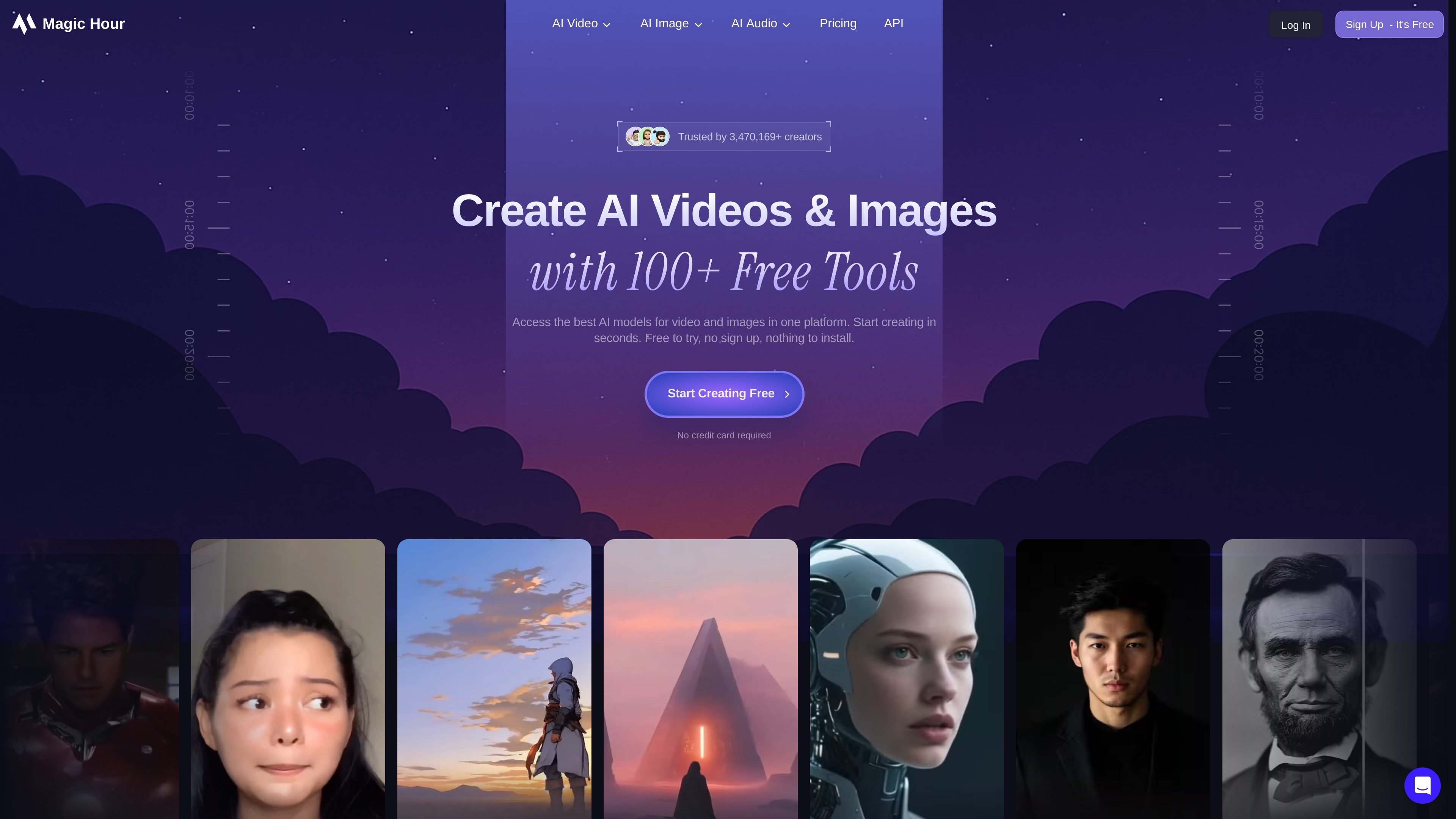
Magic Hour is an AI video generator, image generator, and editor that puts more than 100 tools into one browser-based platform. Its core workflow covers text-to-video, image-to-video, video-to-video, face swap, lip sync, talking photos, image editing, and other generation tools for creators, marketers, and developers.
The site positions the product as a way to handle video and image production without switching between separate apps. It also highlights free access to some tools, rollover credits on paid plans, watermark-free exports on paid tiers, and availability on web, mobile, and via API and SDKs.
Generate video from text prompts, uploaded images, or existing clips, with tools for text-to-video, image-to-video, video-to-video, and animation.
Edit photos with prompt-based tools such as object removal, background changes, lighting adjustments, and creative effects.
Create face swaps, lip sync videos, and talking photos for social content, localization, and character-driven edits.
Generate original images from text, upscale photos, change clothing, and create headshots, GIFs, and other image outputs.
Use the platform in the browser, on mobile, or through the API and SDKs mentioned on the site for production workflows.
Work from templates and generate multiple variations, which the site positions as useful for faster iteration and production scheduling.
Produce short-form clips for social platforms from prompts, images, or existing footage, then refine them with face swap, lip sync, or animation tools.
Create ad concepts, product demos, and launch assets without a separate production stack, using image-to-video, templates, and editing tools in one workflow.
Generate product images, headshots, GIFs, and visual variations for store pages or campaign assets without relying on a traditional photoshoot.
Build content into apps or internal tools using the platform’s REST API and SDKs, with the site also calling out Python, Node.js, Go, and Rust support.
Create explainer videos, animated diagrams, and other instructional assets from text or images for classroom and training use.
Magic Hour is a browser-based AI video generator and image editor. It combines tools such as text-to-video, image-to-video, face swap, lip sync, talking photo, and AI image generation in one place.
Yes. The site says Magic Hour offers free tools and starter credits, and several popular tools can be used without a credit card or sign-up. Paid plans are available for higher volume and commercial use.
The AI video generator supports text-to-video, image-to-video, video-to-video, animation, and related tools. The product page says you can choose a tool, customize settings such as aspect ratio and resolution, then generate and download the result.
Yes. The pricing page lists Creator, Pro, and Business plans, and the site says the platform is available on web, mobile, and through a REST API with SDKs.
The pricing page shows annual plans with credits, watermark-free exports, different export resolutions, larger upload limits, and varying concurrent generation limits. The free plan has more limited access and lower resolution exports.

Nim Video is a web-based AI video and image creation platform for turning prompts, images, and source footage into editable visuals. It offers a free tier and paid subscriptions with added credits, higher output options, and commercial-use features.

HiDream.ai is a free, browser-based AI image and video creation platform for prompts, images, audio, lip-sync, and 4K editing.

Pika is an AI video generation platform for creating and editing short videos from prompts, images, and existing footage. It also offers plan-based commercial use, watermark-free downloads on higher tiers, and select partner API access.

Upsampler is an AI platform for creating, editing and upscaling images and videos in one workspace. Pay per credit, full API access, commercial use included.

PixelPrompt is a browser-based AI image and video workspace for prompt optimization, text-to-image, and text-to-video generation. It supports ecommerce visuals, ad creatives, and short-form UGC-style content without requiring a local GPU.

CoCoClip.AI is a web-based AI video editor for short-form content, with text-to-video, image-to-video, and audio-to-video workflows for YouTube Shorts, TikTok, and Instagram Reels.