

Autonomous exploration
Start from a URL and let Manta navigate the app on its own. It clicks, fills forms, follows navigation paths, and discovers pages, flows, and components automatically.

Manta AI is an autonomous web app testing tool that crawls a URL, maps flows, and flags broken behavior automatically for web product teams.
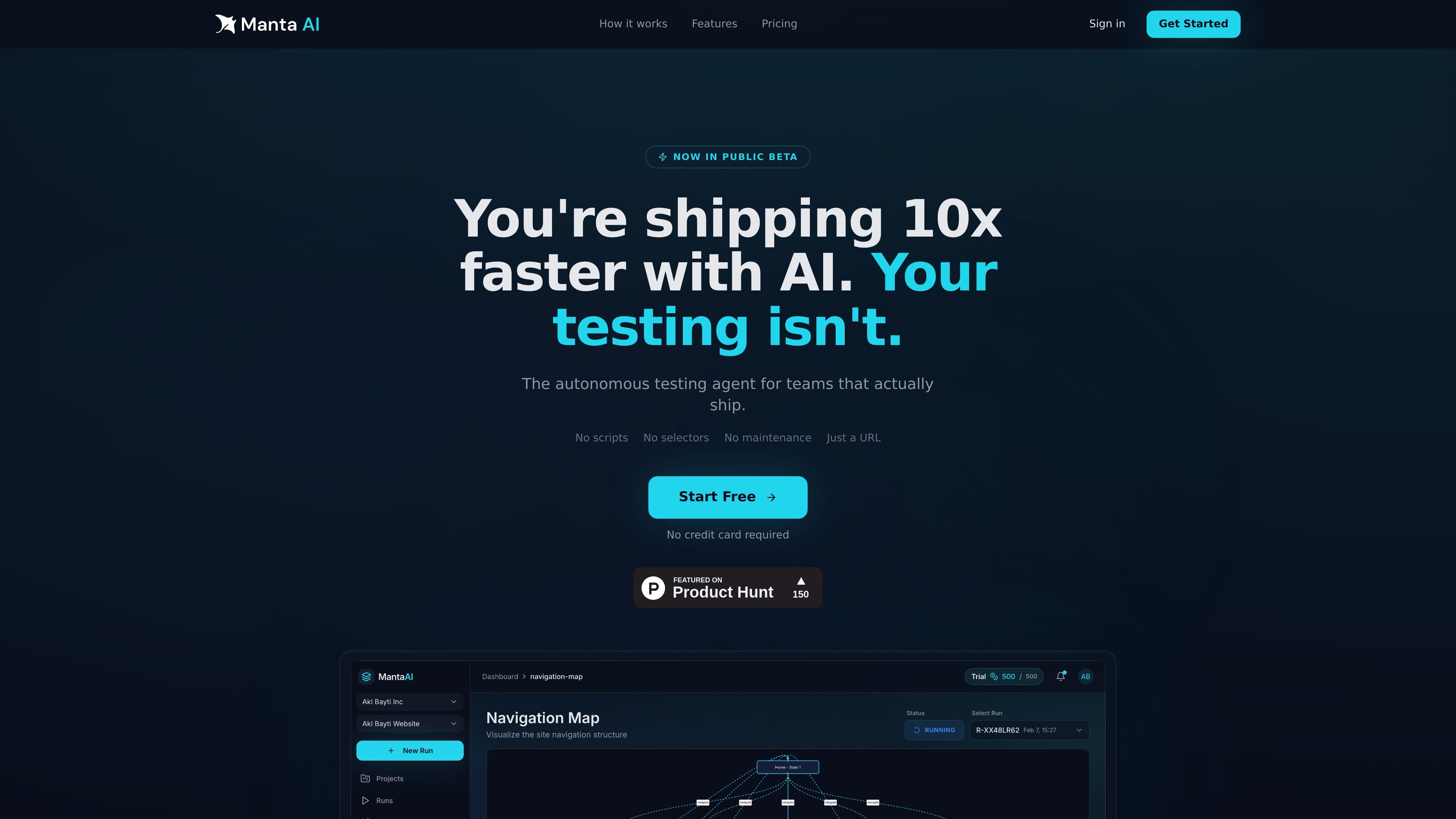
Manta AI is an autonomous web app testing tool for teams that want to validate product behavior without writing or maintaining scripted tests. You give it a URL, and it crawls the app like a real user, maps pages and flows, and flags broken behavior automatically.
The product is positioned for staging or production environments and supports both discovery-based testing and prompt-based test creation. It can surface issues such as dead clicks, broken flows, and regressions with screenshots and reproduction context, while also generating runnable test plans from plain-English flow descriptions.
Start from a URL and let Manta navigate the app on its own. It clicks, fills forms, follows navigation paths, and discovers pages, flows, and components automatically.
Manta builds a behavioral model of the app over time, so repeated runs deepen its understanding of pages, transitions, flows, and app state.
Describe a flow in plain English and Manta turns it into a structured, runnable test suite. The site gives examples such as sign-up, email verification, onboarding, and billing updates.
When something breaks, Manta surfaces the issue with screenshots, pass/fail status, and reproduction context so teams can tell what failed and what passed.
The navigation map shows discovered pages, transitions, reachable states, and coverage gaps in a visual view of the app's structure.
The site lists run notifications, credentials retained only for the session, and upcoming CI/CD and MCP integrations, plus product intelligence and site intelligence features.
Point Manta at a staging or production URL to discover pages, flows, and components automatically, then use the navigation map to review coverage and behavior.
Describe a flow such as sign-up, email verification, or onboarding in plain English and generate a structured test suite that can be run on demand, on a schedule, or after deployment.
Use the screenshots and reproduction context from failed runs to identify dead clicks, broken interactions, and regressions before users encounter them.
Give product, QA, and engineering a shared view of app behavior so teams can see what changed, what broke, and which paths are covered.
Let the tool adapt when the UI changes so selectors and test code do not need to be rewritten for routine interface updates.
Manta AI is an autonomous web app testing tool that explores a site from a URL, maps flows, and flags issues such as broken interactions, dead clicks, and failed flows. It can also generate structured test suites from plain-English prompts.
You start by pointing Manta at a staging or production URL. From there it explores the app automatically, and you can also describe specific flows in plain English to generate a runnable test plan.
No. The product pages emphasize that Manta works with a URL and does not require scripts, selectors, or configuration to begin exploring an app.
The source says Manta can test web apps from staging or production and mentions support for authentication, scheduled testing, and CI/CD-triggered runs. It does not provide more environment-specific details on the page content provided.
The pricing page says all plans include a 14-day free trial and that no credit card is required to get started. The site also mentions team plans and an enterprise POC option, but not plan prices in the provided text.

blop is a QA agent that writes browser tests as code in your repo, runs them in CI, clusters repeated failures, and can open PRs to fix broken tests.

Orca is an Agent Development Environment for shipping with coding agents, running multiple CLI agents in parallel across isolated worktrees, with desktop and mobile workflows.

BotLab is a tool for testing video-game bots by running them in simulated game clients, reviewing session logs, and comparing results in the Reactor. It offers a free tier for short sessions and a paid Pro plan for longer online runs.

Firebase Studio is a web-based workspace for full-stack app development with Gemini-assisted coding, app previews, cloud emulators, collaboration, and browser deployment.

EZsite AI is an AI website builder that turns a URL into a fullstack React or Vue.js app with hosting, custom domains, code export, and backend features.

AI Magicx is a unified AI workspace for chat, image, video, voice, music, email and developer tasks, helping teams and creators manage multiple models in one place.