

Multi-source ingestion
Upload PDFs, YouTube videos, websites, and pasted text, then build a notebook from those materials. Memo’s ingestion pipeline parses source content and keeps it connected for later search and generation.

Memo AI is an AI knowledge workspace that turns PDFs, videos, websites, slides, and text into grounded answers, flashcards, notes, and study tools for students, researchers, and teams.
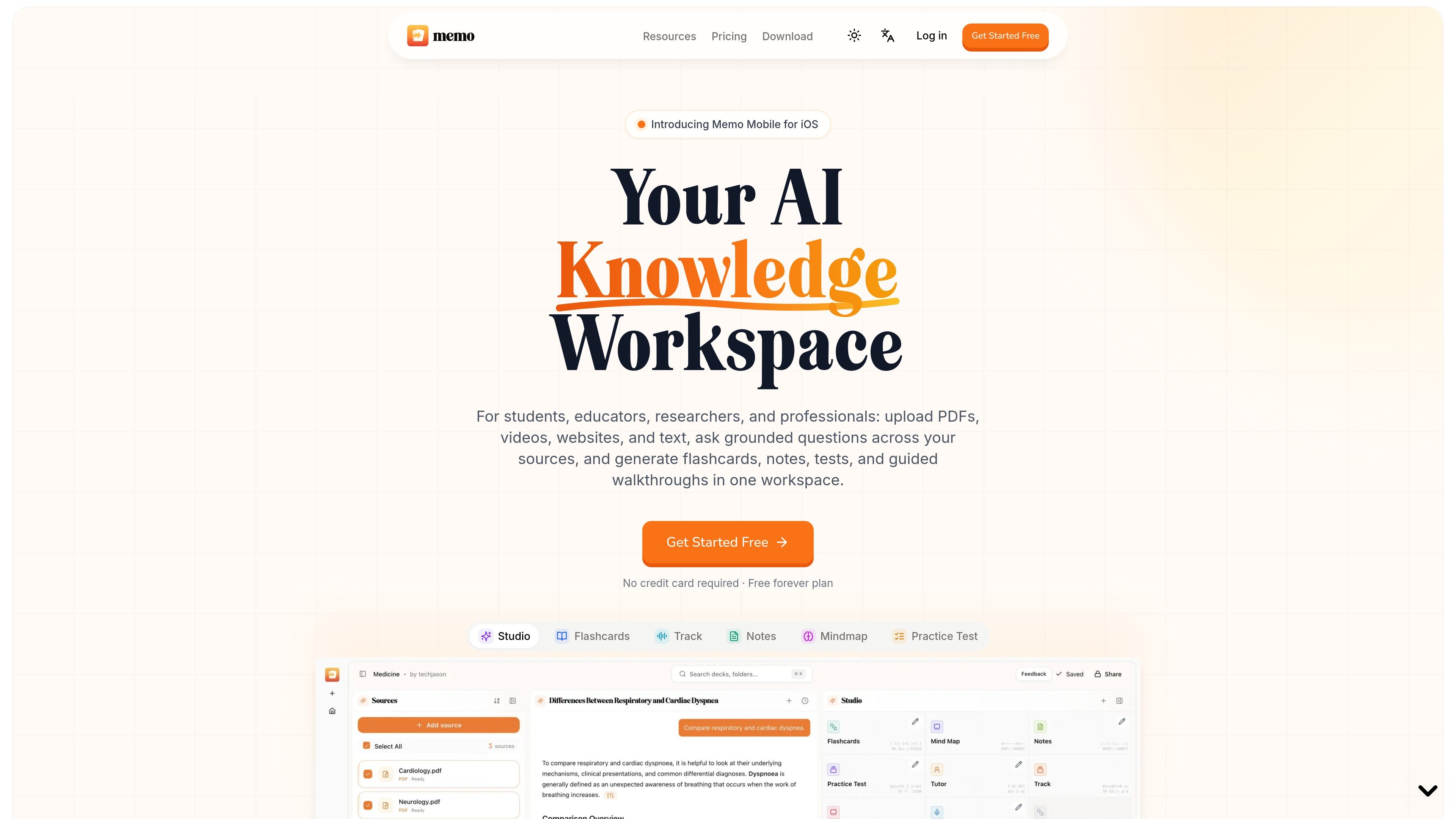
Memo AI is an AI knowledge workspace for turning source material into study and reference outputs. It accepts PDFs, YouTube videos, websites, slides, and pasted text, then lets you ask grounded questions or generate flashcards, notes, mind maps, tests, and other study formats from the same source set.
The product is aimed at people who need to process dense material and keep outputs tied to the original evidence. The site emphasizes cited answers, multiple generation modes, guided review workflows, and export options so users can study, revise, and reuse the material in one place.
Upload PDFs, YouTube videos, websites, and pasted text, then build a notebook from those materials. Memo’s ingestion pipeline parses source content and keeps it connected for later search and generation.
Ask questions across your uploaded material and get answers grounded in the sources, with citations to exact pages or timestamps. The site says you can choose from Claude, DeepSeek, ChatGPT, Gemini, or Memo 1.
Turn one source set into several output formats, including flashcards, notes, mind maps, practice tests, learning tracks, infographics, and podcasts. The pricing page also mentions study guides and guided workflows.
Create flashcards in basic, quiz, and cloze styles, with Standard or Deep Dive generation modes. Review workflows include Learn Mode, Cram review, and multiple card views such as column, toggle, list, and typing.
Use AI professor-style Track Mode for guided walkthroughs of documents, with voice explanations, comprehension checks, auto page-flip, and support for 32+ input/output languages.
Export flashcards and notes to Anki, text, PDF, and Markdown on paid plans. The site also describes a live generation trace, progress checklist, abort, rename, and history controls for Studio runs.
Upload lecture slides or PDFs and generate flashcards, quizzes, and study guides for active recall practice. The site also supports Learn Mode and Cram review for repeated study sessions.
Bring in research papers, reports, and technical documents, then ask cited questions across the source set. This fits readers who need answers tied back to specific pages or timestamps.
Turn websites, pasted text, and mixed source sets into notes, mind maps, and practice tests for synthesis work. This is useful when you need to compare material across several sources instead of reading them in isolation.
Use Track Mode to walk through dense documents with voice explanations, comprehension checks, and auto page-flipping. That supports guided reading when you want the tool to explain material step by step.
Export output to Anki, Markdown, PDF, or text when you want to move study material into another workflow or share it with others. The pricing page presents these export formats as part of the paid plans.
Memo can ingest PDFs, YouTube videos, websites, and pasted text. The source copy also describes support for slides and text sources, and says you can ask questions grounded in those materials with citations to the exact page or timestamp.
Memo generates flashcards, notes, mind maps, practice tests, tutor sessions, learning tracks, infographics, and podcasts from the same source set. The pricing page also mentions study guides and guided learning workflows.
The source copy says Memo offers flashcard export to Anki, text, PDF, and Markdown on paid plans. The about page also says it can create Anki-compatible package files from PDFs.
The homepage describes Memo as a knowledge workspace for people working with dense PDFs, research papers, technical documents, lectures, and reports. The about page frames it as especially useful for students, and the pricing page mentions coursework, research, professional docs, schools, bootcamps, and teams.
No credit card is required to start on the Free plan. The pricing page says Memo offers Free, Pro, and Max plans, with quarterly billing also available.

Heptabase is a visual knowledge base for students, researchers, and lifelong learners. It combines whiteboards, connected notes, source capture, and AI Tutor for structured learning.
Answers AI is an AI-powered education platform for students and educators, offering answers, study help, and assignment support across web, mobile, and Chrome tools.

心流AI助手 is an AI assistant for fast knowledge lookup, covering daily百科, life, entertainment, and academic Q&A on web and App.

书生 is a general-purpose large model suite for language, multimodal, weather, ocean, industrial design, 3D, finance, and scientific discovery tasks.

小艺 is Huawei’s AI smart assistant for Q&A, writing, document reading, code help, image recognition, and file drag-and-drop.

Super Teacher is a tutoring app for elementary schools that teaches reading and math with step-by-step instruction, classroom use, home access, and progress tracking.