

Browser-based conversational AI
Moshi is presented as an experimental conversational AI for live dialogue on the web.

Moshi is an experimental browser-based conversational AI for live voice interaction. Continuous dialogue, 5-minute sessions, Chrome recommended.
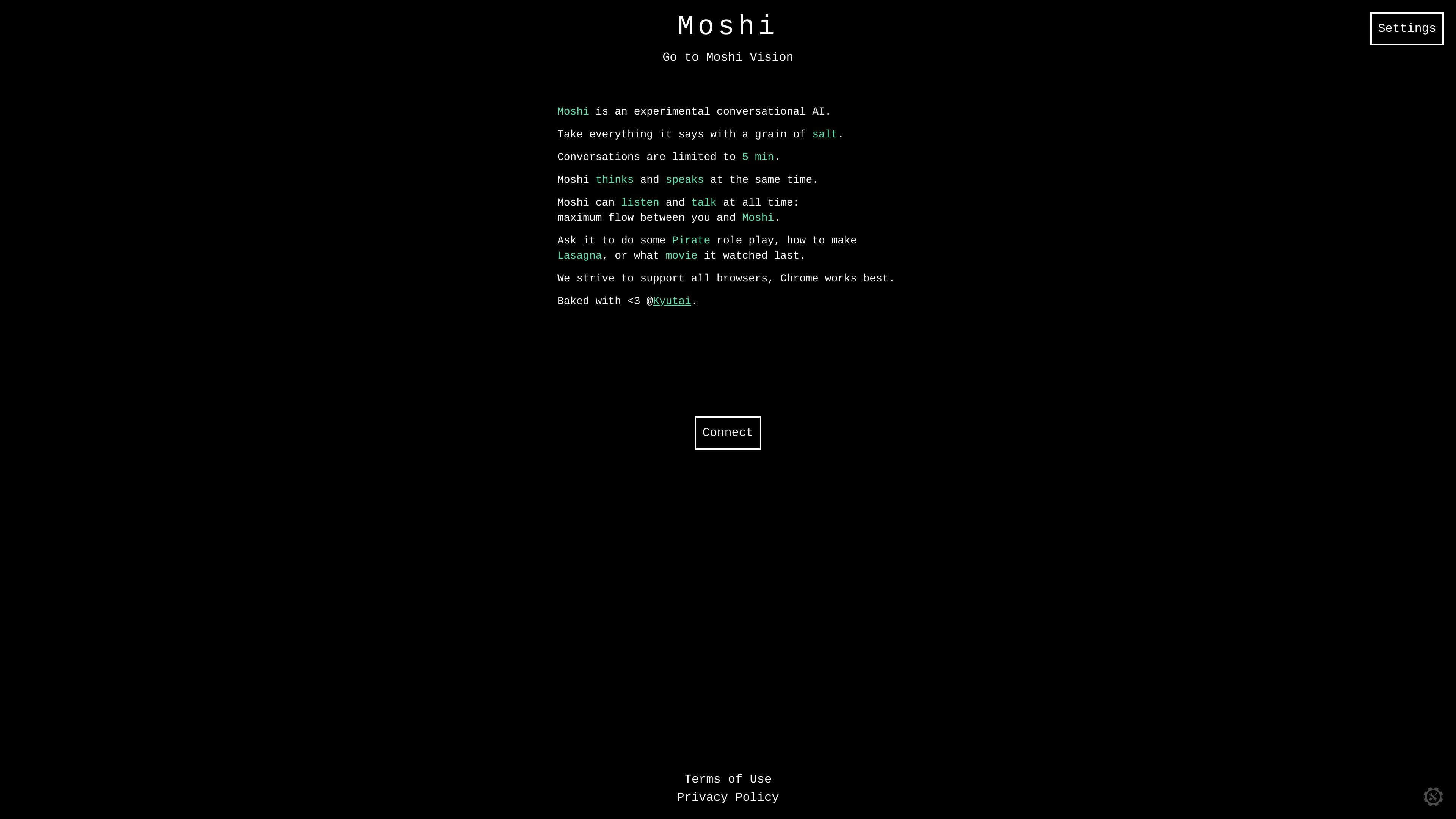
Moshi is an experimental conversational AI available at moshi.chat. It is designed for live spoken interaction in the browser and is framed as a demo-style product rather than a polished assistant.
The source emphasizes fluid voice conversation: Moshi thinks and speaks at the same time, and it can listen and talk continuously during a session. Conversations are limited to 5 minutes, and the site recommends Chrome while saying it strives to support all browsers.
Moshi is presented as an experimental conversational AI for live dialogue on the web.
The page says Moshi thinks and speaks at the same time, which is positioned as part of its conversational flow.
Moshi can listen and talk at all times, allowing continuous back-and-forth interaction without switching modes.
A settings panel exposes tunable text and audio parameters such as temperature, top-k, padding multiplier, and repeat penalty.
The site notes support for all browsers, with Chrome recommended as the best option.
Use Moshi to test a voice-first conversational AI in the browser and observe how it responds in live dialogue.
Use the built-in settings to experiment with text and audio generation parameters and compare how the conversation changes.
Try short, casual prompts such as role play, cooking guidance, or reaction-style questions to see how the system handles open-ended speech.
Open the site in a browser to evaluate basic cross-browser behavior, with Chrome as the recommended environment.
The source shows Moshi as an experimental conversational AI that runs in the browser. It is described as able to think and speak at the same time, with conversations limited to 5 minutes.
The source says Moshi can listen and talk at all times, aiming for a more fluid back-and-forth conversation.
The source explicitly says conversations are limited to 5 minutes.
The page says it strives to support all browsers, and that Chrome works best.
The source does not list integrations, APIs, or external app connections on the pages provided.

小艺 is Huawei’s AI smart assistant for Q&A, writing, document reading, code help, image recognition, and file drag-and-drop.

Bible.ai is a Christian AI app for scripture-based conversations, faith questions, and biblical guidance through voice or text. It is positioned for believers and the Christian community rather than general-purpose AI use.

Claude Overlay is a Windows floating app that reads your screen and lets you chat with Claude Code using your existing Claude subscription.
Twine AI Launcher is an Android launcher with AI assistant access, bringing ChatGPT-style help to your homescreen for quick answers, notes, tasks, reminders, and people memory.

书生 is a general-purpose large model suite for language, multimodal, weather, ocean, industrial design, 3D, finance, and scientific discovery tasks.

AI Magicx is a unified AI workspace for chat, image, video, voice, music, email and developer tasks, helping teams and creators manage multiple models in one place.