

Multiple LLMs in one workspace
Access more than 20 AI assistants and models in one place, including ChatGPT-4o, Gemini 1.5 Pro, Llama 3.1, Claude 3.5 Sonnet, DeepSeek R1, Perplexity, Bing Copilot, and Mistral-based options.

Nily AI is a browser-based AI assistant platform with 20+ models and tools for chat, writing, PDFs, email, images, and web page analysis. 7-day free trial.
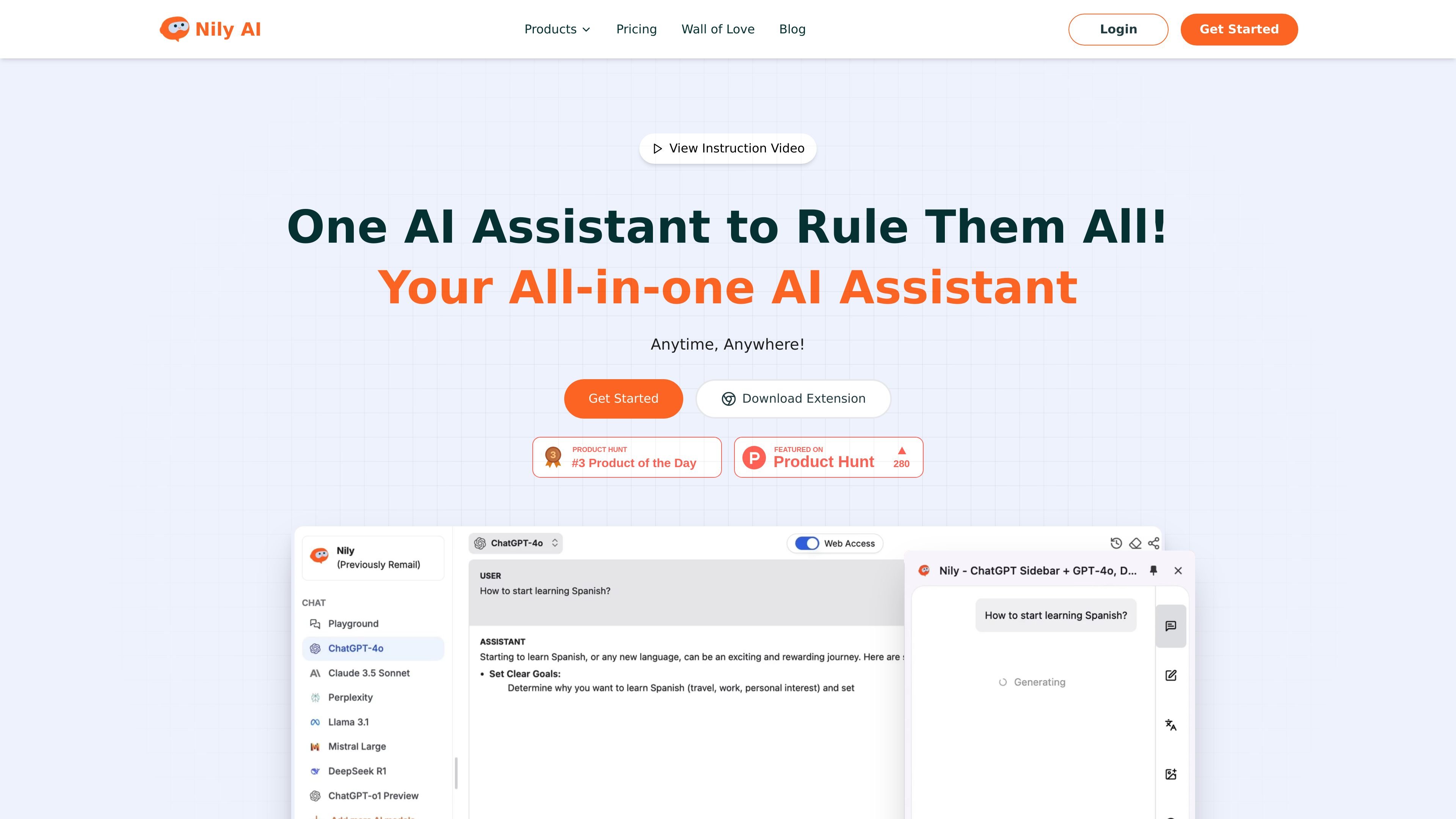
Nily AI is a browser-centered AI assistant platform that combines multiple language models and task-specific tools in one product. The site presents it as a single place to chat, write, summarize, translate, read PDFs, work with web pages, and generate or edit images.
The product is organized around specialized workflows such as an AI sidebar, PDF reader, email assistant, writing assistant, image tools, and model comparison. Pricing is shown as a usage-based subscription with monthly and yearly billing, a 7-day free trial, and separate Pro, Unlimited, and Team plans.
Access more than 20 AI assistants and models in one place, including ChatGPT-4o, Gemini 1.5 Pro, Llama 3.1, Claude 3.5 Sonnet, DeepSeek R1, Perplexity, Bing Copilot, and Mistral-based options.
Use a browser sidebar to chat with webpages, summarize text, translate content, perform OCR, and extract key information without leaving the page.
Read PDFs with tools to summarize documents, translate content, answer questions, and convert PDF text into editable plain text.
Draft and personalize emails with reply variations, tone adjustments, scheduling links, multilingual output, and knowledge-base context from PDFs, websites, or FAQs.
Generate and edit visual content, including image generation, background removal, upscaling, background changes, and basic design outputs such as logos, stickers, and posters.
Support writing and analysis tasks such as content generation, grammar correction, tone changes, coding help, code explanation, image-to-text capture, and AI content detection.
Use the AI sidebar while reading articles, researching competitors, or browsing documentation to summarize pages, translate text, extract key points, and ask questions without switching tabs.
Upload or open a PDF to summarize the document, translate content, convert it to editable text, and ask targeted questions about specific sections.
Draft sales, support, or routine business emails with context-aware reply suggestions, tone control, multilingual responses, and embedded scheduling links.
Compare outputs from several LLMs on the same task to choose the model that best fits a prompt, coding need, or writing assignment.
Generate images or edit existing visuals for marketing, posts, logos, posters, or quick background cleanup and upscaling tasks.
Nily AI is presented as a multi-assistant platform where users can access more than 20 AI assistants and work with tools such as chat, search, writing, image generation, sidebar workflows, PDF reading, and email assistance. The site emphasizes browser-extension access and product-specific pages for different tasks.
The pricing page shows a 7-day free trial and monthly or yearly billing options. The available plans shown are Pro, Unlimited, and Team, with feature access varying by plan.
The site presents Nily AI as a browser-based Chrome extension workflow for the sidebar, PDF reader, and email assistant, with page text repeatedly referring to downloading the extension. No other platform support is clearly stated in the supplied sources.
The sources show individual and team-oriented plans, including an Unlimited plan for 3 team seats and a Team plan for 10 team seats. They do not describe detailed team administration features beyond seat counts and shared access.
Traffic-Daten dienen nur als Referenz.

AI Magicx is a unified AI workspace for chat, image, video, voice, music, email and developer tasks, helping teams and creators manage multiple models in one place.

迅捷AI写作 is an online AI writing tool for papers, novels, office docs and content creation, with scenario templates, online document writing and multi-format export.

小艺 is Huawei’s AI smart assistant for Q&A, writing, document reading, code help, image recognition, and file drag-and-drop.

MailerLite is an email marketing platform for sending campaigns, building automations, and creating landing pages, forms, and websites. It also supports digital products, paid newsletters, and recurring subscriptions.

Postfity is a social media management tool for scheduling, planning, publishing, and tracking posts across connected accounts. Includes analytics, inbox management, AI tools, team workflows, and Free and paid plans.

Photoroom is an AI visual editing platform for e-commerce that removes backgrounds, creates product images, and prepares listings from phone, web app, or API workflows.