

Multi-format file analysis
Upload files in common business and research formats, including CSV, XLSX, JSON, PDF, PPTX, Word documents, and images, then work across them in one analysis flow.

Pandada AI is a browser-based AI data analysis tool for students, researchers, and professionals to clean files, ask questions in plain language, and create charts or reports.
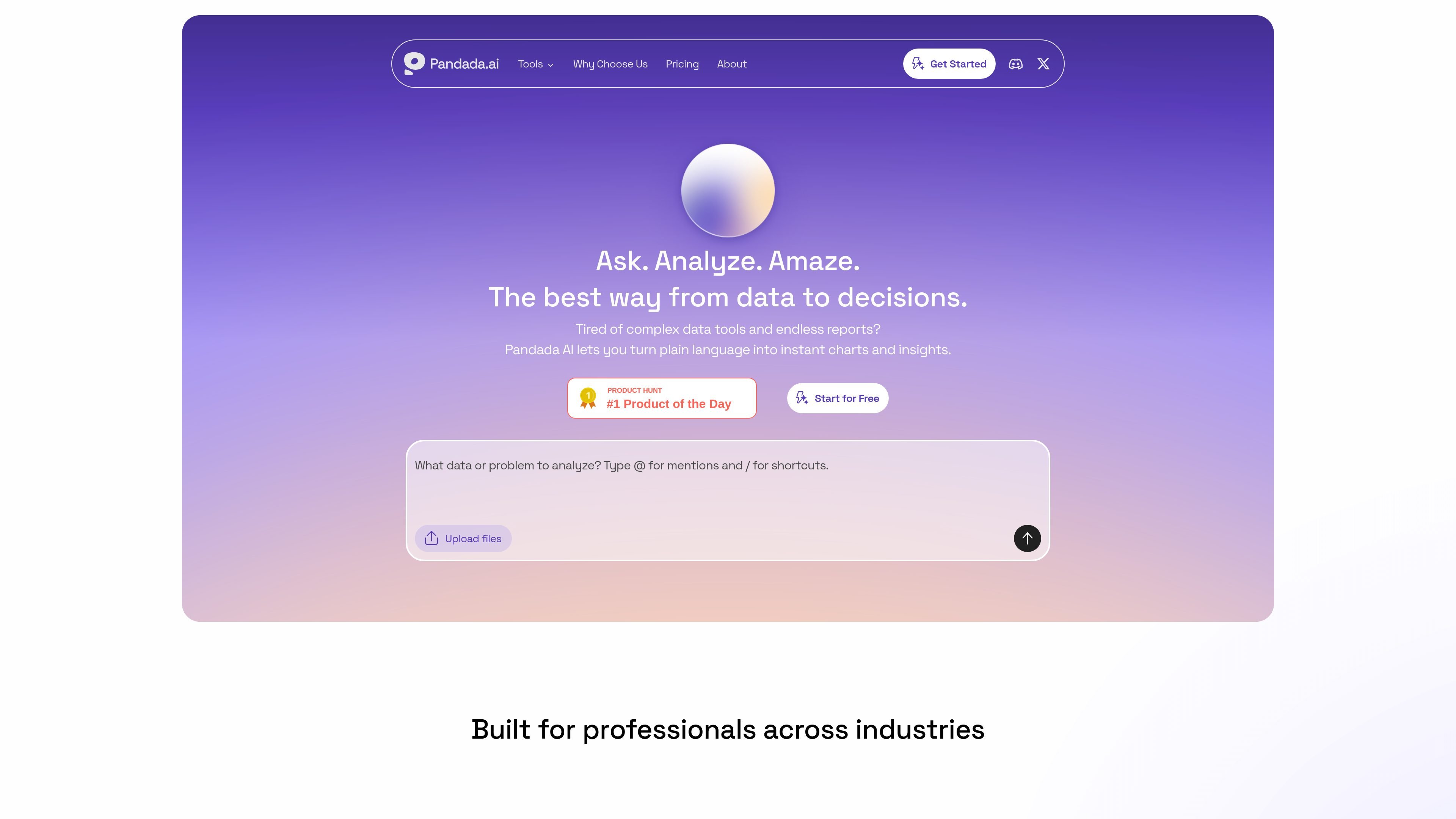
Pandada AI is an AI data analysis assistant for people who need to turn messy files into structured insight without using code. It is positioned for students, researchers, and professionals who work with spreadsheets, documents, and other local files.
The product combines natural-language questioning, data cleaning, chart generation, and report creation in one browser-based workflow. You can upload multiple files, ask follow-up questions, and receive reasoning, visualizations, and exportable reports that are intended to support business analysis, academic work, and similar research tasks.
Upload files in common business and research formats, including CSV, XLSX, JSON, PDF, PPTX, Word documents, and images, then work across them in one analysis flow.
Ask questions in plain language instead of writing formulas or code, and let the system map fields and produce answers, explanations, and calculations.
Use one-click actions for recurring tasks such as generating charts, merging Excel files, or converting PDFs to Word and Excel.
Clean, standardize, and repair messy data by handling formatting inconsistencies, duplicates, missing values, outliers, whitespace, and common entry errors.
Generate charts and reports from uploaded data, with export options that include Markdown, PDF, Google Docs, PNG, JPG, SVG, and, for Plus users, PowerPoint.
Work with multiple files at once, cross-reference content across sources, and keep the analysis inside a single workspace rather than restarting for each file.
Upload spreadsheets or mixed files, ask questions in plain language, and use the tool to identify trends, calculate metrics, or explain results without building formulas manually.
Work from papers, datasets, and supporting documents to clean up sources, compare fields, and generate concise outputs for assignments or literature-backed analysis.
Clean irregular spreadsheets by standardizing dates, text case, and number formats, removing duplicates, and handling missing values before handing the dataset to another workflow.
Turn raw data into charts and exportable reports when you need a shareable summary for stakeholders, classmates, or internal review.
Combine multiple files in one session to compare tables, align definitions, and cross-reference information that would otherwise live in separate folders or documents.
Pandada AI supports CSV, XLSX, JSON, PDF, PPTX, Word documents, and images on the main product site. The pricing page also states that files can be uploaded in multi-file chats, with limits that vary by plan.
The core workflow is to upload files, ask questions in plain language, and use shortcuts for common actions such as cleaning, merging, charting, and report generation. The product also presents visualizations and polished reports as outputs.
Yes, but collaboration appears limited. The site says it is currently designed for individual use, while shared analysis results can be sent via links; real-time team collaboration is listed as coming in a future update.
Basic is the free plan, and the pricing page describes Plus as the paid tier with higher usage limits, more web searches, larger storage, report generation, and PowerPoint export.
All files are encrypted during upload and storage, and the site says it does not use customer data to train AI models. The data-cleaning page also says uploaded files are processed securely and are not stored on its servers for that tool.

GetESP analyzes CSV email lists to identify recipient ESPs and spam protection tools, helping segment lists and choose the right provider for better deliverability.

HaiSnap is an AI office and creation tool that turns natural language into PPTs, reports, data analysis, code and content drafts.

Hurree is an AI-powered reporting and analytics platform that centralizes company data, shared dashboards, and Riva summaries, recommendations, and forecasts.

Predictice is a legal research and analysis platform for legal professionals, with jurisprudence search, litigation analysis, assistant tools and document audit workflows.

北极九章 is an enterprise AI data insight engine for natural-language data analysis. Ask by typing or voice and get charted results in workflows.

Rayyan is an AI-powered platform for systematic and literature reviews, helping teams manage screening, extraction, bias assessment and reporting in one shared workflow.