

Selfie-based profile picture generation
Create profile pictures from one selfie, with tools that generate multiple output styles and backgrounds for different uses.

PFPMaker is an AI profile picture maker that turns a selfie into professional or creative profile photos, with background removal and editing tools.
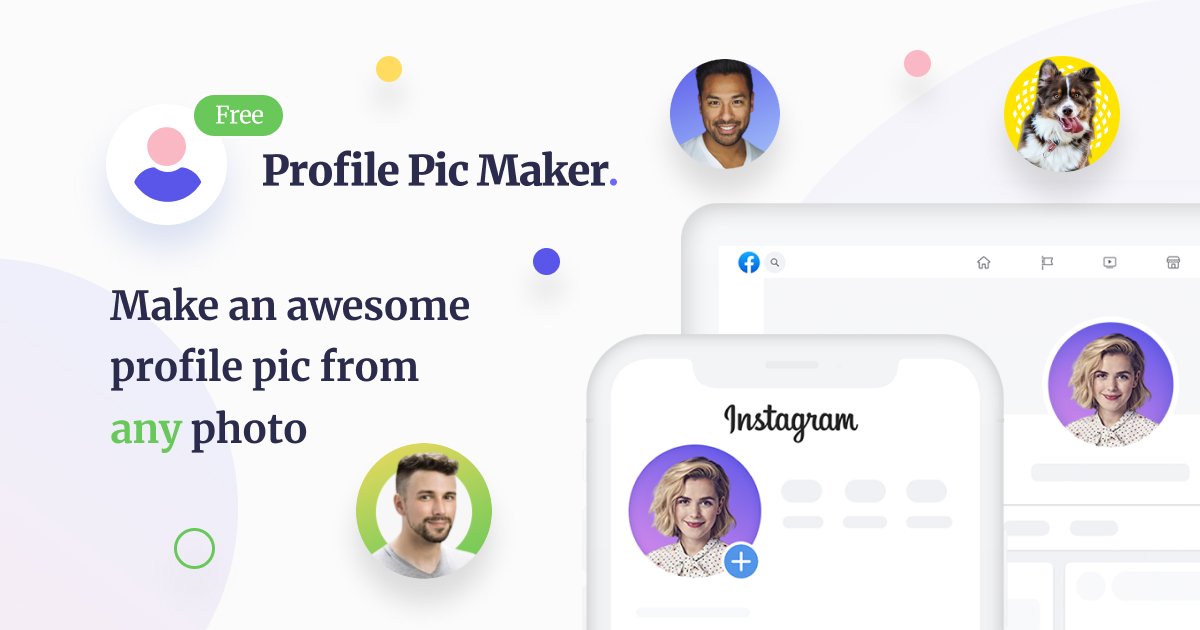
PFPMaker is an AI profile picture generator and portrait editing platform. Its homepage presents it as a way to create professional headshots or creative profile photos from a single selfie, with options to change backgrounds, adjust appearance, and produce multiple profile-picture styles quickly.
The site groups its tools into free and premium sets. Free tools include profile picture generation, background removal, and background styling, while premium tools add headshots, AI photoshoots, a chat-based editor, and additional transformations such as clothing, hair, makeup, scene, accessories, and cartoon or anime styling.
Create profile pictures from one selfie, with tools that generate multiple output styles and backgrounds for different uses.
Remove the background from a photo to create a cleaner headshot or to prepare the image for further editing.
Switch between professional, creative, office, business, artistic, and gradient-style backgrounds, plus borders, text, effects, and decals.
Use premium AI tools for headshots, style transformations, clothing, hair, makeup, scene changes, and other portrait edits.
Work in a chat-based editor for describing portrait changes in text and generating results that were previously difficult to produce manually.
Create profile photos in styles that fit LinkedIn, social media, resumes, email signatures, and similar personal-brand use cases.
Generate a polished headshot for LinkedIn, a CV, a resume, or an email signature when you want a more professional first impression.
Create casual or stylized profile images for Instagram, messengers, dating apps, and other social accounts.
Remove a distracting background and replace it with a cleaner office, business, creative, or gradient backdrop.
Use premium transformations to change hair, makeup, clothes, scene, or other portrait details when a standard profile-photo edit is not enough.
Experiment with the chat-based editor to describe a portrait idea in text and generate a result that fits a specific look or concept.
PFPMaker generates profile pictures from a selfie and related photo inputs. The site says it can be used for social media profile photos, display or chat pictures, email signatures, resume or CV headshots, and dating apps.
The source says generated profile pictures can be used in any way that does not violate the usage agreement. It specifically notes that photos cannot be used for illegal activity.
The site says uploaded photos are processed on its backend to remove the background, and the initial photos are automatically removed every 24 hours.
The site supports JPG and PNG files up to 5 MB.
The FAQ says better background-removal results may come from a higher-quality, higher-contrast photo with good lighting, and from making sure the headshot is fully visible and not cut off by image boundaries.

简单AI is Sohu’s online AI tool for AI image generation, AI writing, and online image editing—ideal for quickly creating images, copy, or basic retouching.

Photoroom is an AI visual editing platform for e-commerce that removes backgrounds, creates product images, and prepares listings from phone, web app, or API workflows.

豆绘AI is an online AI image generation and editing platform for ecommerce and design, supporting white background, scene, interior rendering and post-processing.

Upsampler is an AI platform for creating, editing and upscaling images and videos in one workspace. Pay per credit, full API access, commercial use included.

Photoeraser is a web-based AI photo editor for removing backgrounds, erasing unwanted objects, and enhancing image quality with simple upload workflows.

Lummi is a free AI stock media platform for browsing royalty-free photos, illustrations, 3D assets, and short video generations. It also includes tools for reframing, restyling, background removal, and 3D customization.