

Screenshare-proof operation
The homepage says the app remains 100% invisible during screensharing, which is central to its interview workflow.

Shadecoder is an AI coding interview copilot for live problem-solving during technical interviews, with Mac and Windows downloads and invisible screen-sharing workflow.
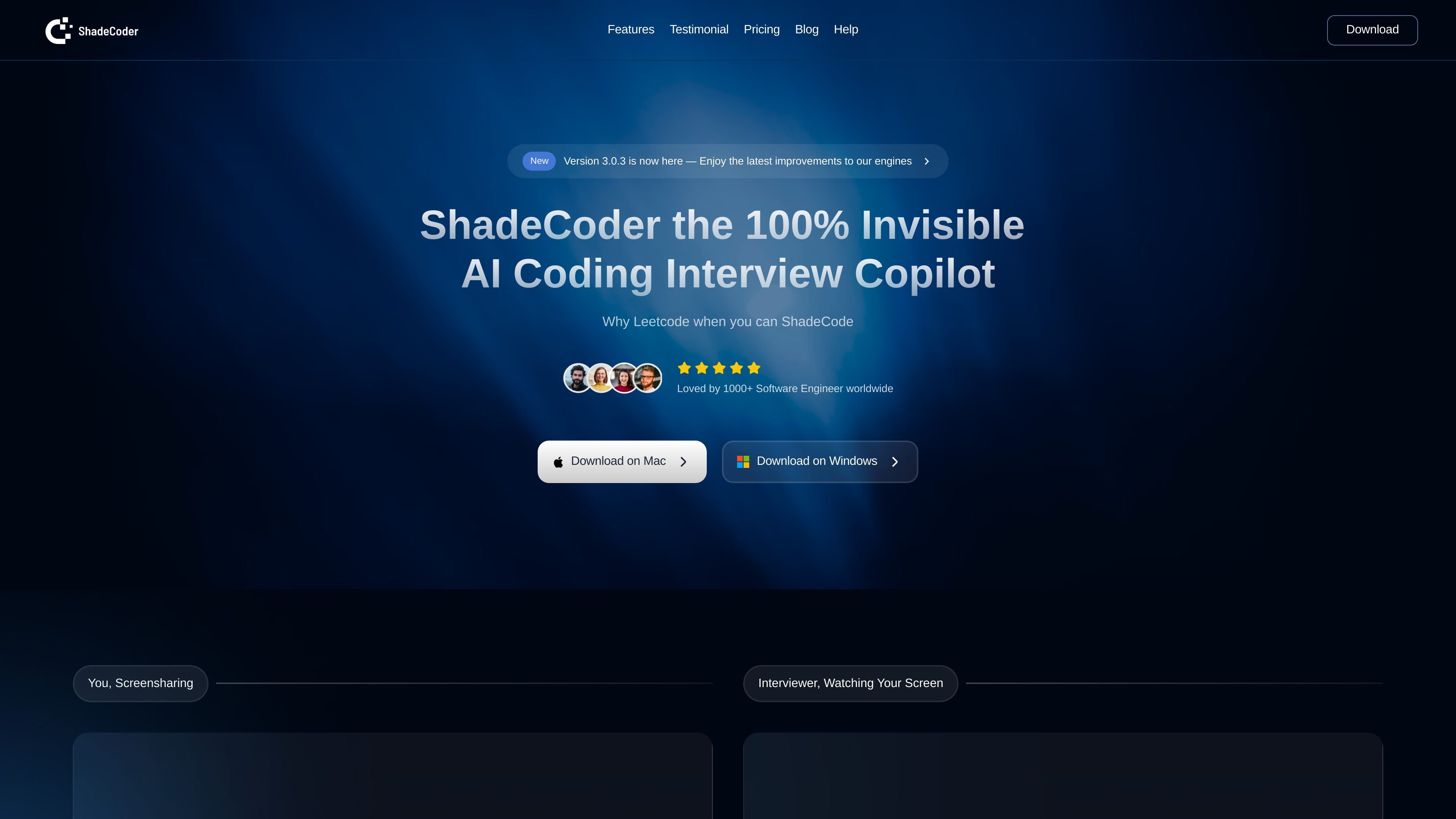
Shadecoder is an AI coding interview copilot built for live technical interviews. The homepage positions it as a “100% Invisible” assistant that candidates can use while screensharing, with desktop downloads available for Mac and Windows.
The product’s main job is to help interviewees reason through coding and system-design questions without breaking their screen-sharing flow. Its site emphasizes hotkey-driven interaction, structured responses, and multimodal reasoning, and the Help Center recommends a compatibility check before subscribing so users can confirm it works in their environment.
The homepage says the app remains 100% invisible during screensharing, which is central to its interview workflow.
Users can interact with the app through global hotkeys instead of switching tabs or moving the mouse, keeping the flow low-friction during live interviews.
The product returns clear, structured responses and supports interactive follow-ups, which helps organize reasoning in interview settings.
Shadecoder says its AI analyzes multimodal inputs and reasons over context to produce solutions that fit the problem being asked.
The homepage states the product is available across Mac and Windows, and that it is invisible to screen-recording software.
The Help Center documents a free-app compatibility check before subscribing, giving users a way to verify their setup in advance.
A candidate in a live coding interview can use Shadecoder to keep reasoning support available without leaving the shared screen or moving through visible tabs.
A job seeker preparing for Google, FAANG, or startup interviews can use the copilot to structure answers and cross-check edge cases during practice or real sessions.
A user who is nervous under pressure can rely on the structured output and interactive follow-ups to stay organized while explaining solutions aloud.
Someone on Mac or Windows can run a quick compatibility check in a test meeting before paying, confirming the app behaves correctly in their setup.
A candidate using Zoom or Google Meet can validate screen-sharing behavior and adjust OS or meeting settings if the app appears during sharing.
Shadecoder is presented as an AI coding interview copilot that helps candidates reason through technical problems during live interviews. The site’s Help Center also says users should verify that it works on their device and meeting platform before subscribing.
The homepage says Shadecoder is available for Mac and Windows downloads. The Help Center adds that users can test it in a meeting on their preferred video conferencing platform, including Google Meet or Zoom.
The product page describes a hotkey-based workflow and the Help Center recommends a quick compatibility check: install the free version, start a test meeting, share your screen, and confirm the app behaves as expected.
The site does not provide pricing details on the available pricing URL; that page returns a not-found message. The help content confirms there is a free version to download for compatibility testing before subscribing.
The homepage emphasizes that the app is intended to remain invisible during screensharing, and the Help Center notes that users should update their operating system or review Zoom screen-sharing settings if the app appears during sharing.

小艺 is Huawei’s AI smart assistant for Q&A, writing, document reading, code help, image recognition, and file drag-and-drop.

Orca is an Agent Development Environment for shipping with coding agents, running multiple CLI agents in parallel across isolated worktrees, with desktop and mobile workflows.

Firebase Studio is a web-based workspace for full-stack app development with Gemini-assisted coding, app previews, cloud emulators, collaboration, and browser deployment.

阶跃AI is a personal efficiency assistant from 阶跃星辰 for knowledge search, writing, coding, and daily automation. Download on desktop and mobile, and trigger web, files, and reminders by voice.

HiringPartner.ai is an autonomous AI recruiting platform for sourcing, screening, and interviewing candidates 24/7. It supports ATS-connected workflows, bulk resume uploads, and reviewable interview outputs for hiring teams.

HaiSnap is an AI office and creation tool that turns natural language into PPTs, reports, data analysis, code and content drafts.