

Dedicated virtual machines
Each agent runs in its own virtual machine, giving it a dedicated environment for tasks that need persistent state, files, and long-running work.

Termo is an AI agent platform with dedicated VMs for browsing, code execution, memory, and scheduled automation for research and build tasks.
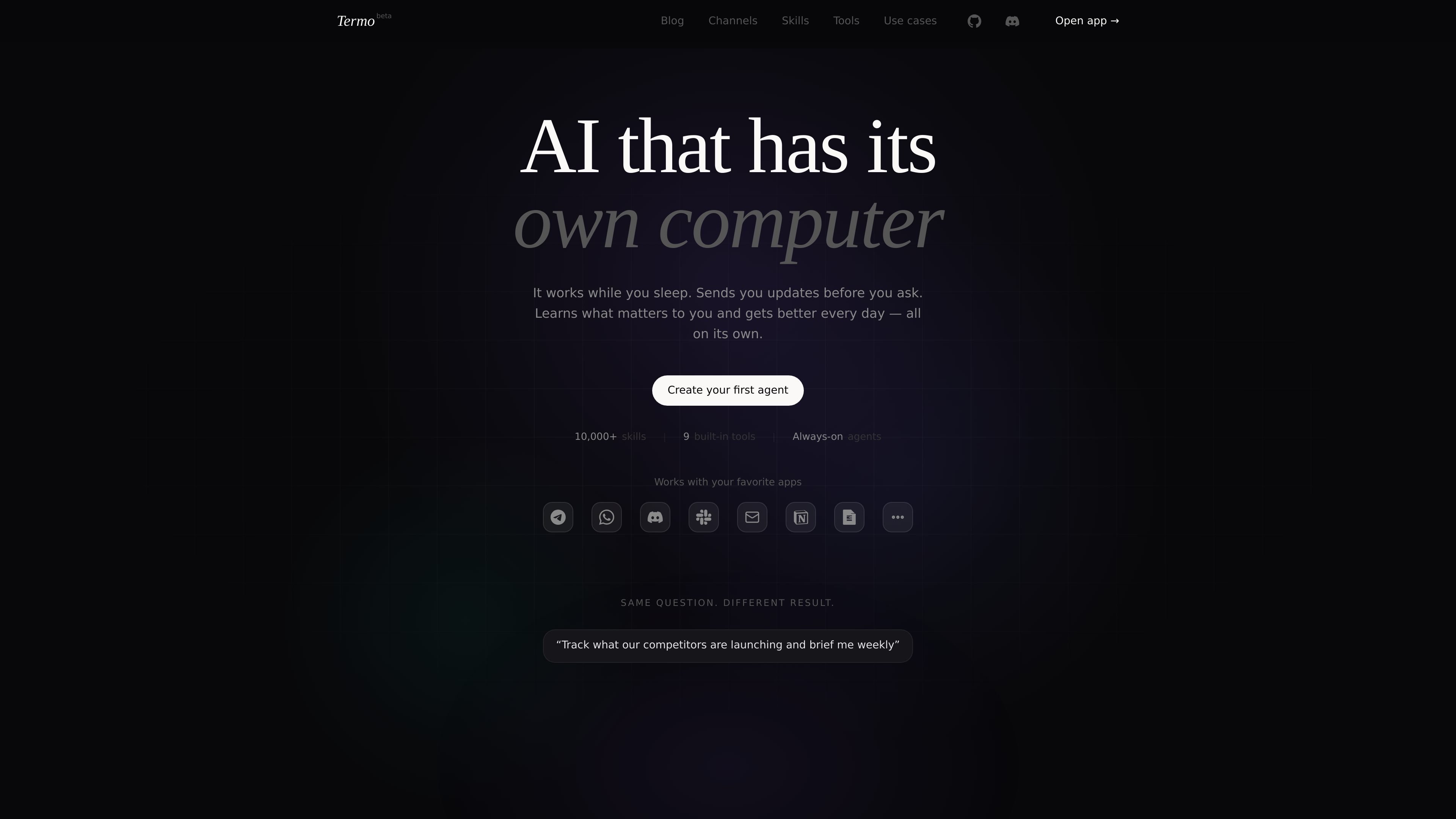
Termo is an AI agent platform built around agents that run on their own virtual machines. The homepage describes a system where you assign a task, give it context, and let it continue working with memory, browser access, code execution, and scheduling.
The product is positioned for ongoing work rather than one-off prompts. Examples on the site show an agent tracking competitor activity, generating weekly digests, building small apps, creating files, and delegating subtasks to other agents. Pricing starts with a free plan, with paid tiers for more messages, agents, and cron jobs.
Each agent runs in its own virtual machine, giving it a dedicated environment for tasks that need persistent state, files, and long-running work.
Agents keep a semantic memory graph so conversations, findings, preferences, and project details can carry forward between tasks.
The chat interface supports instructions like research requests, digests, and follow-up questions, while the agent reports progress as it works.
Agents can browse the web, search sources, fetch live data, run commands, and write files as part of a task.
Users can schedule work with cron-style timing so agents run automatically even when the user is offline.
One agent can spawn sub-agents and merge their results, which the homepage presents as a way to split research and writing work.
Use Termo to monitor competitors, pull updates from blogs and changelogs, compare changes over time, and turn the findings into a recurring brief.
Set an agent to check a source on a schedule, save context to memory, and send a digest at a fixed time each week or month.
Ask an agent to install packages, run commands, generate files, and iterate on a small utility or website from a single prompt.
Assign a larger task to one agent and let it spawn sub-agents for research, drafting, or synthesis before returning a merged result.
Create a persistent assistant that remembers preferences, facts, and project notes so follow-up work does not start from scratch.
Termo is designed for users who want an AI agent to work from its own virtual machine rather than only in a chat window. The homepage shows workflows such as competitive research, scheduled digests, logo generation, app building, and multi-agent task delegation.
The homepage emphasizes that you can give an agent a job, a schedule, and context, and it will continue working autonomously. It also shows agents sending updates and saving results to files or memory.
The source shows a free plan to get started and paid plans that add more messages, agents, and cron jobs. It does not provide setup details beyond creating your first agent.
The page says all plans include memory, tools, Telegram, custom subdomains, and file management, but it does not list specific third-party app integrations beyond general web browsing and API usage shown in examples.
The homepage positions Termo for solo users, creators, developers, and teams, with the pricing page offering plans from Free through Business. The source does not provide separate collaboration or admin features beyond higher plan limits.
Traffic-Daten dienen nur als Referenz.

AI Magicx is a unified AI workspace for chat, image, video, voice, music, email and developer tasks, helping teams and creators manage multiple models in one place.

Orca is an Agent Development Environment for shipping with coding agents, running multiple CLI agents in parallel across isolated worktrees, with desktop and mobile workflows.

Firebase Studio is a web-based workspace for full-stack app development with Gemini-assisted coding, app previews, cloud emulators, collaboration, and browser deployment.

Paper is a design tool that connects canvas, code, and AI agents so teams can create, share, and ship work in one workflow. Includes desktop app and MCP access.

TakeCareOS is a web platform for home care, disability, and aged care agencies, with rostering, billing, compliance, and AI admin tools.

CREAO is an AI agent platform for turning recurring business work into reusable workflows, with schedules, approvals, and tool integrations.