

Natural-language app building
Turn prompts into web apps and websites through the product’s "agentic canvas" workflow, which is centered on natural-language creation rather than manual page assembly.

Trickle is an AI app and website builder with a natural-language agentic canvas, built-in media generation, AI models, database, and design tools.
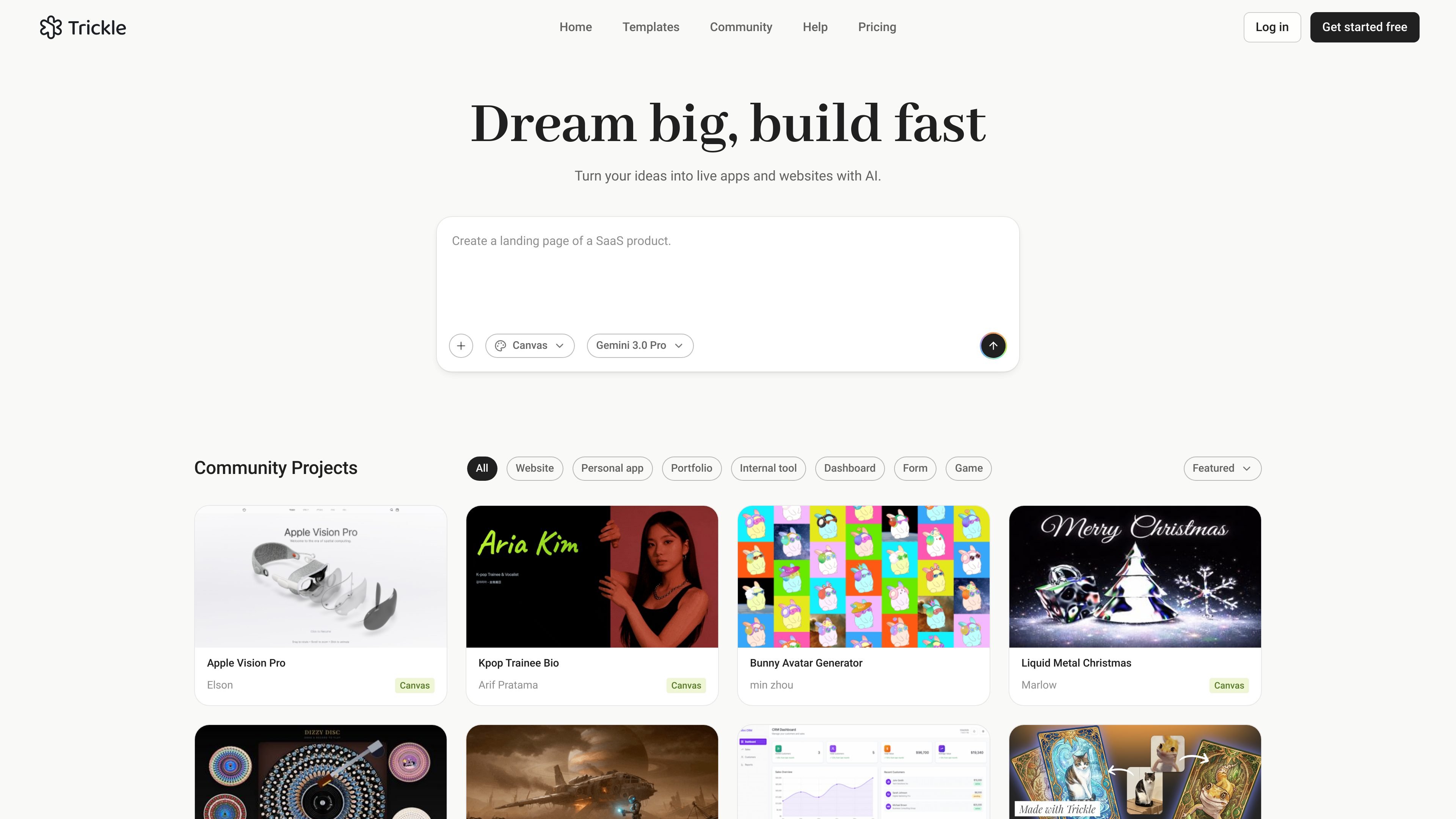
Trickle is an AI-assisted web app and website builder that describes itself as an "AI agentic canvas" for vibe coding. The product page centers on the idea that you can turn natural-language prompts into live apps and websites without leaving the canvas.
The site copy says Trickle includes built-in image and video generation, AI models, a database, and design tools, and that it is meant to help users build and launch production-ready apps and websites. The browsing experience also surfaces community projects and template categories for websites, personal apps, portfolios, internal tools, dashboards, forms, and games.
Turn prompts into web apps and websites through the product’s "agentic canvas" workflow, which is centered on natural-language creation rather than manual page assembly.
Use built-in image and video generation alongside app creation, so media assets can be produced in the same environment as the project itself.
Work with AI models directly in the product, which suggests the canvas can incorporate model-driven generation as part of the build process.
Use the included database layer to store structured project data inside the app-building environment.
Shape the visual presentation of apps and sites with built-in design tools, keeping layout and styling inside the same workspace.
Browse community projects and templates such as websites, personal apps, dashboards, forms, and games to start from existing examples.
Create marketing sites, landing pages, or content-driven websites by describing the structure and letting the canvas assemble the pages.
Build utility apps such as mini CRMs, internal tools, or dashboards where data storage and layout matter more than static presentation.
Prototype personal projects, portfolios, and small web experiences with a faster workflow than starting from scratch in a traditional editor.
Assemble forms and other interaction-heavy pages that need structured inputs and a clean visual layer.
Use the template and community-project library as a starting point for games or other experimental web experiences.
Trickle is presented as an AI agentic canvas for building apps and websites with natural language. The source shows a "Get started free" entry and a pricing page, but it does not provide enough detail here to confirm the full sign-up flow or every plan option.
The rendered site text positions Trickle for building websites, personal apps, portfolios, internal tools, dashboards, forms, and games. Those categories appear in the on-site examples and template browsing area.
The source says Trickle includes built-in image and video generation, AI models, database, and design. It does not provide a product-level breakdown of how those components are configured or which third-party systems they connect to.
The site copy emphasizes building "production-ready" apps and websites, but the collected pages do not provide enough evidence to confirm collaboration features, deployment details, or output limits.
The source does not include enough detail to confirm technical integrations or supported platforms beyond the web product itself.

EZsite AI is an AI website builder that turns a URL into a fullstack React or Vue.js app with hosting, custom domains, code export, and backend features.

Framer is an AI website builder for professional sites. It helps teams design, manage CMS content, optimize SEO, collaborate, and publish from a single no-code workflow.

Softr is a no-code platform for business apps, portals, and internal tools with AI-assisted creation, visual editing, and data connections.

UXbot turns plain-language product ideas into user flows, UI, interactive demos, and exportable code for websites and apps.

Pineapple Builder is an AI website builder for businesses to create, host, and publish sites with pages, forms, analytics, SEO tools, custom domains, and SSL.
Musavir.ai is an AI website builder that turns a prompt or brief description into a website draft in the browser.