

AI lesson generation
Generate lesson materials from a topic, link, or word list, including texts, dialogues, fill-in-the-gap exercises, questions, and writing prompts.

Twee is an AI tool for language teachers that creates CEFR-aligned lessons, activities, and assessments, with exports and interactive sharing for class use.
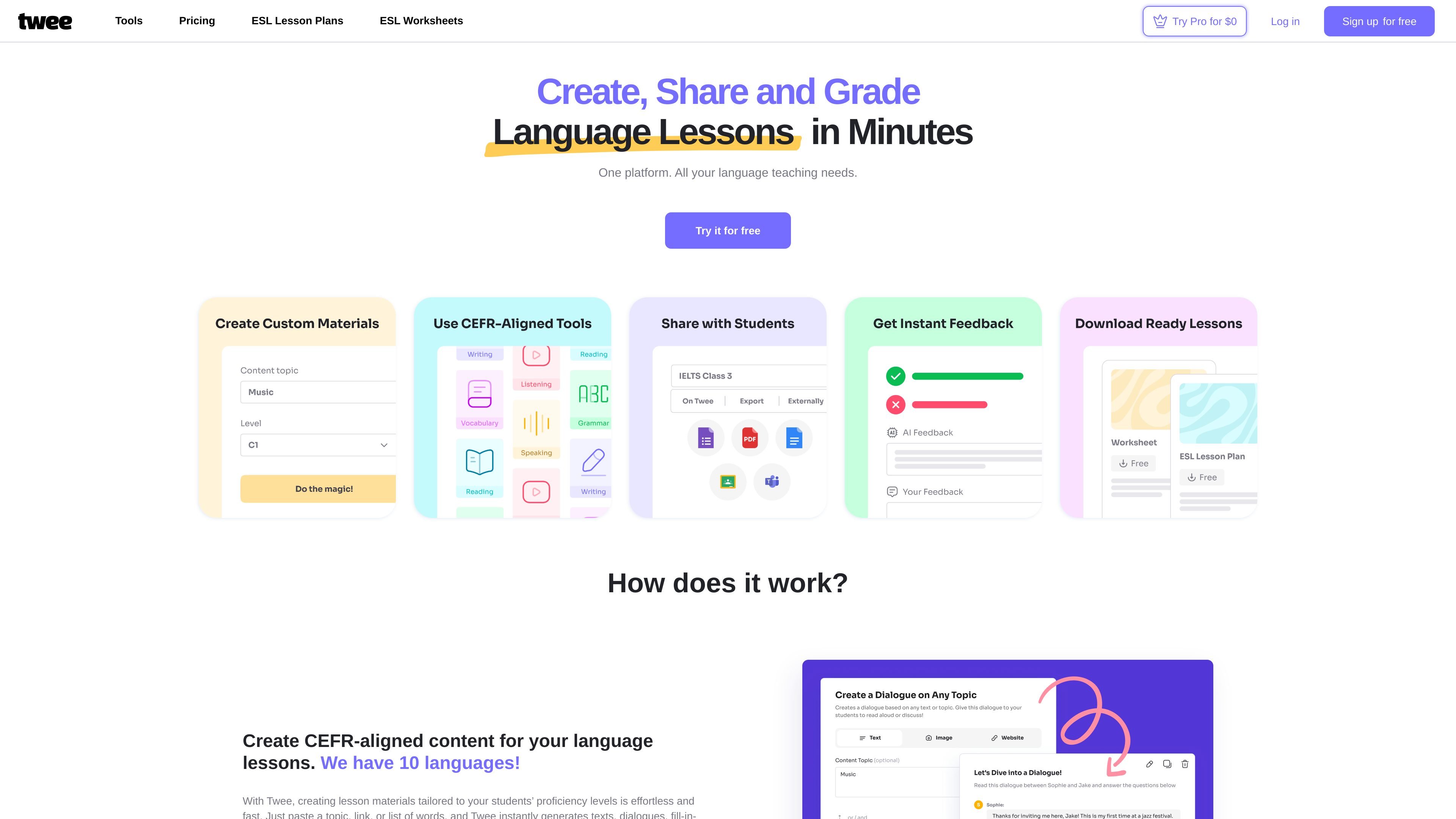
Twee is an AI-powered platform for language educators that helps create lesson materials, classroom activities, and assessments in minutes. The site positions it as a single platform for planning, sharing, grading, and managing language teaching workflows.
The product focuses on CEFR-aligned content for levels A1 to C2 and supports 10 languages. Users can start from a topic, link, or list of words, then generate texts, dialogues, exercises, questions, and prompts that can be shared as files or interactive assignments.
Generate lesson materials from a topic, link, or word list, including texts, dialogues, fill-in-the-gap exercises, questions, and writing prompts.
Create content aligned to CEFR levels A1 through C2, with support for 10 languages according to the homepage.
Save work as PDF or Word files for offline use, or share activities interactively through Google Forms, Google Docs, or a link.
Use AI tools to automatically assess student responses for multiple-choice, written, and gap-fill tasks.
Manage lesson planning, assignments, classes, and student accounts from one platform.
Browse more than 30 AI tools on the tools page, covering reading, vocabulary, writing, speaking, grammar, listening, and utility tasks.
A teacher can paste a topic, link, or vocabulary list and produce a lesson-ready mix of texts, questions, and exercises without starting from a blank page.
An educator can generate tasks matched to CEFR levels so the same topic can be adapted for different proficiency groups.
A teacher can turn reading, listening, or vocabulary content into gap-fills, open questions, true/false items, and matching exercises.
A teacher can export worksheets for printing or share interactive versions through links, Google Forms, or Google Docs.
A teacher can use the assessment tools to check student responses and get support for grading multiple-choice, written, or gap-fill exercises.
Twee is built for language educators who create lesson materials, activities, and assessments for reading, writing, listening, speaking, vocabulary, and grammar.
The site says you can paste a topic, link, or list of words and Twee will generate materials such as texts, dialogues, gap-fill exercises, questions, writing prompts, and more at a chosen CEFR level.
Twee can export materials as PDF or Word documents, or share them through a link using Google Forms, Google Docs, or Twee’s own interactive assignments.
The homepage says Twee offers a free trial, while the pricing page currently returns a 404 page not found message, so the site does not provide confirmed plan details in the captured pages.
The source pages do not describe third-party integrations beyond sharing via Google Forms, Google Docs, PDF, Word, and Twee’s interactive assignment links.
Answers AI is an AI-powered education platform for students and educators, offering answers, study help, and assignment support across web, mobile, and Chrome tools.

小艺 is Huawei’s AI smart assistant for Q&A, writing, document reading, code help, image recognition, and file drag-and-drop.

Postfity is a social media management tool for scheduling, planning, publishing, and tracking posts across connected accounts. Includes analytics, inbox management, AI tools, team workflows, and Free and paid plans.

Super Teacher is a tutoring app for elementary schools that teaches reading and math with step-by-step instruction, classroom use, home access, and progress tracking.

AI Magicx is a unified AI workspace for chat, image, video, voice, music, email and developer tasks, helping teams and creators manage multiple models in one place.

Flashcard Generator turns documents, notes, images, audio, video, and YouTube links into study cards. Free plan, edit and share decks.