

E-commerce Product Image Generation
Provides e-commerce product shooting features such as model try-ons, model and background replacement, AI models, and AI still life, making it suitable for quickly generating product display images.

WeShop唯象 is an AI commerce shooting and image editing tool for e-commerce, creating product images, refining details, and producing video content.
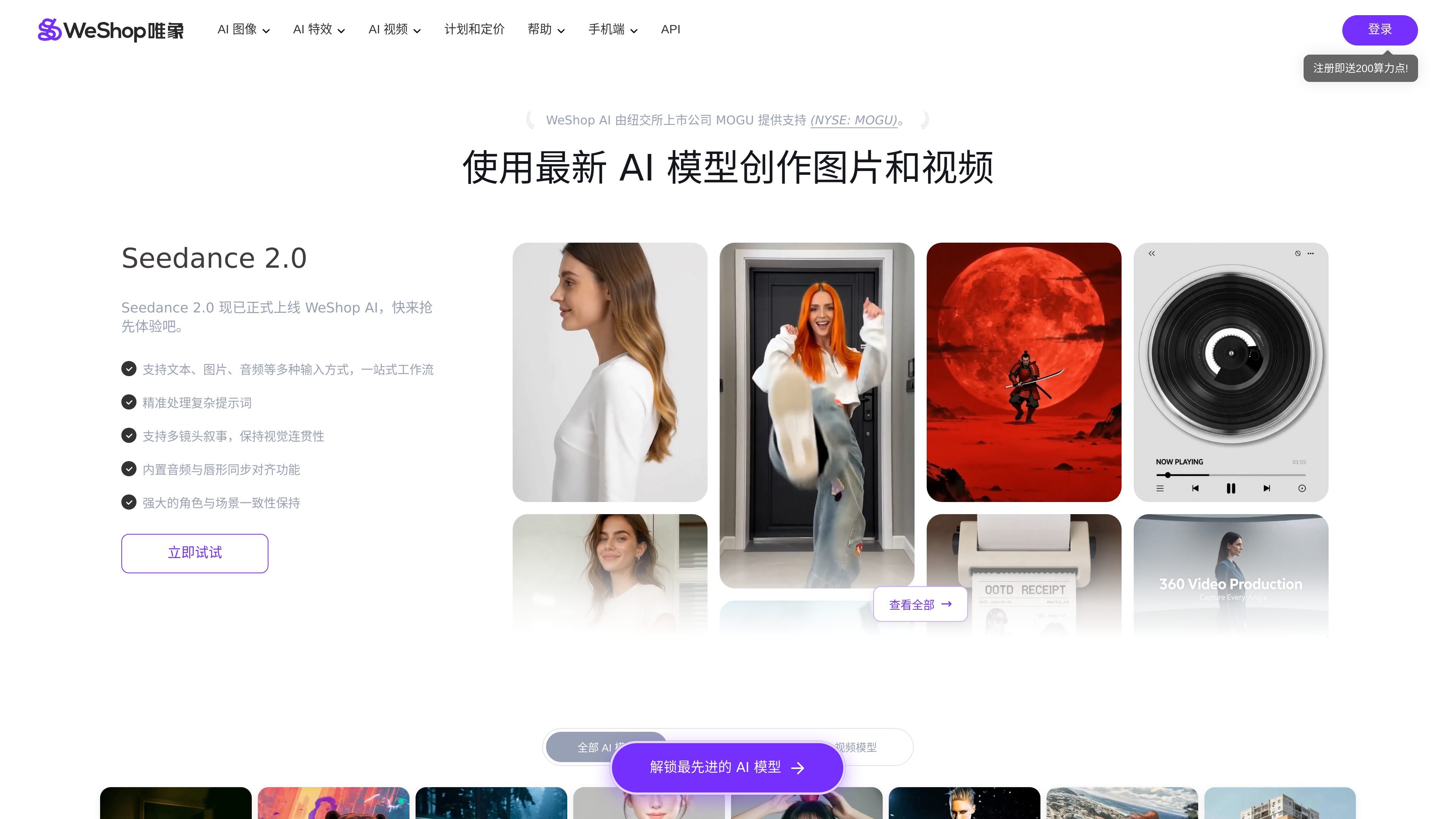
WeShop唯象 is an AI commerce shooting and image editing tool for e-commerce, focused on generating, adjusting, and outputting product images and short videos to help brands and operations teams create visual content with fewer manual shooting steps. The homepage and pricing page both position it as an “AI commerce shooting” tool, emphasizing intelligent product image generation and e-commerce creative workflows.
From the workspace and help center, it is clear that it does not only provide a single image generation capability, but also integrates model try-ons, AI models, AI still life, image restoration, video generation, and multiple model entry points. The page also offers a web workspace, iOS/Android download options, compute credit billing, and API authorization information, making it suitable for individuals and teams that need continuous batch production of e-commerce assets.
Provides e-commerce product shooting features such as model try-ons, model and background replacement, AI models, and AI still life, making it suitable for quickly generating product display images.
Supports background removal, high-definition enhancement, intelligent lighting, intelligent expansion, the eraser tool, hand and foot correction, and local retouching for adjusting image details.
Supports creative workflows such as AI posters, AI outfits, product color changes, real-person to mannequin conversion, pose changes, and sketch-to-image generation.
Provides video-related capabilities such as image-to-video, AI video, video watermark removal, video HD enhancement, and video face swapping.
The workspace lists model entries such as Seedream 5.0, Seedance 2.0, Wan AI, Kling, Qwen Image Edit, FireRed Image Edit, Hailuo, and Vidu Q3.
After uploading a product image, use model try-on, background replacement, or AI still life generation to create finished images that meet e-commerce display needs for main images, detail pages, or new product materials.
Use tools such as background removal, intelligent lighting, HD enhancement, the eraser tool, and local retouching to adjust details and improve the quality of existing images.
Use image-to-video, AI video, or video HD features to turn static assets into video content, suitable for short videos and showcase clips.
Choose functions such as AI models, AI posters, AI outfits, product color changes, or real-person to mannequin conversion in the workspace to quickly explore different visual directions.
Rely on compute credit packages, API authorization, and invoicing processes to support team purchasing, ongoing production, and internal collaboration.
WeShop唯象 provides e-commerce product shooting, AI models, AI still life, AI video, image editing, and a range of specialized tools. Users can choose the relevant function in the workspace and upload images or enter prompts to start creating.
The support information shows that it offers download options for iOS and Android, and it also provides a web workspace for direct use.
Yes. The pricing page shows that new registrations receive 200 compute credits, and different monthly, annual, and enterprise credit plans are also available.
The help center explains that invoices can be requested in an order; the pricing page also shows that some plans include a free API trial and API authorization.
The validity period of compute credits depends on the plan purchased. The help center states that compute credits take effect from the time of payment, and different credit plans have different validity periods, so you need to check the corresponding plan details.

简单AI is Sohu’s online AI tool for AI image generation, AI writing, and online image editing—ideal for quickly creating images, copy, or basic retouching.

豆绘AI is an online AI image generation and editing platform for ecommerce and design, supporting white background, scene, interior rendering and post-processing.

Upsampler is an AI platform for creating, editing and upscaling images and videos in one workspace. Pay per credit, full API access, commercial use included.

AI HomeDesign is a web-based photo editing toolbox for real estate listings, with AI staging, item removal, day-to-dusk rendering, enhancement, and renovation tools. It is built for agents and other listing workflows that need editable, listing-ready images quickly.

Creativio AI turns basic images into polished product visuals for ecommerce, marketing, and social campaigns—fast, with less manual editing.

Photoroom is an AI visual editing platform for e-commerce that removes backgrounds, creates product images, and prepares listings from phone, web app, or API workflows.