

Text-based logo generation
Enter a company name and preferences to generate logo options from text. The home page says the system can produce multiple AI-powered logo ideas quickly.

AI Logo Maker is a web-based AI logo generator for creating and customizing logos from a company name and brand preferences. It supports browser editing and exports in formats including PNG, JPG, PDF, and SVG.
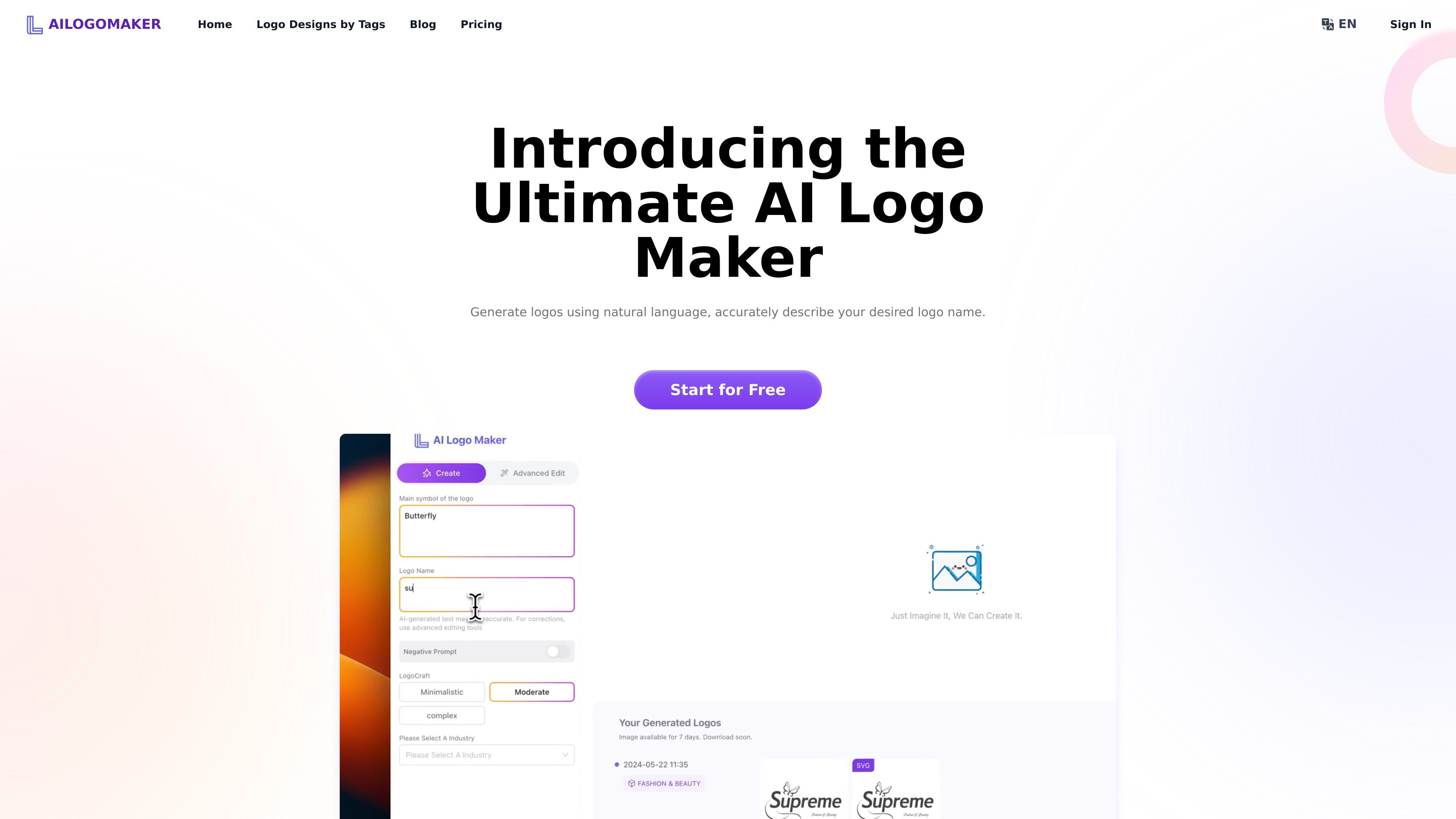
AI Logo Maker is a web-based logo generator that creates logo concepts from text prompts, starting with a company name and industry or style preferences. The site positions it as a fast way to produce custom logo options without using traditional design software.
Users can then customize the generated design by changing fonts, colors, layouts, icons, and other elements before exporting the result in production-ready formats such as PNG, JPG, PDF, and SVG. The pricing page also describes advanced editing for generated text and plan tiers that include commercial use rights.
Enter a company name and preferences to generate logo options from text. The home page says the system can produce multiple AI-powered logo ideas quickly.
Refine the generated logo by adjusting fonts, colors, icons, and layouts. The app also exposes an advanced editing mode for text control in AI-generated logos.
Choose from logo style templates and a broad set of font, color, and layout combinations. The site presents this as a way to narrow designs before downloading.
Download finished logos in several output types, including PNG, JPG, PDF, and SVG. The pricing page also mentions high-resolution, resizable, and social media file sets.
Use the generated logo files for commercial purposes on the paid and free plans described on the pricing page. The site also says the downloaded logos are royalty-free.
Work from a browser on desktop or mobile. The site says the web experience is mobile-friendly and does not currently offer a mobile app.
A small business can enter its name and industry, review generated logo concepts, and adjust colors or typography before downloading a usable file.
Freelancers and independent designers can use the editor to iterate on several logo directions quickly without starting from a blank canvas.
Businesses and agencies can use the higher-tier plans to generate and edit more logos per day, which fits repeated client work or multi-brand production.
A team that needs logo files for web, social media, print, or app icons can export multiple formats from the same workflow.
Someone who is not comfortable with design software can still create and refine a logo through the browser interface and download the result for use.
AI Logo Maker is a web-based logo generator that uses AI to create logo options from a company name, industry, and style preferences. The site also says it includes advanced editing for text and exports in formats such as PNG and SVG.
Yes. The site says logos can be customized by adjusting fonts, colors, layouts, icons, and other elements in the editor.
The site says logos can be downloaded in PNG, JPG, PDF, SVG, and other formats, with the pricing page specifically calling out PNG and SVG exports.
The pricing page states that commercial use is included on the Free, Pro, and Ultra plans, and the home page says downloaded logos are royalty-free.
The site says AI Logo Maker is a web app and notes that it is mobile-friendly. It also says there is not currently a mobile app.

简单AI is Sohu’s online AI tool for AI image generation, AI writing, and online image editing—ideal for quickly creating images, copy, or basic retouching.

Recraft is an AI image generation and design platform for designers, creatives, sellers, and teams. It supports raster and vector generation, custom styles, mockups, editing, and API-based workflows.

Appicons.ai is an AI app icon generator for iOS, Android and desktop apps from text prompts, with GPT prompt enhancement, Photopea editing and PNG export.

Sketch Logo AI is a web-based AI logo generator for sketches, prompts, images, 2D-to-3D, SVG output, and 4,000+ fonts.

Paper is a design tool that connects canvas, code, and AI agents so teams can create, share, and ship work in one workflow. Includes desktop app and MCP access.

Superside is an AI-powered creative service for enterprise and in-house teams, with global talent, AI-first workflows, and subscription-based support.