

Brand Kits
Save logos, watermarks, color palettes, and fonts in one place so exported graphics stay visually consistent.

BrandBird is a browser-based editor for turning screenshots into social media graphics, mockups, and marketing visuals with backgrounds, annotations, frames, and brand assets.
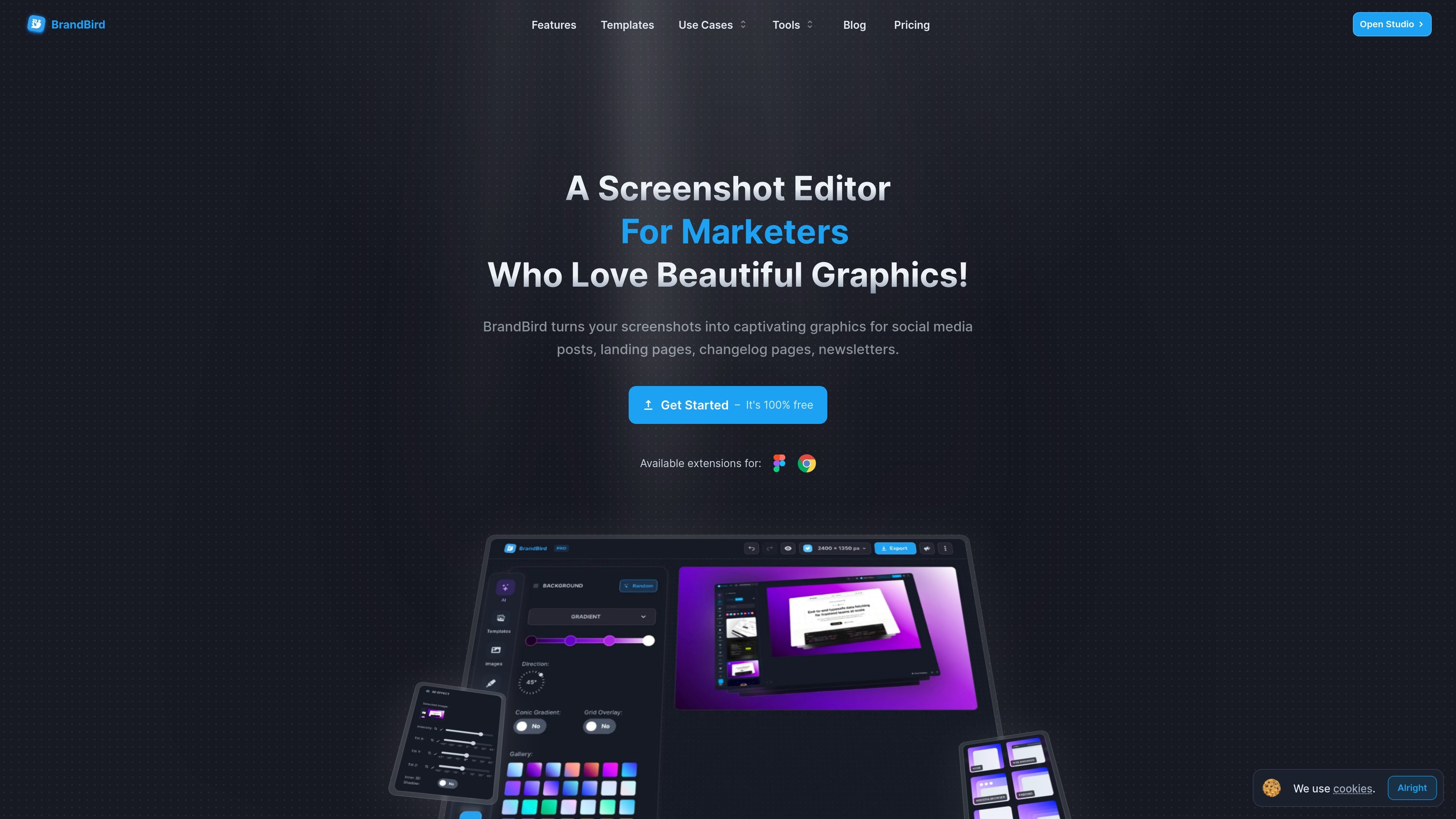
BrandBird is a browser-based image editor for turning screenshots into social media graphics, product visuals, and marketing images. The site positions it for founders, marketers, creators, and designers who want to make screenshots look polished without working through a full design stack.
The core workflow is simple: upload an image or screenshot, customize it with presets such as backgrounds, 3D transforms, mockups, and annotations, then export the finished asset. The pricing and feature pages also show that BrandBird includes brand kits, custom watermarks, social-media sizing tools, and multiple import paths for content from tweets, webpages, Chrome, and Figma.
BrandBird offers a free tier and paid Pro and Lifetime options. The source pages describe free access to core editing features, with premium tools and additional export-related features available on Pro.
Save logos, watermarks, color palettes, and fonts in one place so exported graphics stay visually consistent.
Apply 3D perspective transforms to flat screenshots to make them more prominent in social and marketing visuals.
Add text labels, arrows, emojis, numbered steps, rectangles, and other shapes to explain or highlight parts of a screenshot.
Wrap screenshots in device and browser frames such as iPhone, MacBook, iPad, and browser views.
Use gradients, patterns, solid colors, or images as backgrounds for screenshots and graphics.
Resize content for supported social formats, blur sensitive details, import from tweets, websites, Chrome, or Figma, and export optimized WebP files.
Turn a plain screenshot into a branded image for a product announcement, changelog, or launch post by adding a background, frame, and short annotation.
Create visuals for X, LinkedIn, Instagram, Facebook, Dribbble, or Product Hunt by resizing content and styling screenshots for the target format.
Import tweets, webpages, browser tabs, or Figma frames and adapt them into polished graphics without rebuilding the design from scratch.
Add arrows, labels, shapes, or zoomed highlights to explain UI details in tutorials, guides, and demos.
Save logos, colors, fonts, and watermarks in a brand kit so repeated assets stay visually consistent across posts and marketing materials.
BrandBird Studio is an online image editor that runs in the browser. The source pages describe it as a browser-based tool for creating screenshot mockups, social media graphics, and marketing visuals.
The source text says you upload a screenshot or image, choose a background style, optionally apply 3D transforms and shadows, add annotations or branding, and then export the result.
Yes. The homepage and pricing page both mention a free tier, while Pro unlocks premium tools and advanced export-related features.
BrandBird Studio supports exports in PNG, JPEG, and WebP according to the homepage FAQ text. The pricing page also calls out WebP export as a feature.
The feature pages and FAQ text mention support for major social platforms including X, LinkedIn, Facebook, Instagram, Dribbble, and Product Hunt. The site also lists import workflows for tweets, websites, Chrome, and Figma.

简单AI is Sohu’s online AI tool for AI image generation, AI writing, and online image editing—ideal for quickly creating images, copy, or basic retouching.

Recraft is an AI image generation and design platform for designers, creatives, sellers, and teams. It supports raster and vector generation, custom styles, mockups, editing, and API-based workflows.

Photoroom is an AI visual editing platform for e-commerce that removes backgrounds, creates product images, and prepares listings from phone, web app, or API workflows.

Paper is a design tool that connects canvas, code, and AI agents so teams can create, share, and ship work in one workflow. Includes desktop app and MCP access.

Superside is an AI-powered creative service for enterprise and in-house teams, with global talent, AI-first workflows, and subscription-based support.

豆绘AI is an online AI image generation and editing platform for ecommerce and design, supporting white background, scene, interior rendering and post-processing.