

AI video generation and extension
Generate clips from images or text, extend existing footage, and apply video effects. The home page also presents image-to-video, text-to-video, and video extension as central workflows.

ChatArt is an AI creative suite for video, images, music, and writing in one workspace for creators and teams across platforms.
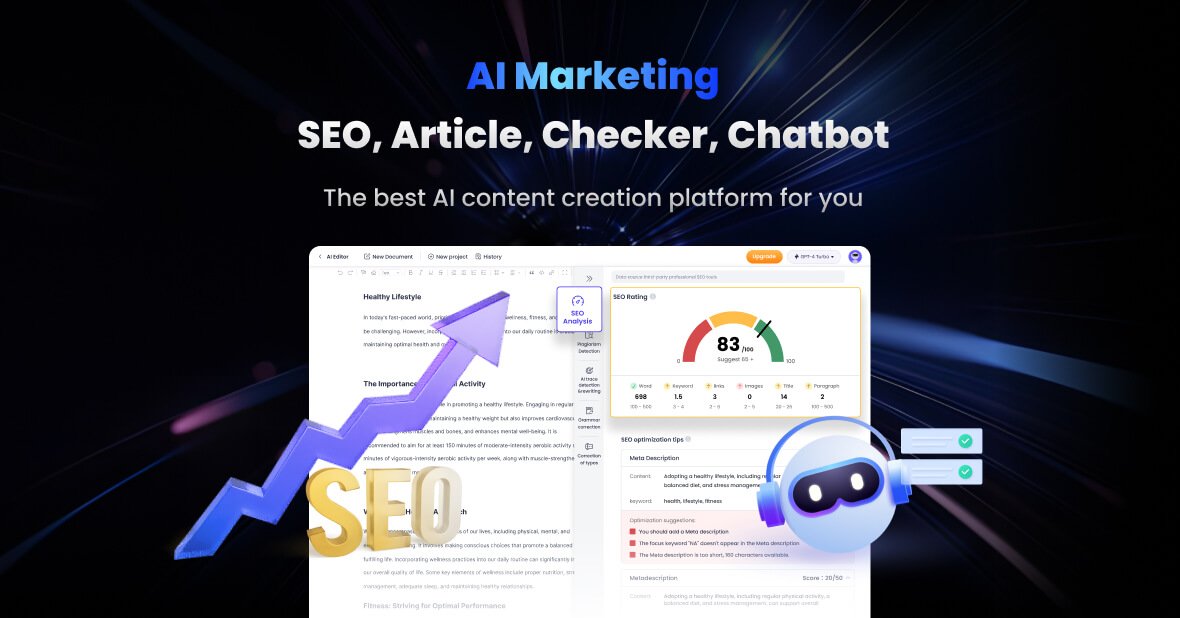
ChatArt is an all-in-one AI creation platform for video, image, music, and writing. The site positions it as a workspace where creators can generate and edit different content types without switching between separate tools.
Its core workflow centers on multimodal generation: image-to-video, text-to-video, video extension, image creation and editing, AI writing, and music or music-video generation. The site also says ChatArt uses multiple advanced AI models and supports access on web, desktop, mobile, and browser extension environments.
The product is aimed at creators, designers, photo and video editors, and marketing professionals who want to produce content faster and handle common production steps in one place.
Generate clips from images or text, extend existing footage, and apply video effects. The home page also presents image-to-video, text-to-video, and video extension as central workflows.
Create images from text, transform images through chat, and adjust visuals by changing backgrounds, adding elements, or refining details.
Draft stories, articles, reports, marketing copy, SEO content, and rewrites in a writing workspace that supports multiple templates.
Create music and music videos in the same platform, with the site describing audio generation and MV creation as part of the product.
Access multiple multimodal models from one interface, including models listed on the site for video, image, chat, and writing tasks.
Use the platform across web, desktop, mobile, and browser extension environments, with support pages listing Windows, Mac, iOS, Android, and browser access.
Turn photos or text prompts into short videos, then extend or modify the result in the same workspace. This fits creators who want to move from static assets to motion content quickly.
Generate images from prompts, then refine them by adjusting backgrounds, adding elements, or editing through chat. This is useful for designers assembling concepts, mockups, or campaign visuals.
Draft articles, stories, marketing copy, and rewrites without leaving the platform. The writing tools are useful for bloggers, marketers, and teams that need quick first drafts or content variations.
Combine audio generation with music-video creation for promotional clips, social posts, or experimental creative work. The product description presents music and MV generation as part of the same workflow.
Use the platform on the web, desktop, mobile, or a browser extension when working across devices. This makes it practical for users who need access in different work environments.
ChatArt is a one-stop AI workspace for creating and editing videos, images, music, and writing in one place. The site describes it as a creator-focused platform that combines multiple AI tools rather than a single-purpose generator.
The support page says ChatArt offers a free trial, but a subscription is required to unlock more features.
ChatArt can be used on Windows, Mac, iOS, and Android, and the site also mentions web access and a browser extension. The support page also says the web version can be used in a browser.
The support page says the website version provides better creative writing functions, while the app store version provides better chat and conversation functions.
The support page says ChatArt supports output in any language, with interface languages including English, Simplified Chinese, Traditional Chinese, Japanese, Spanish, Hindi, and Arabic.

Nim Video is a web-based AI video and image creation platform for turning prompts, images, and source footage into editable visuals. It offers a free tier and paid subscriptions with added credits, higher output options, and commercial-use features.

Upsampler is an AI platform for creating, editing and upscaling images and videos in one workspace. Pay per credit, full API access, commercial use included.

Pika is an AI video generation platform for creating and editing short videos from prompts, images, and existing footage. It also offers plan-based commercial use, watermark-free downloads on higher tiers, and select partner API access.

Rizzle turns articles into editorial-grade video and distributes it across major channels with AI-assisted, human-reviewed workflows for publishers.

PixelPrompt is a browser-based AI image and video workspace for prompt optimization, text-to-image, and text-to-video generation. It supports ecommerce visuals, ad creatives, and short-form UGC-style content without requiring a local GPU.

CoCoClip.AI is a web-based AI video editor for short-form content, with text-to-video, image-to-video, and audio-to-video workflows for YouTube Shorts, TikTok, and Instagram Reels.