

Multi-model video generation
CrePal says it unifies planning, image generation, and video generation models, then chooses the most suitable models for the project so users can create without manually managing the pipeline.

CrePal is an AI video creation agent that turns ideas, scripts and documents into multi-scene videos with chat-based editing and export.
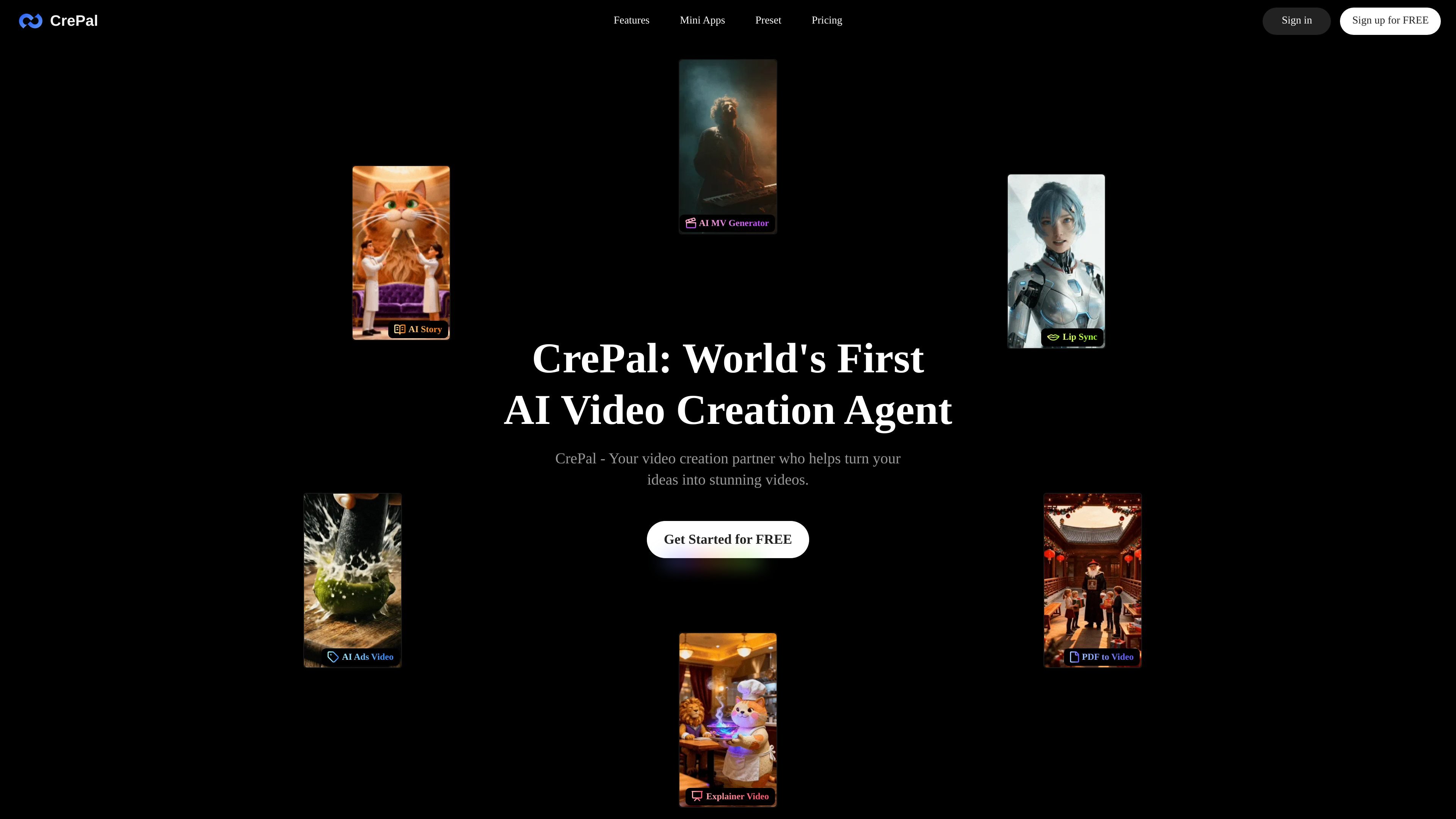
CrePal is an AI video creation agent that turns ideas, scripts, documents, and reference material into multi-scene videos. Its homepage describes it as a video creation partner that helps users generate visuals, refine them through chat, and export finished videos with subtitles, voiceover, and background music.
The product combines a general agent workflow with task-specific Mini Apps. Those Mini Apps include AI Talking Avatar Generation, Ad Remix, and PDF to AI Video, each aimed at a different production workflow such as spokesperson videos, product commercials, and document-to-video conversion.
CrePal says it unifies planning, image generation, and video generation models, then chooses the most suitable models for the project so users can create without manually managing the pipeline.
The agent can show script writing, image generation, and video production as it works, so users can review progress and give feedback while the video is being assembled.
Users can edit through natural-language prompts instead of timeline tools, which makes it possible to request changes such as shorter intros, different pacing, or a warmer visual style.
Exported videos can include subtitles, voiceover, and background music, making the output suitable for short-form posts and shareable explainers.
The Mini Apps focus the workflow on specific jobs such as ad remixing, talking-avatar videos, and PDF-to-video conversion.
The platform includes templates for viral-style AI videos for TikTok or YouTube, which can be customized by the AI agent in minutes.
Upload a product image and a reference ad, then describe the product’s selling points. CrePal’s Ad Remix workflow is designed to recreate the style of the reference and produce a commercial focused on the product.
Provide a script, topic, or lines for a spokesperson-style video. The AI Talking Avatar workflow can generate a polished talking-avatar clip for short-form promotions and explainers.
Upload a PDF such as a report, pitch deck, or presentation and convert it into a video. This fits users who want to repurpose document content into a visual format.
Describe a visual story or concept and let the agent assemble scenes, images, and edits. This is suited to creators who want multi-scene videos without manually building each step.
Use the agent to refine an existing cut by asking for changes in natural language, such as shorter intros or different pacing. This is useful for creators who want quick iteration without reworking a timeline by hand.
Yes. The pricing page states that CrePal offers a free plan to help you get started. Paid membership plans are available for access to additional points, premium features, and more premium models.
If you are on a paid membership, you can buy credit top-ups from your dashboard. Free-plan users need to upgrade to Plus or Pro before purchasing additional credits. The pricing page also says you can earn credits by inviting friends, up to 5 successful invites total.
Yes. CrePal’s pricing page says you can switch between monthly and annual billing at any time from your dashboard, and annual plans come with a 17% discount.
Yes. Subscriptions renew automatically unless you cancel them. The pricing page says you can cancel from your account profile card, and access continues until the end of the billing cycle.
The pricing page lists Visa, Mastercard, American Express, Discover, Alipay, and Link by Stripe.

Podfy.ai is a browser-based AI video tool that turns text, scripts, audio, and music into edited videos with narration, subtitles, effects, and soundtrack for faster short-form social content.

Rizzle turns articles into editorial-grade video and distributes it across major channels with AI-assisted, human-reviewed workflows for publishers.

CoCoClip.AI is a web-based AI video editor for short-form content, with text-to-video, image-to-video, and audio-to-video workflows for YouTube Shorts, TikTok, and Instagram Reels.

Nim Video is a web-based AI video and image creation platform for turning prompts, images, and source footage into editable visuals. It offers a free tier and paid subscriptions with added credits, higher output options, and commercial-use features.

Pika is an AI video generation platform for creating and editing short videos from prompts, images, and existing footage. It also offers plan-based commercial use, watermark-free downloads on higher tiers, and select partner API access.

Upsampler is an AI platform for creating, editing and upscaling images and videos in one workspace. Pay per credit, full API access, commercial use included.