

Image and audio to video
Generate video from a single image or from audio, with the site positioning Gaga AI as an image-to-video and avatar-video tool.

Gaga AI is a web-based AI video generator and avatar creator that turns images or audio into synchronized videos. Free tier available.
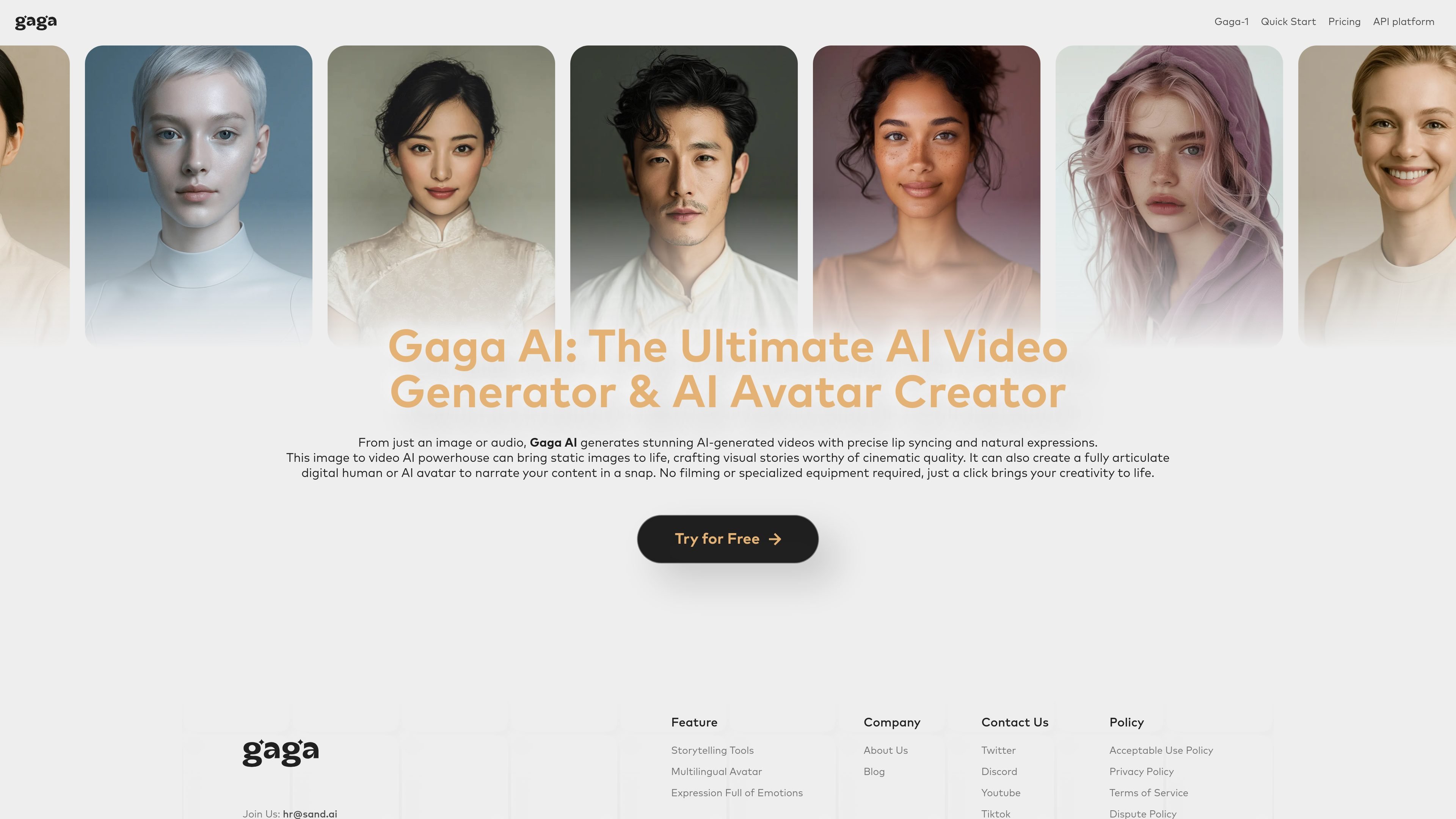
Gaga AI is an online AI video generator and AI avatar creator built to turn images or audio into short videos with synchronized motion, lip movements, and expressions. The site also presents Gaga-1 as its core video generation model, with a separate page focused on image-to-video generation and another on avatar-style performance.
The product is aimed at creators who want to produce cinematic-looking video content without traditional filming or editing workflows. The source pages position it for photo animation, talking-avatar content, product demos, social posts, marketing clips, and other fast-turnaround video tasks.
Generate video from a single image or from audio, with the site positioning Gaga AI as an image-to-video and avatar-video tool.
Create videos with lip sync and expressions that match the scene, including talking-avatar style outputs.
The image-to-video page describes AI-generated motion, transitions, and effects that animate still photos into video scenes.
The site says you can control the result with text prompts, shaping character behavior, style, and mood.
The page describes voice cloning and text-to-speech support for narration and spoken delivery.
The image-to-video page lists 9:16 and 16:9 output options for social and video-platform publishing.
Turn a still portrait or product photo into a short animated clip for a landing page, ad, or social post without manual video editing.
Create a talking-head video from an uploaded photo and audio or script when you need a digital presenter or spokesperson.
Use the prompt controls, motion generation, and sound options to prototype a scene, teaser, or stylized narrative sequence.
Generate short-form videos in 9:16 or 16:9 for platforms and feeds that rely on vertical or horizontal social formats.
Produce narrated explainers or product walkthroughs with text-to-speech or cloned voice support when you want faster turnaround than traditional recording.
Gaga AI is a free online AI video generator and AI avatar creator that turns images or audio into videos with lip sync and animated expressions.
The source pages describe a simple workflow: upload or create an image, add text prompts or audio, then generate and export the video.
Yes. The image-to-video page says the free tier lets you create image-to-video content without registering, and paid plans remove the watermark.
The image-to-video page says supported input image formats include JPEG and PNG, and exported videos are provided as MP4 files.
The image-to-video page says paid plans include commercial-use rights for generated videos, while free-tier videos are for personal or trial use and include a watermark.

SkyReels is an AI video generation platform and API for cinematic videos from text, images, and reference media, with avatar, lip-sync, extension, and restyling workflows.

HiDream.ai is a free, browser-based AI image and video creation platform for prompts, images, audio, lip-sync, and 4K editing.

CoCoClip.AI is a web-based AI video editor for short-form content, with text-to-video, image-to-video, and audio-to-video workflows for YouTube Shorts, TikTok, and Instagram Reels.

Nim Video is a web-based AI video and image creation platform for turning prompts, images, and source footage into editable visuals. It offers a free tier and paid subscriptions with added credits, higher output options, and commercial-use features.

Pika is an AI video generation platform for creating and editing short videos from prompts, images, and existing footage. It also offers plan-based commercial use, watermark-free downloads on higher tiers, and select partner API access.

Old Photo AI animates old photos into short videos with realistic motion, effect templates, and paid fast-generation options.