

Collaborative drafting
The homepage says GetDraft learns how you think and write, then collaborates with you to turn ideas into finished writing.

GetDraft is an AI writing assistant for guided drafting, style selection, and format examples to help you refine content faster.
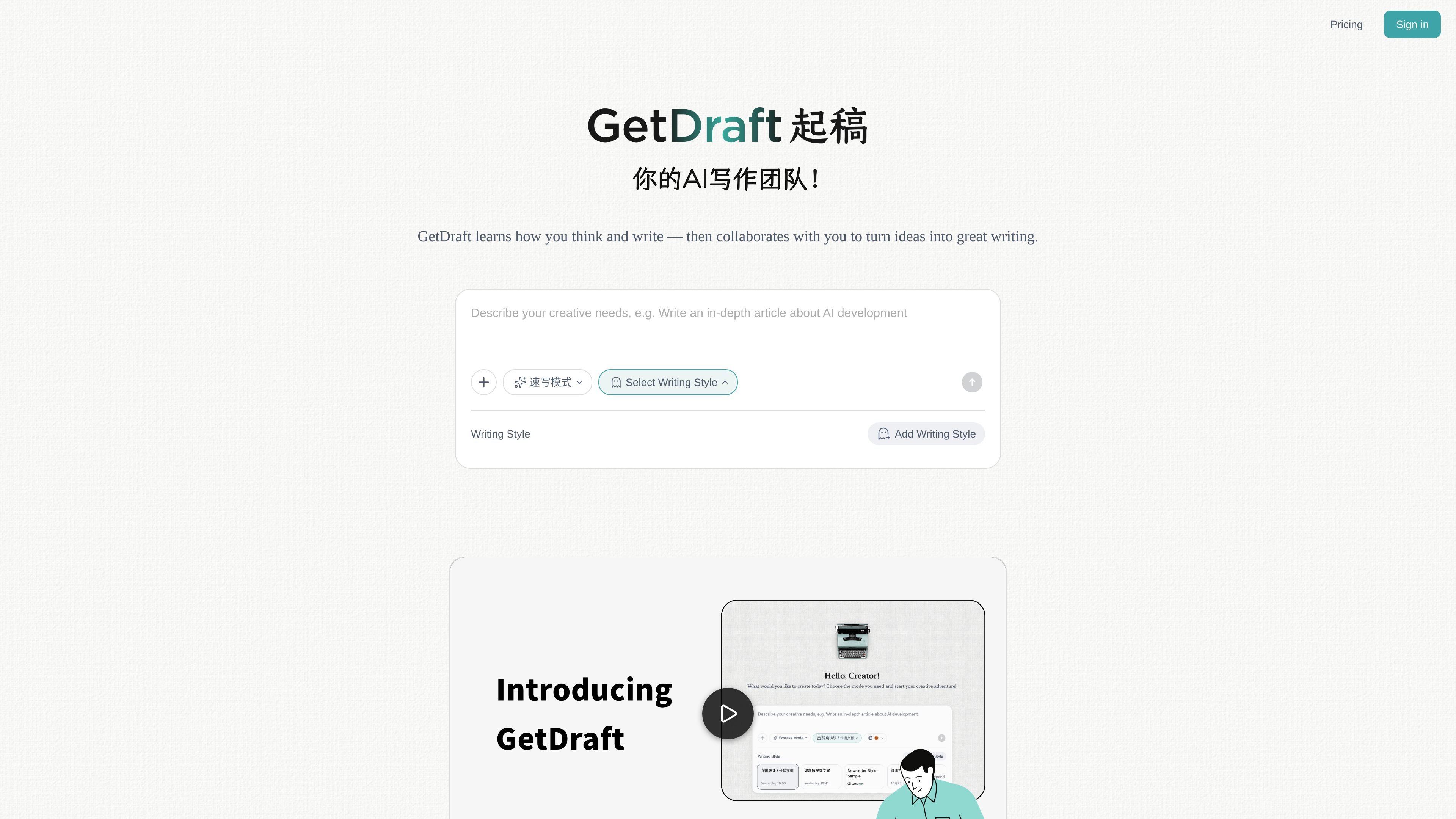
GetDraft is an AI-powered writing assistant built to help people complete writing tasks with less friction. The homepage positions it as a collaborator that learns how you think and write, then works with you to turn ideas into finished copy.
The site emphasizes guided drafting rather than generic text generation. It shows a writing-style selection flow and an Inspiration Gallery with example formats such as newsletters, video scripts, Twitter/X threads, podcast scripts, and LinkedIn posts.
The homepage says GetDraft learns how you think and write, then collaborates with you to turn ideas into finished writing.
A writing-style selection flow appears on the homepage, along with an option to add a writing style, suggesting users can guide the tone or format of their output.
The Inspiration Gallery shows example starting points for different formats, helping users begin with a reference rather than a blank page.
The site presents an example writing flow tied to a draft and word count, indicating support for iterative writing rather than one-off output.
Useful for writers who want a drafting partner that responds to their own thinking and style instead of producing generic copy from a blank prompt.
Helpful when creating recurring content formats like newsletters, social posts, podcast scripts, or video scripts, where structure matters as much as wording.
A fit for users who already have an idea and need help shaping it into clearer writing with a chosen style direction.
Useful for people who want examples and references before they begin writing, especially when they are unsure how to structure the piece.
GetDraft is an AI-powered writing assistant that helps users complete writing tasks more quickly and efficiently by working alongside their thinking and direction.
The site shows an Inspiration Gallery and examples such as newsletter posts, video scripts, Twitter/X threads, podcast scripts, and LinkedIn posts, suggesting it is meant to support a range of writing formats.
The homepage presents a writing-style selection flow and an “Add Writing Style” prompt, indicating that users can choose or define a style before drafting.
The pricing page is present, but the provided source text does not show specific plan names, prices, or limits, so the safest conclusion is that pricing exists without public details in the captured content.

迅捷AI写作 is an online AI writing tool for papers, novels, office docs and content creation, with scenario templates, online document writing and multi-format export.

Nily AI is a browser-based AI assistant platform with 20+ models and tools for chat, writing, PDFs, email, images, and web page analysis. 7-day free trial.

Vetta X is an AI growth workspace for X that drafts replies and posts in your voice, tracks creators, and enables one-tap publishing after approval.
FlowChai is a chat-based AI content agent for drafting, refining, and publishing content at scale with natural-language control, brand voice, multilingual output, and WordPress publishing.

讯飞写作 is an AI writing assistant for office, news, marketing and official content. Import audio, video, Word, images and PPT to draft faster.

Postfity is a social media management tool for scheduling, planning, publishing, and tracking posts across connected accounts. Includes analytics, inbox management, AI tools, team workflows, and Free and paid plans.