

Reactive notebooks
Create analysis notebooks where cells react to dependency changes, rather than behaving like a static linear script.

Livedocs is a web-based AI notebook platform for data analysis, with connected data, notebook workflows, and team collaboration in one workspace.
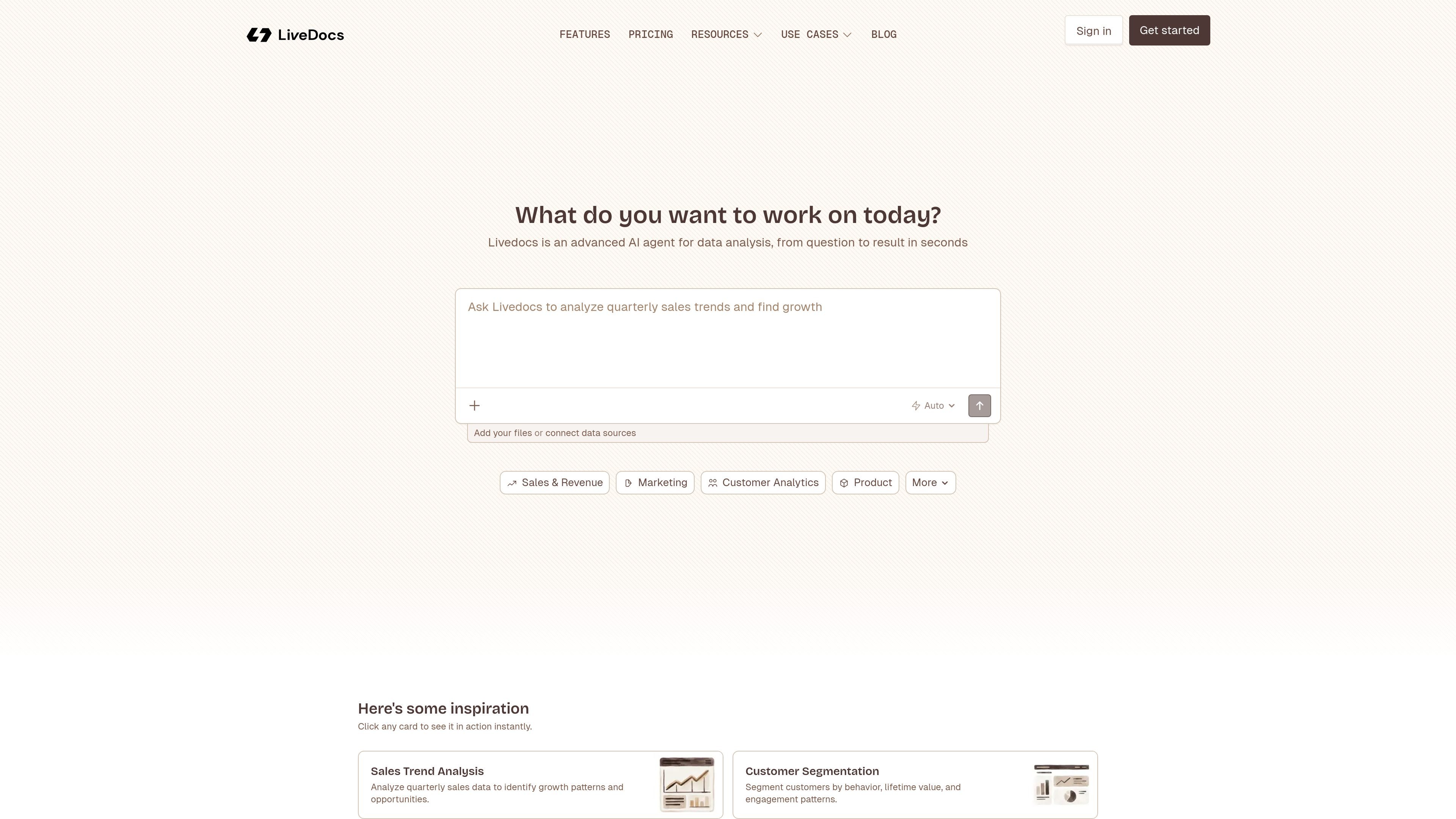
Livedocs is an AI notebook platform for data analysis. It combines reactive notebooks, built-in SQL, charts, and collaborative editing so teams can move from a question to a result in one workspace.
The product is designed for workflows that start with uploaded files or connected data sources and continue through exploration, cleaning, analysis, visualization, and sharing. It also supports AI prompts for tasks such as answering questions, generating charts, transforming data, and explaining results.
Create analysis notebooks where cells react to dependency changes, rather than behaving like a static linear script.
Write SQL, Python, text, and chart cells in the same document, then run individual cells or the full notebook in order.
Connect data from the dashboard or editor, using supported databases and uploaded files as the starting point for analysis.
Use the AI prompt box to ask questions, transform data, generate charts, or request model-based analysis from connected sources.
Invite teammates, work in real time, share notebooks privately, and leave comments on cells.
Choose a model from the prompt box and work across supported frontier models, with paid usage described in the docs.
Use connected tables or uploaded files to answer questions, inspect patterns, and iterate quickly in a notebook that re-runs dependent cells automatically.
Build SQL queries, Python logic, and charts in the same workspace to clean messy data, transform fields, and prepare reusable analysis.
Ask the AI to generate charts, explain results, or help with tasks such as forecasting, anomaly detection, and model building on your data.
Invite teammates into the same workspace to review notebooks, comment on cells, and work together on analysis in real time.
Turn notebook work into shareable outputs for stakeholders who need a documented result rather than a live analysis session.
Livedocs is a modern notebook platform for data analysis. It combines reactive notebooks with built-in SQL, charts, real-time collaboration, and AI-assisted workflows.
The docs describe Livedocs as supporting major frontier AI models, with model selection available from the prompt box. If your data is connected and tagged, the AI can work with it directly in the notebook.
Livedocs supports database connections from the dashboard or editor, and file uploads from both places. The docs mention PostgreSQL, Snowflake, BigQuery, ClickHouse, CSV, JSON, Parquet, and Excel, while pricing also lists additional basic and premium data sources.
Yes. The getting started docs describe inviting teammates, sharing notebooks privately, commenting on cells, and working in real time. The Pro plan also includes collaboration features.
The pricing page says notebooks are reactive, meaning cells re-run when dependencies change. It also notes that notebooks can be published as shareable apps without writing deployment code.

Hurree is an AI-powered reporting and analytics platform that centralizes company data, shared dashboards, and Riva summaries, recommendations, and forecasts.

北极九章 is an enterprise AI data insight engine for natural-language data analysis. Ask by typing or voice and get charted results in workflows.

Postfity is a social media management tool for scheduling, planning, publishing, and tracking posts across connected accounts. Includes analytics, inbox management, AI tools, team workflows, and Free and paid plans.

Firebase Studio is a web-based workspace for full-stack app development with Gemini-assisted coding, app previews, cloud emulators, collaboration, and browser deployment.

Paper is a design tool that connects canvas, code, and AI agents so teams can create, share, and ship work in one workflow. Includes desktop app and MCP access.

TakeCareOS is a web platform for home care, disability, and aged care agencies, with rostering, billing, compliance, and AI admin tools.