

Script-to-manga generation
Start from an uploaded script or typed story, then let Mangaka turn it into manga panels. The create page supports PDF, DOCX, and TXT uploads, which makes it useful for writers working from existing drafts.

Mangaka is a web-based AI manga generator that turns scripts into manga panels and offers animated manga intros. It is aimed at writers, indie creators, storytellers, and studios that want to produce manga without drawing manually.
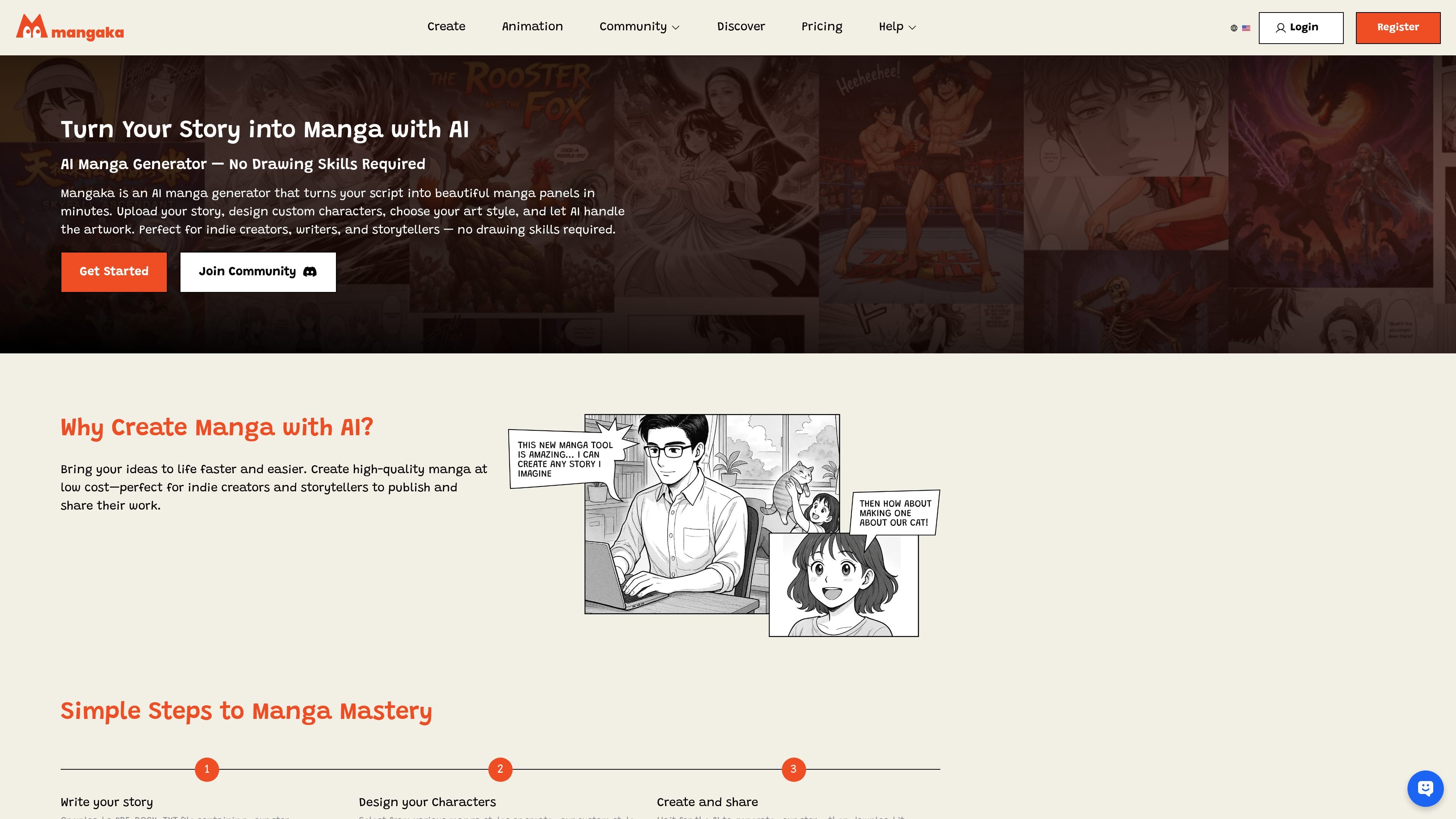
Mangaka is an AI manga generator that helps users turn written stories into manga panels without drawing manually. The product centers on a workflow where you upload or write a script, choose an art style, design characters, and let AI generate the artwork.
Beyond page generation, Mangaka also offers AI-animated manga intros with voiceovers, transitions, and music. The site presents it as a tool for indie creators, writers, storytellers, and studios that want to create and share manga faster, with built-in editing and download steps.
Start from an uploaded script or typed story, then let Mangaka turn it into manga panels. The create page supports PDF, DOCX, and TXT uploads, which makes it useful for writers working from existing drafts.
Choose from several art-style options, including Manga Japan, Painted Anime, Classic Gag Japan, Manhwa, Comic, Children Book, Render 3D, Shonen, Chibi, and Cartoon. This gives creators a way to match the visual tone to the story.
Create and edit character details before generation. The site says you can design custom characters and adjust poses, expressions, and more, which helps keep recurring characters consistent across panels.
Edit dialogue and text in the storyboard before saving or downloading the finished work. That makes the generator more useful for iterative story work than a one-click image tool.
Generate animated manga intros with auto-matched character voiceovers, cinematic transitions, and curated background music. The animation page positions this as a way to turn static chapters into shareable promo videos.
Use a credit-based pricing model with no watermark on paid plans. The pricing page shows different tiers for occasional creators, hobbyists, studio use, and business purchase flow.
Use Mangaka when you already have a script and want it converted into manga panels with minimal manual drawing. The workflow is built around uploading text, choosing a style, and generating pages quickly.
Use the character design step when you need recurring characters to look consistent across chapters or scenes. The site highlights custom character creation and pose or expression adjustment before generation.
Use the storyboard editing tools when you want to refine dialogue and text before saving the final version. That fits creators who iterate on pacing or panel text during production.
Use the animation feature when you want to promote a chapter on short-form video platforms. The page specifically mentions TikTok, YouTube Shorts, and Instagram Reels as sharing contexts.
Use the pricing tiers if you create at different volumes and want a simple credits-based setup. The site offers lower-entry plans for occasional projects and higher tiers for studio or business use.
Mangaka is set up for script-driven manga creation. The source pages show a workflow where you upload or enter a story, design characters, choose an art style, generate manga panels, and then edit dialogue before downloading the result.
Yes. The create page lists PDF, DOCX, and TXT as supported script upload formats.
The source describes manga generation, character design, and AI-animated manga intros. It does not list specific export file types beyond downloading the finished work.
The pricing page shows pay-as-you-go credit plans and subscription-style options for different usage levels, plus a business option that uses a contact flow.
Mangaka's FAQ page says you can contact the team at [email protected] if you still need help.

Image Fx is a web-based AI image generator that turns text prompts into images, with free basic access, no sign-up, and paid credit-based premium models.

PixelPrompt is a browser-based AI image and video workspace for prompt optimization, text-to-image, and text-to-video generation. It supports ecommerce visuals, ad creatives, and short-form UGC-style content without requiring a local GPU.

Nim Video is a web-based AI video and image creation platform for turning prompts, images, and source footage into editable visuals. It offers a free tier and paid subscriptions with added credits, higher output options, and commercial-use features.

迅捷AI写作 is an online AI writing tool for papers, novels, office docs and content creation, with scenario templates, online document writing and multi-format export.

Postfity is a social media management tool for scheduling, planning, publishing, and tracking posts across connected accounts. Includes analytics, inbox management, AI tools, team workflows, and Free and paid plans.

AI Magicx is a unified AI workspace for chat, image, video, voice, music, email and developer tasks, helping teams and creators manage multiple models in one place.