

Local audio and video transcription
Convert local media files such as MP4, MP3, AAC, and M4A into transcripts without reformatting the file first.

Memo AI is a desktop AI transcription app for Windows and macOS, converting audio and video files into text with link transcription and export to SRT, VTT, Markdown, and Notion.
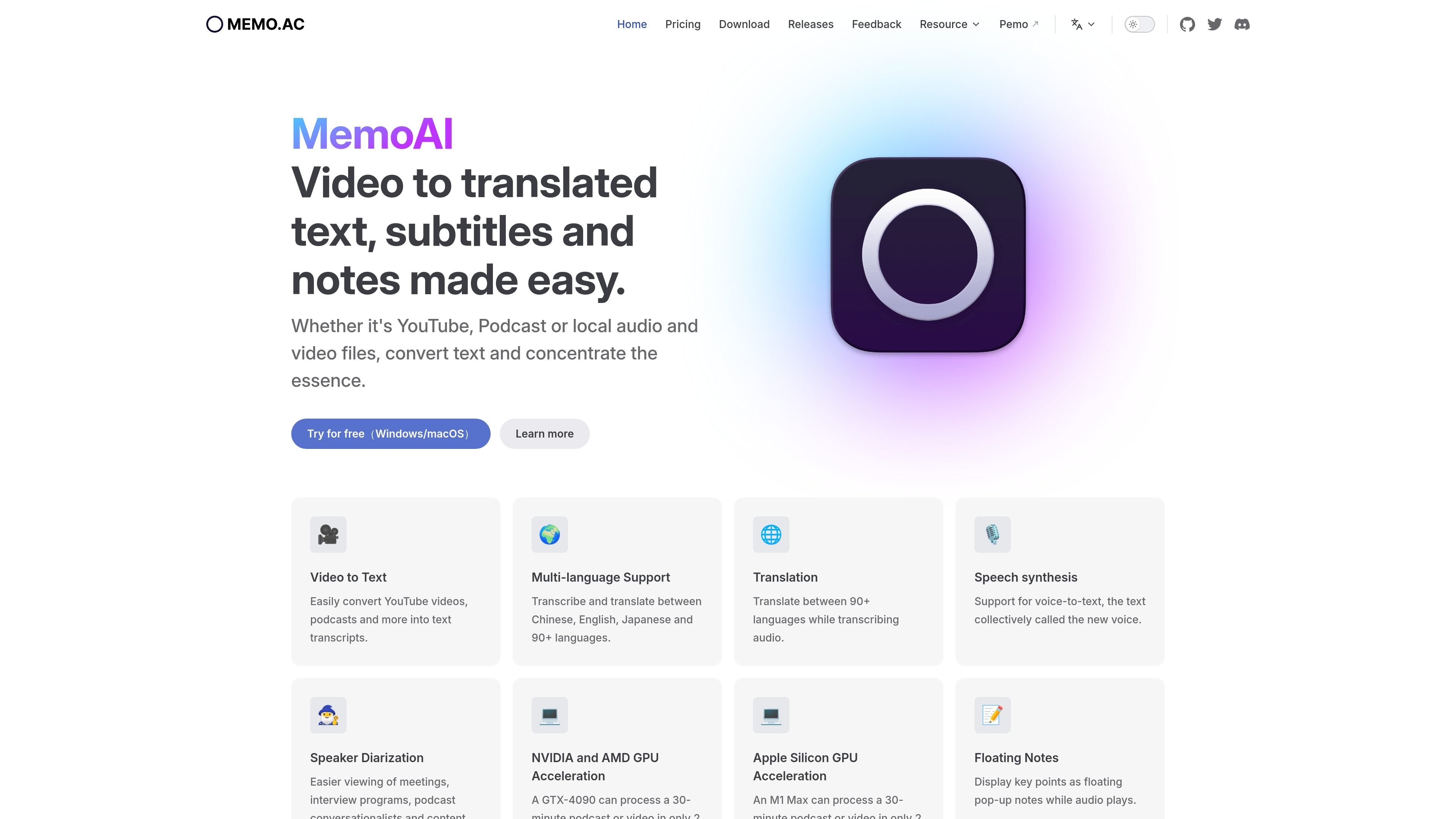
Memo AI is an AI-powered transcription app for converting audio and video into text. The product site positions it as a desktop tool for transcribing local media files as well as online links, with additional support for translation, subtitle generation, and export.
The source pages describe Memo AI as a cross-platform desktop application for Windows and macOS. It is still in beta, uses local processing for privacy, and supports workflows such as meeting notes, podcast transcripts, subtitle translation, and local file conversion.
Convert local media files such as MP4, MP3, AAC, and M4A into transcripts without reformatting the file first.
Transcribe YouTube and podcast links, including support for YouTube, Apple Podcasts, Xiaoyuzhou, and Google Podcasts links.
Translate and transcribe across 90+ languages, with support for Chinese, English, and Japanese called out on the homepage.
Run speech-to-text locally on the device, with the site stating that no data leaves the device and the app works offline.
Generate transcript summaries, customize AI assistant prompts, and export outputs to subtitle and note formats such as SRT, VTT, Markdown, and Notion.
Use GPU acceleration on supported hardware, including Windows PCs and Apple Silicon Macs, to speed up transcription.
Turn recorded meetings, interviews, or conversation-heavy sessions into text so participants can review the discussion and extract action items.
Convert local podcasts or video files into transcripts, then export subtitles or Markdown for editing and publishing workflows.
Paste supported YouTube or podcast links into Memo AI to create transcripts without downloading and reformatting the media first.
Translate subtitles or transcripts across multiple languages when working with multilingual audio, localized learning material, or cross-language review.
Use the desktop app on a personal Windows or Mac machine when you want local processing and offline operation for privacy-sensitive material.
Memo AI is designed to transcribe audio and video files into text, and it also supports link-based transcription for YouTube and podcast URLs.
The guide says Memo AI runs on Windows and macOS. The download page lists Windows 10+ with at least 8 GB of memory, plus Mac support for Apple Silicon and Intel processors.
Export options mentioned in the source include SRT, VTT, Markdown, and Notion. The product page also says subtitle exports are available.
Memo AI is still in beta, and the download and guide pages both say access may require an invitation code. The pricing page also describes a free basic plan and paid plans.
The pricing page says Memo Basic is free forever, while Memo Believer and Memo Pro are paid options. Memo Pro is listed as an annual plan and Memo Believer as lifetime access.

NeverCap AI transcription tool for audio and video to editable text, with batch uploads, speaker labels, timestamps, and 100+ languages.

Minutes is an AI note taking and transcription app for meetings, lectures, and recordings. Turn live audio, files, or YouTube links into notes, transcripts, and summaries.

Altered is an AI voice changer and voice content creation platform for media production and live voice use. It combines voice morphing, text-to-speech, transcription, translation, cloning, and editing in one application.

Subtitle Translate AI is a browser-based subtitle translation tool for SRT and related files. Translate subtitles into 100+ languages while preserving timing, formatting, and context.

讯飞会议 cloud video conferencing for enterprise collaboration, with video meetings, AI transcription and translation, and automatic meeting notes. Public and private cloud.
Immersive Translate is a bilingual AI translation tool and browser extension for websites, PDFs, subtitles, meetings, images, and comics with privacy-focused translation.