

AI photo enhancement
Improve image quality with AI to make photos sharper, clearer, and more lifelike. The enhancer page also mentions restoring old photos and increasing resolution.

Photoeraser is a web-based AI photo editor for removing backgrounds, erasing unwanted objects, and enhancing image quality with simple upload workflows.
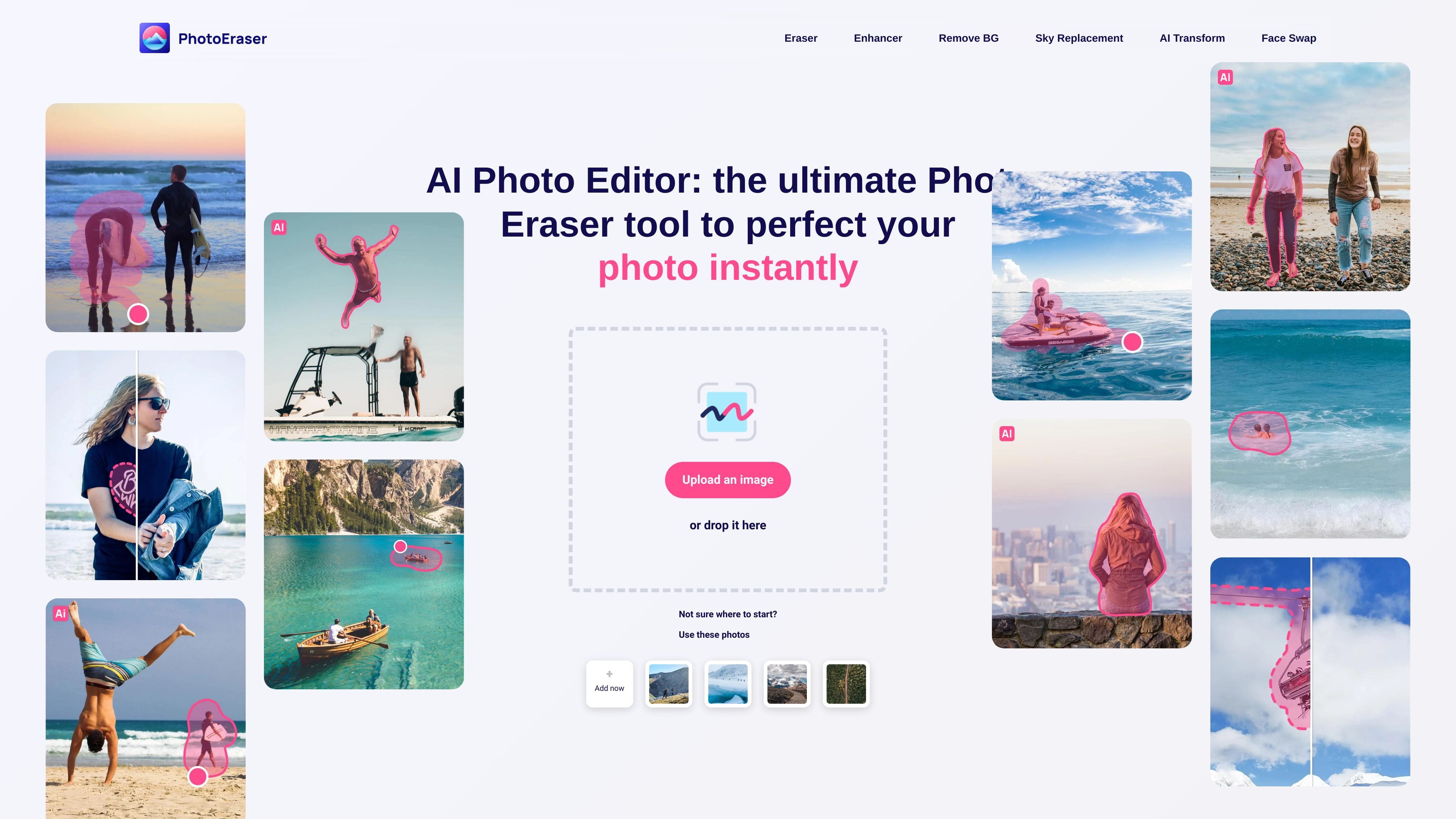
Photoeraser is a web-based AI photo editor focused on common cleanup tasks: improving image quality, removing backgrounds, and erasing unwanted elements from photos. The homepage positions it as a way to get professional-looking results in seconds by uploading an image and applying AI-assisted edits.
The site’s dedicated pages show three specific workflows: background removal, object erasing, and photo enhancement. Together, they make the product useful for quick image cleanup, simpler content preparation, and basic restoration work without describing any setup beyond uploading or dropping a file.
Improve image quality with AI to make photos sharper, clearer, and more lifelike. The enhancer page also mentions restoring old photos and increasing resolution.
Remove backgrounds from uploaded images in seconds for simpler cutouts and cleaner product or portrait visuals.
Erase unwanted objects, people, defects, or watermarks from photos with an object-removal workflow.
Use the same site to upload an image or drag and drop it into the editor, keeping the workflow simple and fast.
Start from suggested sample photos when the site offers them, which can help users try the tool without preparing their own image first.
Clean up a photo by removing people, objects, defects, or watermarks that distract from the main subject.
Turn a portrait, product image, or screenshot into a cutout by removing the background from the source image.
Improve blurry or low-detail images by increasing resolution and making them appear sharper and clearer.
Restore older photos or reduce visible softness when a user wants a more detailed version of an existing image.
No. The homepage and feature pages show upload-based editing without sign-up language on the background-removal page, which describes the tool as free to use.
The site presents it as a browser-based image editor that works by uploading or dropping an image on the page. No desktop app or mobile app is mentioned in the provided pages.
The provided pages show three main workflows: enhancing photo quality, removing backgrounds, and erasing unwanted objects from photos.
The source does not confirm plan tiers or pricing because the pricing page returns a 404 error.

简单AI is Sohu’s online AI tool for AI image generation, AI writing, and online image editing—ideal for quickly creating images, copy, or basic retouching.

Photoroom is an AI visual editing platform for e-commerce that removes backgrounds, creates product images, and prepares listings from phone, web app, or API workflows.

Upsampler is an AI platform for creating, editing and upscaling images and videos in one workspace. Pay per credit, full API access, commercial use included.

AI HomeDesign is a web-based photo editing toolbox for real estate listings, with AI staging, item removal, day-to-dusk rendering, enhancement, and renovation tools. It is built for agents and other listing workflows that need editable, listing-ready images quickly.

Lummi is a free AI stock media platform for browsing royalty-free photos, illustrations, 3D assets, and short video generations. It also includes tools for reframing, restyling, background removal, and 3D customization.

Aiarty is a desktop AI suite for enhancing images and video and removing backgrounds with precision, built for local photography, e-commerce, design and content workflows.