

Template library
Browse a library of LinkedIn post templates and examples drawn from top creators, with template browsing across creator, format, and topic filters.

Postli is an AI-powered LinkedIn content creation tool for drafting posts from templates, examples, and AI suggestions.
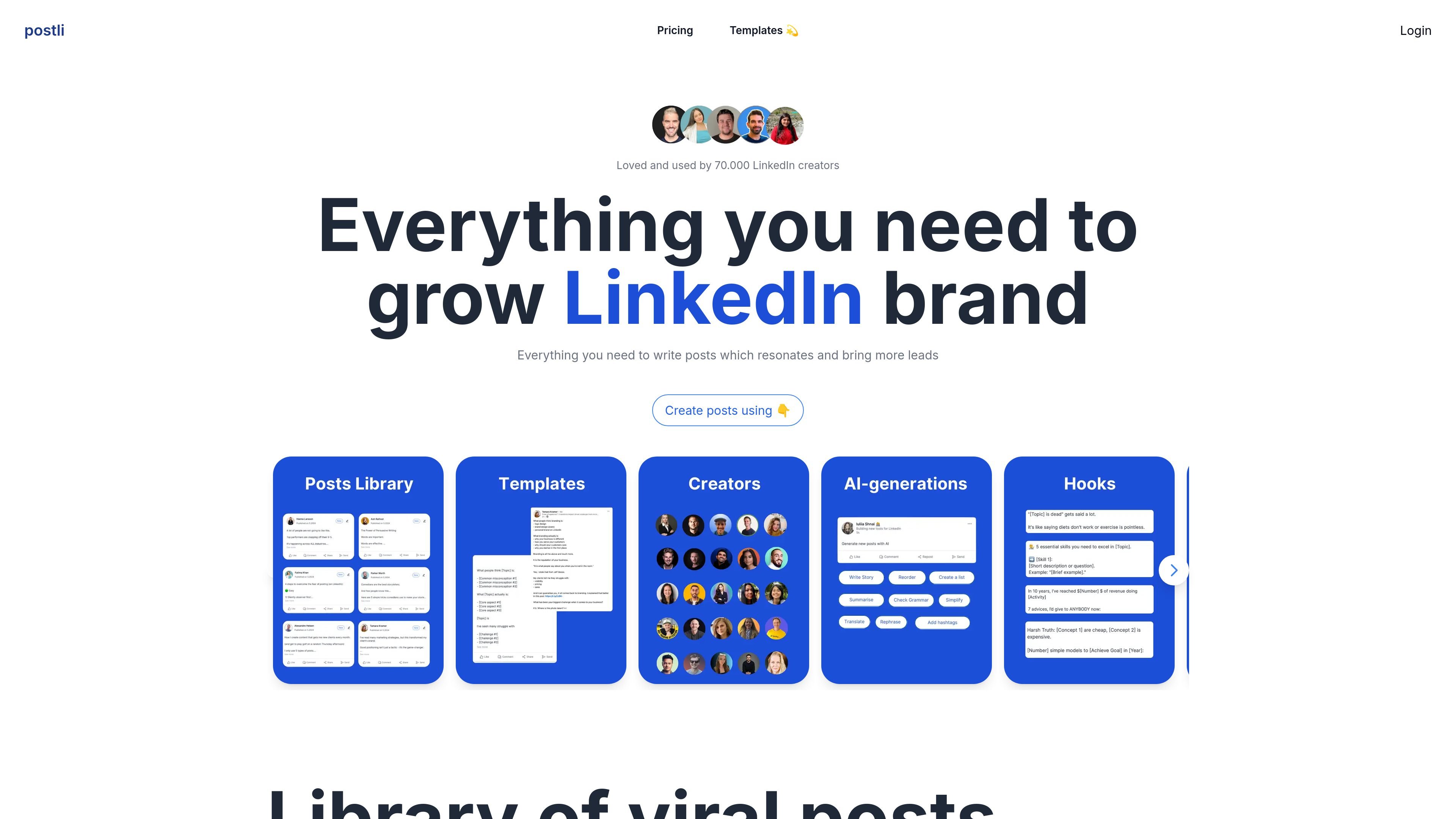
Postli is an AI-powered LinkedIn content creation tool that helps users draft posts from templates, examples, and AI-generated suggestions. The site positions it around writing LinkedIn content that resonates and helps bring in more leads.
The product centers on a large library of LinkedIn post templates and creator examples, with filtering by creator, format, and topic. It also offers plan-based AI generations, personalized post recommendations, and scheduling on the free plan, with paid tiers adding larger generation limits and team features.
Browse a library of LinkedIn post templates and examples drawn from top creators, with template browsing across creator, format, and topic filters.
Generate post drafts from templates or create from scratch, giving users a starting point for different LinkedIn writing workflows.
Use AI generations to produce content, with plan-based limits that range from 3 AI generations per day on Free to unlimited on higher tiers.
Save and reuse post examples and access a database of LinkedIn creators, which supports inspiration and reference-based writing.
Get daily post recommendations and monthly library updates on eligible plans, helping the content library stay current.
Team plans support multiple users, workspaces, and LinkedIn accounts, so shared content creation can happen within one account structure.
Use the template library to turn a blank idea into a LinkedIn post, then adapt examples from top creators to match a chosen angle or tone.
Browse posts by creator, format, or topic when you want inspiration for a specific content style such as storytelling, tips, or startup commentary.
Use the free plan or lower-tier paid plans to generate a steady flow of drafts, then upgrade when you need more AI generations or higher usage limits.
Give teammates separate workspaces or LinkedIn accounts on the Team plan when multiple people contribute content under one brand or account structure.
Use the scheduling and recommendation features to keep a regular LinkedIn posting routine without building everything manually from scratch.
Postli is built to help users create LinkedIn posts from templates, examples, and AI generation. The source also shows options to continue with LinkedIn or Google and to start generating posts from templates, hooks, and AI generations.
The pricing page shows a free plan, Solo, Solo Pro, and Team plans. The plans differ by generation limits, user count, workspace access, and support level.
Yes. The pricing page lists a Team plan that includes 2 users, 2 workspaces, 2 LinkedIn accounts, library access in each workspace, unlimited AI generations, templates for each account, and 48-hour priority support.
The source does not show integration details beyond LinkedIn-oriented workflows and sign-in options. It is safer to review the product directly for specific connected apps or automations.
The template pages emphasize creating posts from a large library of LinkedIn examples and templates, with filters by creator, format, and topic, plus personalized post recommendations on some plans.

Postfity is a social media management tool for scheduling, planning, publishing, and tracking posts across connected accounts. Includes analytics, inbox management, AI tools, team workflows, and Free and paid plans.

Spira AI is an AI influencer platform for creators and teams to automate social content creation, publishing, and performance-led iteration with free trial and Business plans.

Vetta X is an AI growth workspace for X that drafts replies and posts in your voice, tracks creators, and enables one-tap publishing after approval.

AI Magicx is a unified AI workspace for chat, image, video, voice, music, email and developer tasks, helping teams and creators manage multiple models in one place.

RankSpot is an AI SEO platform that researches, writes, and publishes blog content automatically to boost organic visibility in Google and AI answers.

CVGist is an AI-powered resume generator that helps job seekers create, tailor, and edit resumes from an existing file, a LinkedIn profile, or a short brief. It offers ATS-friendly templates, job-specific tailoring, and Word/PDF export.