

Visual scheduling calendar
Plan and publish content from a single calendar, with drag-and-drop scheduling and cross-posting across more than 11 networks.

PostSyncer is a social media scheduling and management platform with a shared calendar, AI content tools, and MCP/API access for assistants and automations.
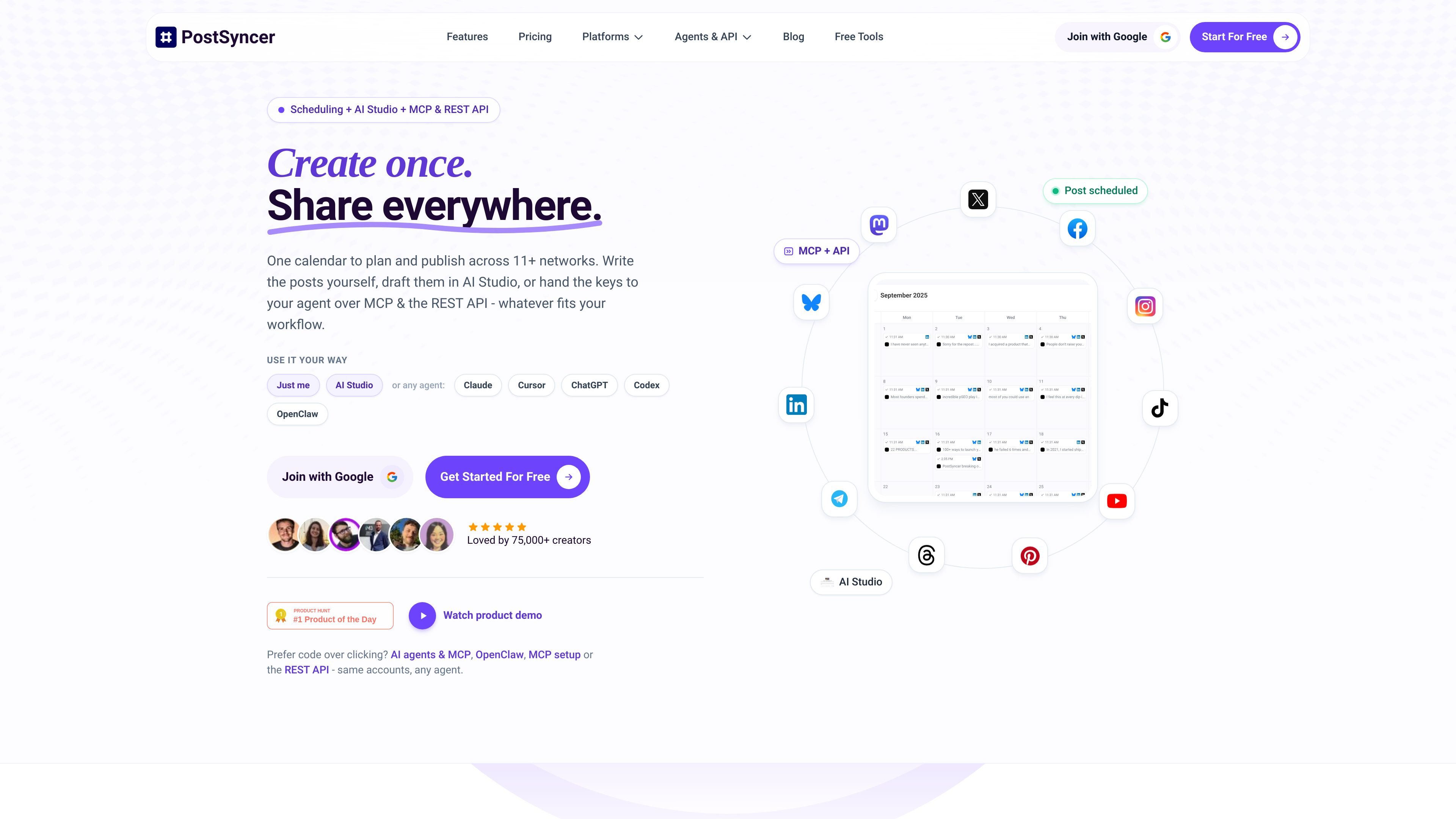
PostSyncer is a social media scheduling and management platform built around a shared calendar, AI content tools, and agent-friendly access. It lets users plan posts in the browser, generate captions and media in AI Studio, or connect an AI assistant through MCP and the REST API.
The site positions the product for creators, teams, agencies, and developers who want one workspace for scheduling, collaboration, analytics, comments, and automation. Pricing pages also show unlimited team members on all plans and a 7-day free trial, with paid tiers that add more accounts, workspaces, analytics depth, and API throughput.
Plan and publish content from a single calendar, with drag-and-drop scheduling and cross-posting across more than 11 networks.
Create captions, images, and short videos with AI Studio, including AI image and video generation modes mentioned on the pricing page.
Hand posting and related actions to Claude, Cursor, ChatGPT, Codex, OpenClaw, or other MCP clients through the shared MCP endpoint and token-based access.
Build automations with the REST API, OAuth2, SDK, and webhooks, or connect PostSyncer to tools such as n8n, Make.com, Zapier, or cron jobs.
Collaborate with unlimited teammates, use roles and approvals, and manage multiple workspaces for brands or clients.
Track performance and manage conversations in one place with analytics, unified comments, moderation, and contact management.
Plan posts on a visual calendar, drag items into place, and publish to multiple accounts from a single workspace without switching between tools.
Assign workspaces, roles, and approvals so teammates can review content, keep campaigns organized, and manage multiple brands or clients separately.
Use AI Studio to draft captions, generate images or short videos, and turn inputs such as text, URLs, PDFs, images, or videos into social content.
Connect Claude, Cursor, ChatGPT, Codex, or OpenClaw through MCP to let an assistant draft, schedule, reply, and read analytics inside PostSyncer.
Use the REST API, webhooks, SDK, or third-party automation tools to build scheduled posting and publishing flows into an existing stack.
It provides social media scheduling, AI-assisted content creation, and MCP/API access from one workspace. The site also says you can use the browser calendar or hand tasks to an AI agent through MCP.
The site says PostSyncer supports scheduling to 11+ platforms from one calendar, but the collected text does not list every supported network in one place.
Yes. The pricing page says all plans include a 7-day free trial, and the site notes you can connect unlimited team members on every plan.
PostSyncer offers MCP access and a REST API, with setup docs for Claude Desktop, Claude Code, and Cursor, plus support for other Streamable HTTP clients that send a Bearer token.
The source describes AI Studio, a visual content calendar, unified comments, approvals, analytics, CRM contact management, and developer access through API, webhooks, and MCP.

Postfity is a social media management tool for scheduling, planning, publishing, and tracking posts across connected accounts. Includes analytics, inbox management, AI tools, team workflows, and Free and paid plans.

TakeCareOS is a web platform for home care, disability, and aged care agencies, with rostering, billing, compliance, and AI admin tools.

Hurree is an AI-powered reporting and analytics platform that centralizes company data, shared dashboards, and Riva summaries, recommendations, and forecasts.

Firebase Studio is a web-based workspace for full-stack app development with Gemini-assisted coding, app previews, cloud emulators, collaboration, and browser deployment.

AI Magicx is a unified AI workspace for chat, image, video, voice, music, email and developer tasks, helping teams and creators manage multiple models in one place.

Paper is a design tool that connects canvas, code, and AI agents so teams can create, share, and ship work in one workflow. Includes desktop app and MCP access.