

Save and summarize content
Save articles, videos, podcasts, PDFs, and notes, then get an automatic summary so the material is easier to revisit later.

Recall is a personal AI knowledge base for saving, summarizing, organizing, and chatting with articles, videos, podcasts, PDFs, and notes. Web, browser extension, and mobile support.
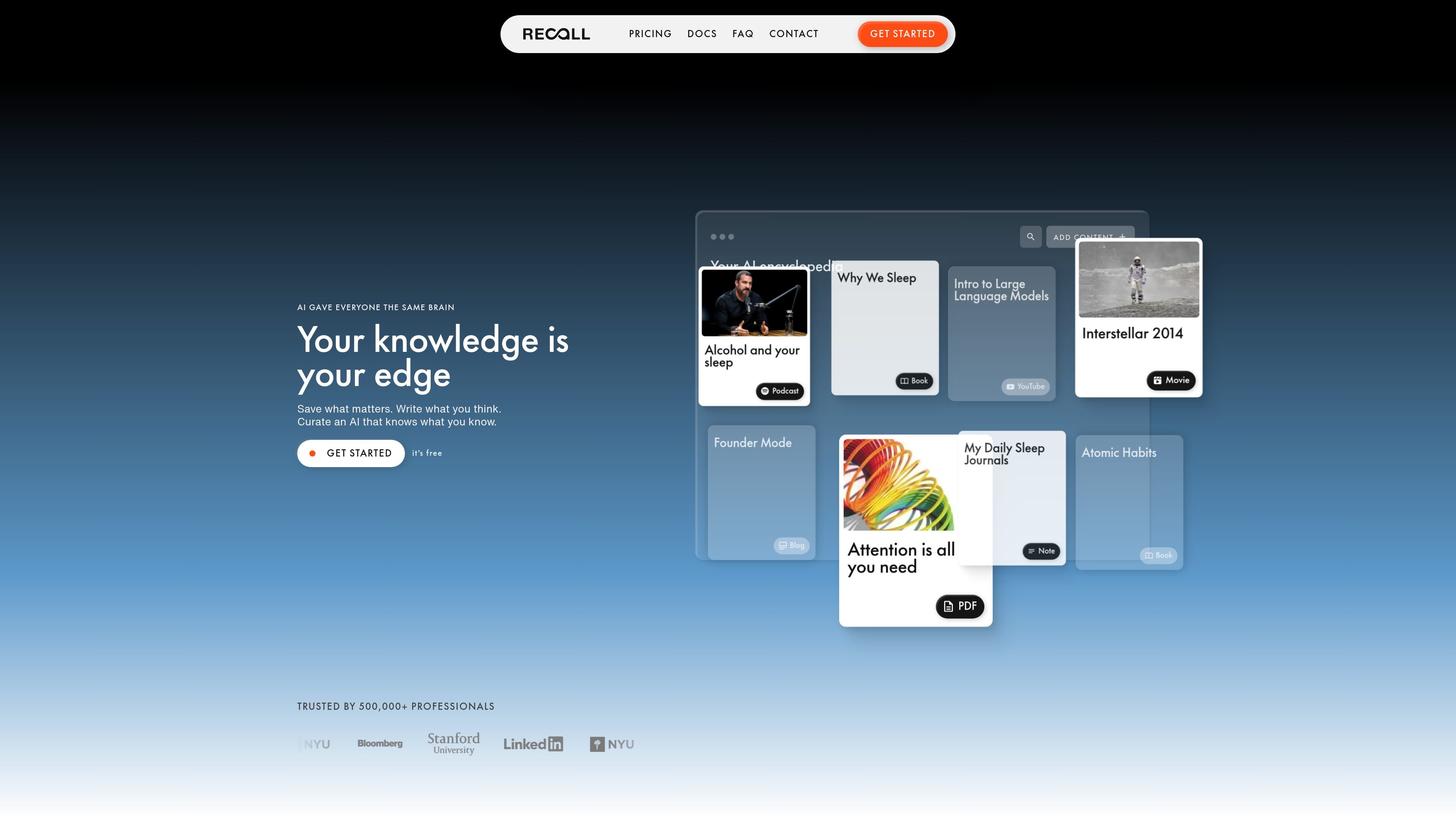
Recall is a personal AI knowledge base for saving material you read, watch, or write and then organizing it for later use. It supports articles, YouTube videos, podcasts, PDFs, and notes, and it is designed to help people keep one connected library of information instead of scattered saved items.
The product summarizes saved content, links related ideas, and lets you chat with your library or the wider web. The pricing page shows a Free tier, a Plus plan for a lifelong AI knowledge base, and a Max plan for higher-volume workflows with bulk actions and model choice.
Save articles, videos, podcasts, PDFs, and notes, then get an automatic summary so the material is easier to revisit later.
Recall organizes saved items with smart tags and automatic connections so related material is grouped together over time.
Chat with saved content, the open web, or both in a single conversation across your knowledge base.
Turn summaries into audio with text-to-speech playback and custom voices for listening while commuting or working.
Generate related connections visually in a knowledge graph and use augmented browsing to resurface relevant items while you browse.
Import content at scale with bulk import for bookmarks and Markdown notes, and use bulk AI actions on the Max plan.
Capture articles, videos, podcasts, PDFs, and personal notes into one place, then return to them later without rebuilding context from scratch.
Summarize material as you save it and rely on smart tags, linked notes, and a knowledge graph to keep a growing library usable.
Ask questions about what you have saved, the open web, or both when you want answers grounded in your own reading and listening history.
Use Listen Mode and quiz tools to review saved material on the go and reinforce long-term retention.
Use bulk import, bulk AI actions, API, and MCP access when you need to process content at higher volume or connect Recall into another workflow.
Recall is a personal AI knowledge base for content you choose to save, including articles, YouTube videos, podcasts, PDFs, and notes. It summarizes, organizes, and lets you chat with that saved material in one place.
Recall supports the web app, Chrome and Firefox browser extensions, and mobile apps for iOS and Android.
The Free tier is available forever without a credit card. It includes unlimited read-later saves, unlimited notes, and 10 AI summaries per month; paid plans add more AI features and higher-volume workflows.
Recall is not Microsoft Recall or Recall.ai. The product here does not record your screen or desktop, and it is not a meeting-recording tool for sales workflows.
Recall can connect to other AI tools through API and MCP access, and the paid plans add broader use of AI models and bulk actions.

书生 is a general-purpose large model suite for language, multimodal, weather, ocean, industrial design, 3D, finance, and scientific discovery tasks.

小艺 is Huawei’s AI smart assistant for Q&A, writing, document reading, code help, image recognition, and file drag-and-drop.

RLAMA is a local AI platform for building RAG systems and intelligent agents on macOS, Linux, and Windows, with HTTP API support.

心流AI助手 is an AI assistant for fast knowledge lookup, covering daily百科, life, entertainment, and academic Q&A on web and App.

Hugo is an AI-powered support agent for customer service teams. Resolve tickets, automate support work, and provide 24/7 replies with your business data.

Anara is an AI research workspace that searches your library and the web, then helps you write with cited claims and source-backed answers.