

Digital human creation
Create a digital human from a template, then customize the script, voice recording, expressions, and movement in a guided workflow that the site says takes only minutes.

TalkingAvatar is an AI video and avatar creation platform for voice cloning, lip-sync, digital humans, and video redubbing.
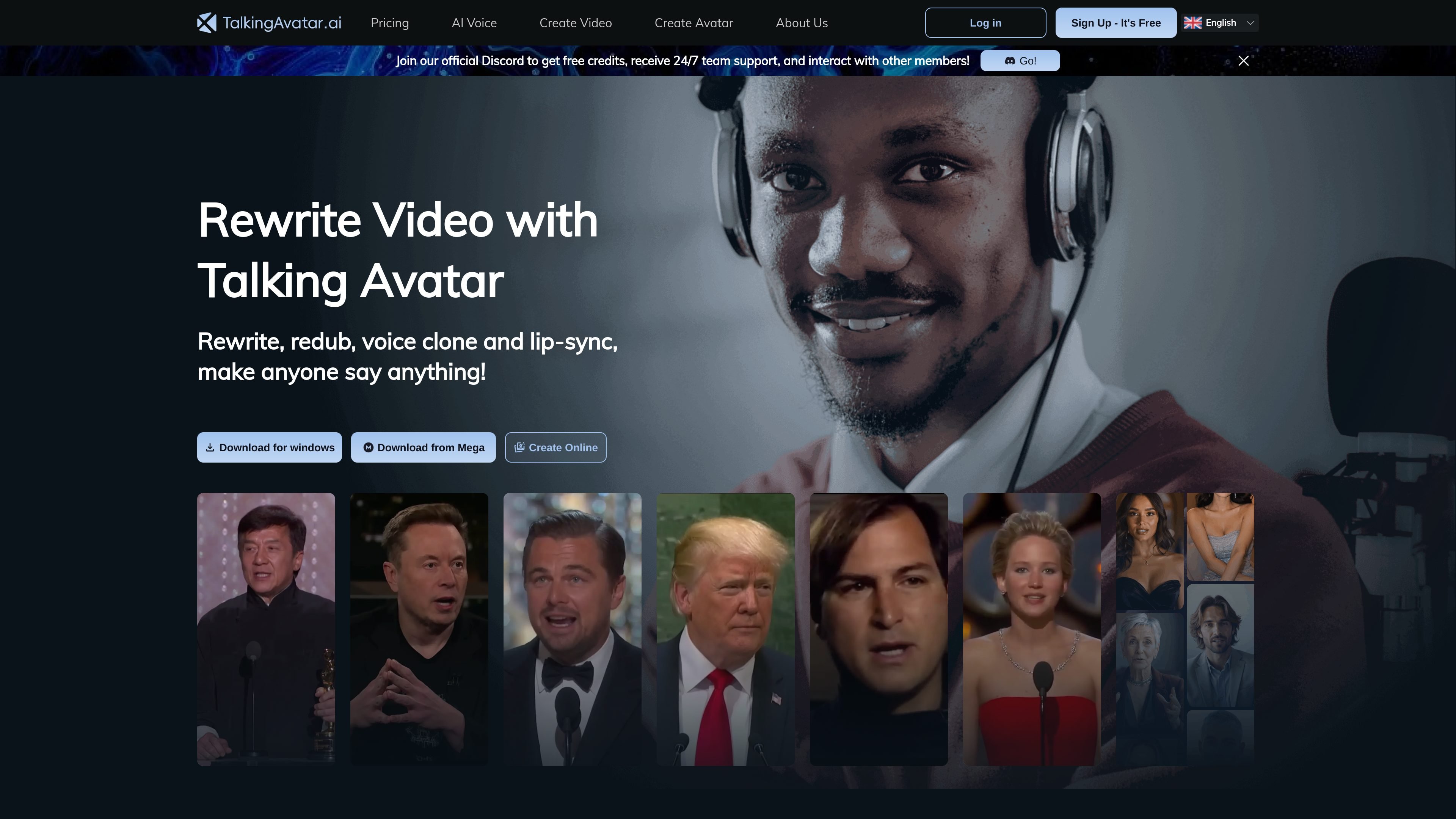
TalkingAvatar is an AI platform for rewriting video with talking avatars, voice cloning, and lip-sync. The site positions it around practical video workflows such as redubbing existing footage, creating new avatar videos, and making a digital human speak from a short voice sample or script.
Across the product pages, the core job is to turn audio or text into synchronized speech and facial movement. It supports one-sentence voice cloning, multi-speaker lip-sync, stream-avatar use, and podcast-style workflows, and the pricing page shows both a free plan and paid plans for heavier use.
Create a digital human from a template, then customize the script, voice recording, expressions, and movement in a guided workflow that the site says takes only minutes.
Clone a voice from a single sentence of audio and use it to generate new speech for redubbing, narration, or avatar videos.
Sync lip movements for one or multiple speakers with AI-generated mouth shapes that are designed to match speech and preserve the original expression.
Replace a live camera feed with an AI body double for streaming and online meetings, including use on Zoom, Twitch, and TikTok as described on the home page.
Import podcast-style audio, diarize speakers, match segments to each speaker, and apply lip-sync so AI-generated audio can be paired with faces in one step.
Support multilingual output and voice work across the site’s described workflows, including redubbing and content creation for different languages.
Refresh an existing video by rewriting the script and redubbing it with a cloned voice, while keeping the video aligned with the new audio.
Create a digital presenter or virtual character for brand, education, or content projects where you want a human-like on-screen speaker without filming new footage.
Turn podcast-style audio into a face-led presentation by importing the audio, separating speakers, and matching lip movement to each speaker.
Replace a live camera feed during streams or meetings with an AI body double that speaks and lip-syncs to the user’s voice.
Produce multilingual versions of the same video by combining voice cloning and lip-sync so speech and mouth movement stay aligned across languages.
TalkingAvatar provides a browser-accessible product page and a Windows download option, but the source material does not document a full setup checklist beyond joining the app and using the featured workflows.
The source describes voice cloning, lip-sync, digital human creation, video redubbing, and stream-avatar use cases, so it is aimed at people who want to create or rewrite video with AI-generated speech and synchronized avatars.
The pricing page shows a free plan and paid plans, with plan differences focused on watermarking, credits, and usage limits for voice cloning and lip-sync workflows.
The source highlights one-sentence voice cloning, one-click multi-speaker lip-sync, and notebook-style podcast audio handling, but it does not provide a detailed export or integration list.
The available pages only confirm Windows support through the site download and system requirements; they do not document macOS, mobile apps, or API integrations.

SkyReels is an AI video generation platform and API for cinematic videos from text, images, and reference media, with avatar, lip-sync, extension, and restyling workflows.

HiDream.ai is a free, browser-based AI image and video creation platform for prompts, images, audio, lip-sync, and 4K editing.

Checksub is an AI subtitle generation and dubbing platform for videos. Localize content with subtitles, translation, voice cloning and lip-sync workflows.

Rizzle turns articles into editorial-grade video and distributes it across major channels with AI-assisted, human-reviewed workflows for publishers.

Altered is an AI voice changer and voice content creation platform for media production and live voice use. It combines voice morphing, text-to-speech, transcription, translation, cloning, and editing in one application.

Upsampler is an AI platform for creating, editing and upscaling images and videos in one workspace. Pay per credit, full API access, commercial use included.