Typogram icon

Typogram

Reclamar

Typogram is a browser-based logo and typography design tool for startups and other users who want editable brand marks, font exploration, and PNG or SVG export. It also offers an MCP connection for working with Claude and other AI environments.

Typogram

Overview

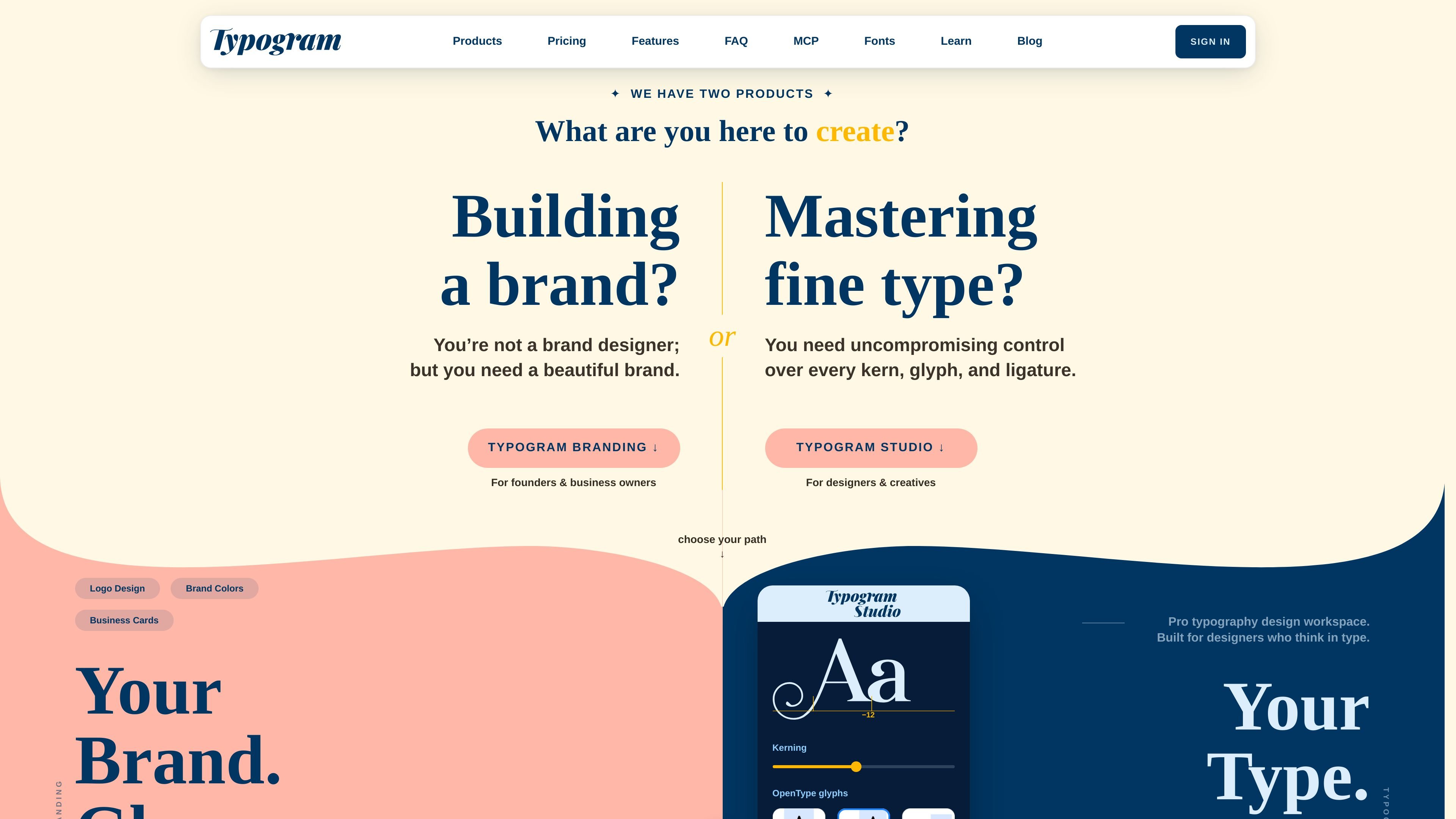
Typogram is a browser-based logo and typography design tool focused on helping users create brand marks with editable type, icons, and layout controls. The home page positions it as a beginner-friendly logo design tool for startups, while the help center and MCP page show that it also supports a more iterative design workflow.

The product centers on building unique logos and typographic designs rather than generating random results. Users can start from a free account or a paid license, refine text and letterforms in the editor, explore fonts and color palettes, and export work as PNG or SVG depending on plan and font support.

Features

Free account and paid licensing

Create a free account to explore the editor before upgrading, or choose a paid license if you want continued access. The home page presents both Basic and paid options, which makes it possible to try the product before committing.

Detailed typographic editing

Edit text, letters, shapes, icons, and anchor points inside the logo editor. The help center articles on letter spacing, color choice, and icon swaps reinforce that the editor supports hands-on refinement rather than only one-click generation.

Layout exploration and artboards

Generate unlimited typographic layouts on the paid Premium plan, and work with duplicated artboards in the learning materials. That combination points to a workflow for exploring multiple directions instead of settling on a single draft.

Color and font styling controls

Search and apply color palettes, and apply variable font gradients. These controls help users tune the look of a wordmark or logo without leaving the editor.

PNG and SVG output

Export designs as PNG and SVG, with SVG support varying by plan and font type. The home page also notes clipboard copying for both formats on supported tiers.

MCP workflow for AI-assisted design

Use the MCP integration to connect Typogram with Claude Code, Claude Desktop, VS Code with Copilot, Codex, and supported AI web apps. The MCP page lists tools for generating artboards, editing text, searching fonts, and creating or swapping icons.

Use cases

  • Startup logo creation

    Use Typogram to build a startup logo from a blank concept, then refine the typography, spacing, colors, and icons inside the editor. This matches the site’s beginner-friendly positioning for startup branding.

  • Exploring multiple brand directions

    Use the editor to iterate on wordmarks and typographic layouts across duplicated artboards. The help center’s references to gallery view and duplicated artboards suggest a comparison-friendly drafting workflow.

  • Font-led brand design

    Use the font library and style tools to test different font families, weights, and variable font gradients before exporting a final design. The fonts page shows a large searchable font collection, which supports this kind of selection workflow.

  • AI-assisted logo drafting

    Use the MCP endpoint when you want Claude or another supported AI environment to generate and refine logos through conversation. The MCP page lists tools for adding text, searching fonts, adding icons, and generating artboards.

  • Exporting designs for handoff

    Use the export options to produce PNG files quickly or SVG files when the selected plan and font support allow it. This is useful for handoff, review, and further editing in other tools.

Pros and Cons

Pros

  • Supports detailed editing of text, letters, shapes, icons, and anchor points.
  • Offers free access to try the editor before buying.
  • Includes PNG and SVG export options.
  • Provides a large font library, including premium fonts on paid plans.
  • Connects to Claude and other AI tools through MCP.
  • Includes help content on practical design tasks such as spacing, colors, and duplicated artboards.

Cons

  • The public sources do not show a broad third-party integration catalog beyond the MCP connection.
  • SVG export is limited by plan and font type, so not every design has the same export path.

FAQ

What is Typogram used for?

Typogram is designed for creating logos and typographic brand designs through a browser-based editor. The help center includes topics such as letter spacing, brand colors, duplicated artboards, and the custom logo editor, which suggests a workflow centered on building and refining brand graphics inside the studio.

Does Typogram offer a free option?

Yes. The home page offers a free Basic plan and a free account option to try the features before upgrading. It also lists a Premium plan and a Lifetime License for paid access.

What are the main plan differences?

The home page says Basic includes PNG export on all designs, copy to clipboard, SVG export with non-premium fonts, 3 vector icons generated with AI, variable font gradients, color palette search and application, text and shape editing, and unlimited typographic layouts. Premium adds broader SVG export and AI icon generation limits, plus access to a larger premium font library.

Can Typogram connect to AI tools or workflows?

Typogram includes an MCP endpoint for Claude Code, Claude Desktop, VS Code with Copilot, Codex, and AI web apps such as Claude.ai and Perplexity.ai. The MCP page says this lets Claude generate logos, explore fonts, and craft typography-driven designs from a conversation.

What can I export from Typogram?

The sources show export to PNG and SVG, plus copy-to-clipboard support for PNG and SVG on some plans. They do not provide evidence for other export targets or file formats.

Quick Facts

Category
Design Tool
Primary use
Logo and typography design
Platform
Web app
Pricing
Free Basic plan, Premium plan, and Lifetime License
Integration
MCP for Claude, VS Code with Copilot, Codex, and AI web apps
Domain
typogram.co