

File upload and link-based transcription
Upload audio or video files from your device, or paste a YouTube or other online video link, then start transcription from a single workflow.

UniScribe transcribes audio and video files or pasted video links into text, and generates summaries, mind maps, key questions, and exports.
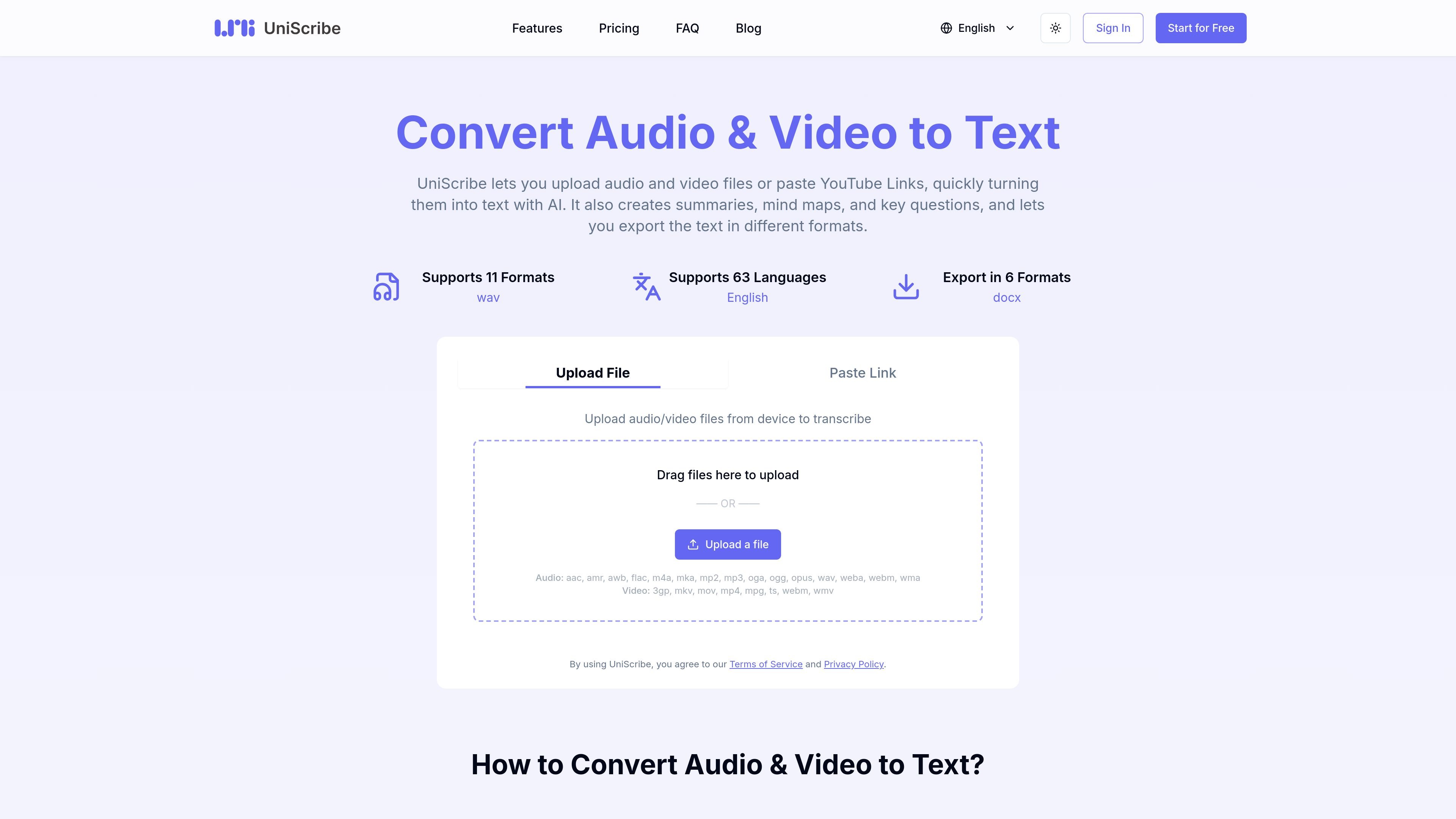
UniScribe is an online audio and video transcription service that converts uploaded files or pasted video links into text. The site positions it as a simple way to turn recordings into transcripts without a desktop workflow or manual typing.
Beyond transcript generation, UniScribe also produces summaries, mind maps, and key questions, and it offers export options for text and subtitle formats. The pricing page shows a free tier plus paid plans with longer file limits, higher volume, and additional features such as speaker identification and API access.
Upload audio or video files from your device, or paste a YouTube or other online video link, then start transcription from a single workflow.
The product turns speech into text and presents exportable transcripts for common document and subtitle formats.
UniScribe can generate short summaries, mind maps, and key questions from uploaded media to help review the content after transcription.
The site lists export formats including TXT, PDF, DOCX, SRT, CSV, and VTT, plus a shareable transcript link.
Paid plans include speaker identification, AI translation, bulk transcription, and an API for programmatic access.
The pricing page indicates transcription support across 63 languages, with language examples shown on the languages page.
Upload recorded meetings, interviews, lectures, or notes and convert them into readable text for review or editing.
Paste a YouTube link to get a transcript without downloading the video first, which suits online talks and tutorials.
Use the generated summary, mind map, and key questions to review long recordings more quickly or prepare study notes.
Export transcripts as DOCX, PDF, TXT, SRT, CSV, or VTT when you need a document, subtitle file, or data file.
Use paid-plan features such as speaker identification, bulk transcription, or API access when you need more volume or programmatic workflows.
Yes. The site shows a free plan with no credit card required. It includes 120 transcription minutes per month, one file at a time, up to 30 minutes per file, and limited to 3 files per day.
UniScribe supports audio and video uploads, and the site lists common formats such as AAC, MP3, WAV, FLAC, M4A, MP4, MOV, MKV, WMV, and WebM.
The site says transcription usually takes less than a minute for a 1-hour file, though actual timing can vary by file and workload.
Export options listed on the site include TXT, PDF, DOCX, SRT, CSV, and VTT. The product also lets you share a link to view the transcript directly.
The pricing page says paid plans include 63-language transcription. The languages page lists examples such as German, English, Spanish, French, Italian, Dutch, Polish, and Portuguese.

Minutes is an AI note taking and transcription app for meetings, lectures, and recordings. Turn live audio, files, or YouTube links into notes, transcripts, and summaries.

NeverCap AI transcription tool for audio and video to editable text, with batch uploads, speaker labels, timestamps, and 100+ languages.

Noiz is an AI YouTube video summarizer that turns videos into key points, Q&A-style takeaways, timestamped summaries, or readable text. It is aimed at people who want to review, study, or scan YouTube content faster without watching it end to end.

讯飞写作 is an AI writing assistant for office, news, marketing and official content. Import audio, video, Word, images and PPT to draft faster.

闪念贝壳 is an AI voice notes app to quickly capture ideas by voice, then organize, summarize, and expand them with AI.

Speakflow online teleprompter for writing and organizing scripts, voice scrolling, team collaboration, and cross-device syncing. Free and paid plans available.