

AI website generator
Describe a website and generate a complete design that can be refined or exported without rebuilding layouts by hand.

UXMagic is an AI UI generator that turns text, sketches, screenshots, and URLs into Figma-ready designs, with export to HTML or React and Figma design-system import.
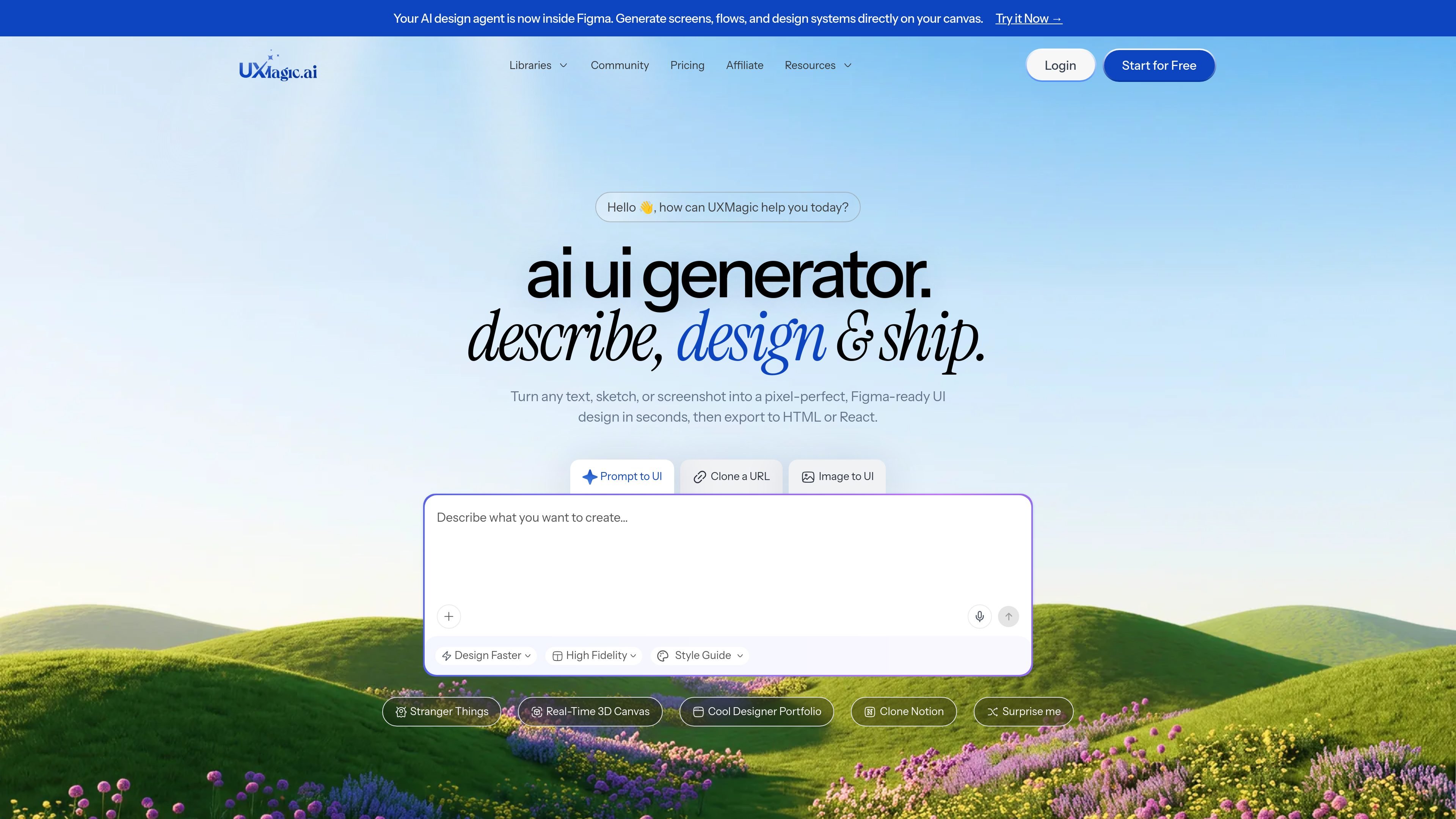
UXMagic is an AI UI design generator that turns text prompts, sketches, screenshots, and URLs into editable, Figma-ready interface designs. It is aimed at designers, product managers, founders, and teams that want to move from idea to UI without starting each screen from scratch.
The product focuses on producing structured UI layouts that can be refined in Figma or exported as code. Source pages also describe workflows for cloning existing websites, importing design systems, and generating wireframes, mockups, landing pages, dashboards, and prototypes.
Describe a website and generate a complete design that can be refined or exported without rebuilding layouts by hand.
Turn product descriptions into clickable prototypes that are ready for review and testing.
Generate dashboard layouts with charts, metrics, and navigation from a prompt.
Convert text prompts, screenshots, sketches, or URLs into structured UI layouts for Figma and web output.
Bring in existing Figma projects, components, styles, and brand assets so new screens follow the same design system.
Export designs to Figma and to code outputs such as HTML, React, and Webflow where supported.
Turn a product idea into a first-pass interface when you want a structured starting point instead of a blank canvas.
Convert hand-drawn sketches or screenshots into editable screens for faster iteration in Figma.
Paste a live website URL to recreate the layout as an editable design for analysis, redesign, or adaptation.
Create dashboard layouts, wireframes, and prototypes for reviews, planning, and early validation.
Import existing Figma components and styles so new screens stay aligned with an established brand system.
UXMagic is an AI UI design generator for turning text prompts, hand-drawn sketches, screenshots, and URLs into Figma-ready UI designs.
UXMagic can generate multi-screen UI designs from a prompt, export them to Figma for refinement, and then export clean HTML or React code for handoff or deployment.
It supports text-to-UI, image or screenshot-to-UI, sketch-to-UI, and URL cloning. The output can include editable Figma designs and exported HTML, React, or Webflow workflows where supported.
Yes. UXMagic supports Figma export, a dedicated Figma plugin, and importing a Figma design system so generated screens can follow existing typography, colors, and components.
Pricing information shows a free option with no card required and paid plans with monthly or annual billing, plus an enterprise option for teams that need custom billing.

Framer is an AI website builder for professional sites. It helps teams design, manage CMS content, optimize SEO, collaborate, and publish from a single no-code workflow.
Musavir.ai is an AI website builder that turns a prompt or brief description into a website draft in the browser.

EZsite AI is an AI website builder that turns a URL into a fullstack React or Vue.js app with hosting, custom domains, code export, and backend features.

Paper is a design tool that connects canvas, code, and AI agents so teams can create, share, and ship work in one workflow. Includes desktop app and MCP access.

Superside is an AI-powered creative service for enterprise and in-house teams, with global talent, AI-first workflows, and subscription-based support.

Softr is a no-code platform for business apps, portals, and internal tools with AI-assisted creation, visual editing, and data connections.