

Text-to-audio jingle creation
Create short audio branding pieces by entering text, then choosing an intro, background, and outro for the final mix.
AI Jingle Maker is a browser-based tool for making branded audio jingles, DJ drops, podcast intros, and promos with text-to-audio, royalty-free sounds, and no subscription.
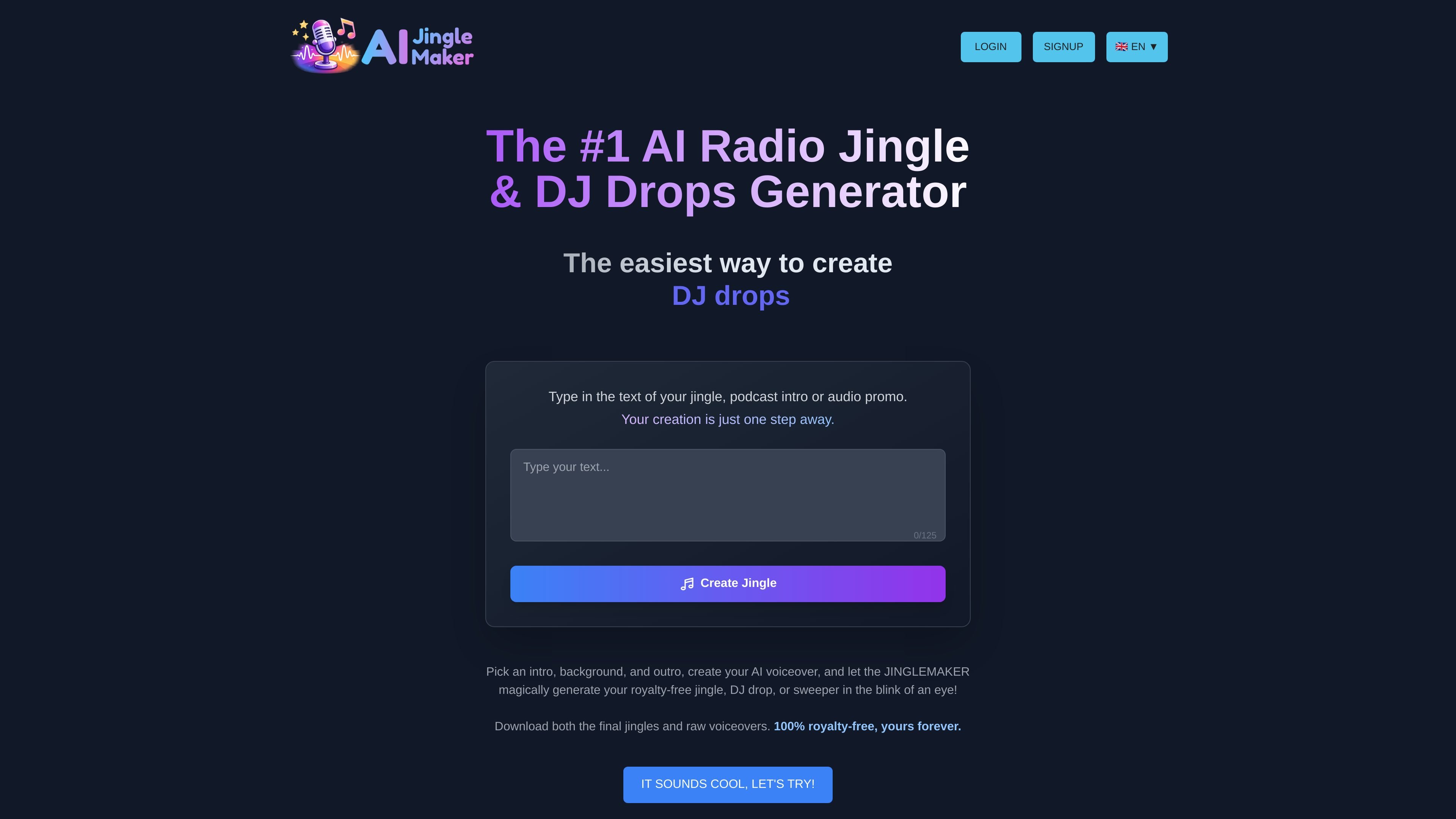
AI Jingle Maker is a browser-based tool for generating short branded audio pieces from text. It is positioned for radio, DJ, podcast, and promo use, with the homepage describing it as an AI jingle generator for radio and DJ drops.
The workflow is straightforward: enter your text, choose an intro, background, and outro, generate an AI voiceover, and download the finished audio. The site says the result is royalty-free, commercial-use friendly, and available without a subscription, with generation focused on quick turnaround rather than a studio workflow.
Create short audio branding pieces by entering text, then choosing an intro, background, and outro for the final mix.
Generate multiple formats from the same workflow, including DJ drops, sweepers, station IDs, podcast intros, and promos.
Use 65+ AI voices plus voice styles such as male, female, young, mature, dynamic, deep, and playful.
Work from a library of 1,000+ royalty-free intros, backgrounds, and outros, with unlimited variations mentioned on the homepage.
Download finished jingles and raw voiceovers, with MP3 mentioned in the FAQ and WAV mentioned in the product description.
Use SSML breaks or Speech to Speech guidance to shape pacing and delivery, and upload your own voiceovers with the add-on.
Create short station IDs, sweepers, and imaging elements for broadcast or online radio workflows using text input and a chosen background track.
Produce DJ drops and producer tags with a short name drop and a voice style that matches the set or brand.
Generate podcast intros and promos quickly when you need consistent spoken branding without booking a studio session.
Build short promotional spots for venues, brands, or events, using the longer audio promo workflow described on the site.
Create branded audio for shops, restaurants, gyms, salons, hotels, or clinics using the separate audio promo page examples.
The tool generates AI jingles, DJ drops, station IDs, podcast intros, and audio promos from text. You choose an intro, background, and outro, then generate a voiceover and download the finished audio.
Yes. The site says generating and previewing jingles is free, and payment is only required for AI voiceover credits. It also states there is no subscription.
The site says voiceovers and jingles are generated in MP3 format, and you can download both the voiceovers and the final jingles. It also mentions WAV downloads in the main product description.
Yes. The FAQ states that creations come with a full commercial license and are royalty-free, so they can be used on radio, podcasts, YouTube, and other media.
The site says you can upload your own voiceovers as MP3 files up to 30 seconds, but this requires the All-Tools Add-On with lifetime access.

MMaudio is an AI voice generation tool for turning videos into audio. Upload a video or paste a URL, use prompt controls, and choose free or paid credit-based plans.

魔音工坊 is an online text-to-speech and AI voiceover platform for short videos, audiobooks, and content creators, with script extraction and auto timing tools.

Postfity is a social media management tool for scheduling, planning, publishing, and tracking posts across connected accounts. Includes analytics, inbox management, AI tools, team workflows, and Free and paid plans.

AI Magicx is a unified AI workspace for chat, image, video, voice, music, email and developer tasks, helping teams and creators manage multiple models in one place.

Altered is an AI voice changer and voice content creation platform for media production and live voice use. It combines voice morphing, text-to-speech, transcription, translation, cloning, and editing in one application.

RankSpot is an AI SEO platform that researches, writes, and publishes blog content automatically to boost organic visibility in Google and AI answers.