

AI video upscaling
Uses AI algorithms and neural networks to upscale low-quality footage and improve video clarity, including HD, 4K, and 8K output claims on the product page.

Anvsoft offers AI software for video enhancement, video blur, photo enhancement, plus PDF, mobile, and data security tools for downloadable desktop use.
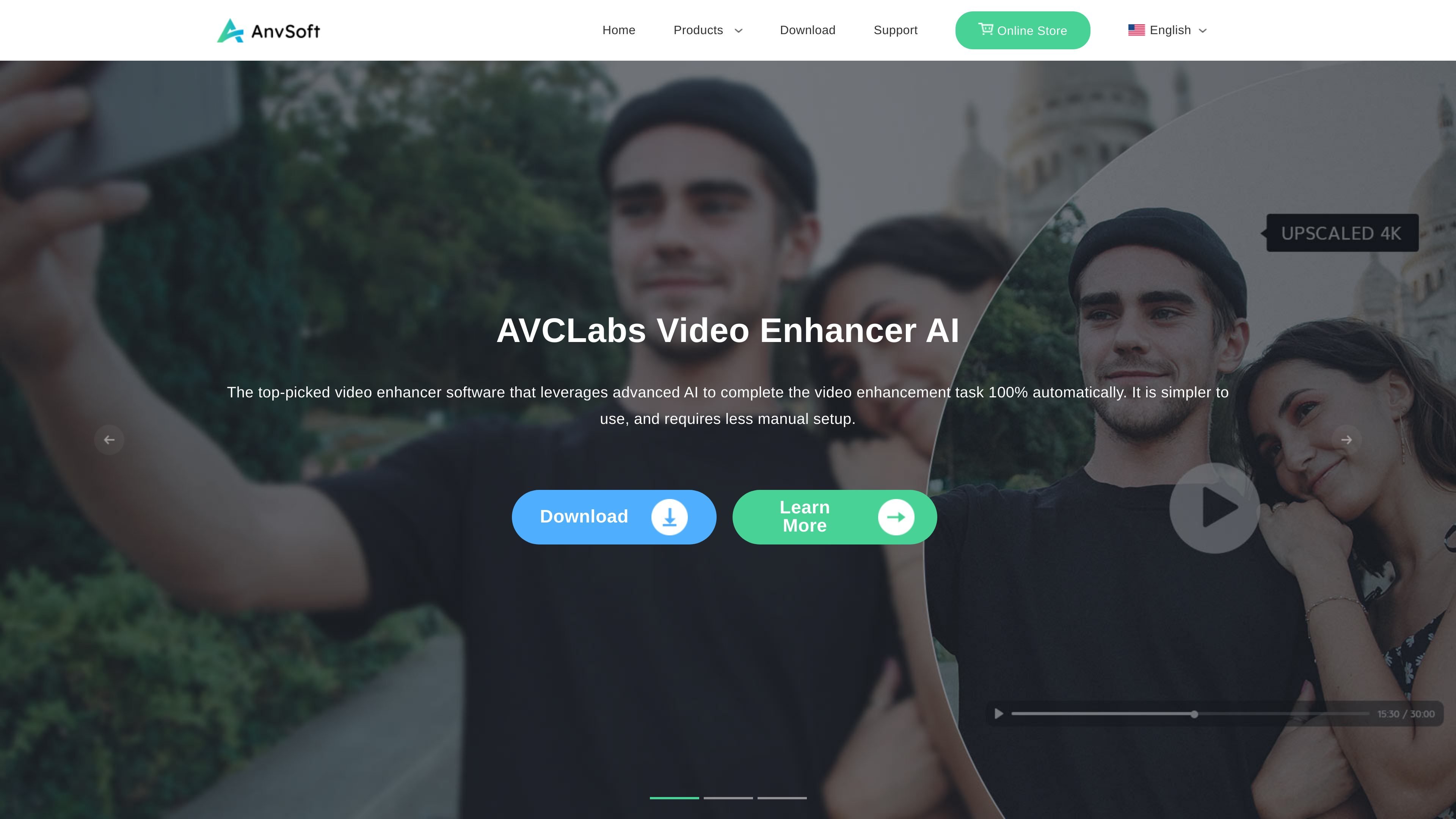
Anvsoft is a multimedia software company that publishes a broad set of desktop and utility products across video, photo, PDF, mobile, and enterprise data security categories. The site’s featured AI products center on enhancement and cleanup workflows for media content.
The strongest product detail in the collected pages comes from AVCLabs Video Enhancer AI, AVCLabs Photo Enhancer AI, and AVCLabs Video Blur AI. These tools focus on automatically improving video and photo quality, enlarging low-resolution media, restoring faces and details, colorizing black-and-white content, and blurring sensitive objects in video.
The homepage also surfaces broader product families such as Any Video Converter, AnySecura, Syncios utilities, and PDFMate tools. Together, they position the site as a software catalog for users who need media processing, file handling, privacy protection, or device management tools.
The public pages emphasize simple installation, downloadable software, and support-oriented messaging such as free technical support and a money-back guarantee. However, the collected evidence does not provide live pricing, system requirements, or integration details, so those areas remain limited in this profile.
Uses AI algorithms and neural networks to upscale low-quality footage and improve video clarity, including HD, 4K, and 8K output claims on the product page.
Includes enhancement functions such as noise reduction, sharpening, colorizing, and frame interpolation for video footage.
Highlights face recognition, face recovery, and face refinement for improving people-focused video content.
Automates blur workflows by detecting faces, license plates, and other objects, then applying blur effects with minimal manual work.
Processes photos with one-click enhancement, denoising, image enlargement, background removal, and black-and-white colorization.
Supports batch enhancement and notes that no editing expertise is required for the photo enhancer workflow.
Improve low-resolution or noisy video footage by upscaling it to higher resolutions and applying denoising, sharpening, or frame interpolation where needed.
Handle people-centric footage by recovering and refining faces, then stabilizing and smoothing motion in clips that need cleaner presentation.
Blur sensitive objects in video such as faces or license plates when privacy or portrait-right concerns matter.
Improve photos with a single workflow that can enlarge images, remove blur and grain, remove backgrounds, and colorize black-and-white images.
Use the broader software catalog for adjacent tasks like video conversion, PDF conversion, mobile transfer, recovery, or data security.
The source shows Anvsoft as a multimedia software company with product lines for video, photo, PDF, mobile utilities, and enterprise data security. Individual product pages indicate that the AI products are designed to automate enhancement and blur workflows.
The source does not show a pricing page with live pricing details; the `/pricing` URL returns a 404 page. The site does show Download, Learn More, and Buy Now prompts on product pages, but no prices or plan limits are provided in the collected text.
The collected product pages describe AI Video Enhancer for upscaling and improving video quality, AI Video Blur for blurring faces, objects, and license plates, and AI Photo Enhancer for improving photo quality, upscaling, colorizing, and background removal.
The rendered text mentions installation in two steps: open the downloaded installation package, then follow the on-screen instructions to install. No deeper system requirements were included in the collected sources.

Upsampler is an AI platform for creating, editing and upscaling images and videos in one workspace. Pay per credit, full API access, commercial use included.

Aiarty is a desktop AI suite for enhancing images and video and removing backgrounds with precision, built for local photography, e-commerce, design and content workflows.

Rizzle turns articles into editorial-grade video and distributes it across major channels with AI-assisted, human-reviewed workflows for publishers.

SupPixel AI is a web-based image enhancement and upscaling tool to improve resolution, clarity, and detail in photos and visuals, with background processing, credits, and plans.

AnyClip is a visual intelligence platform for video that automates enrichment, improves discovery, and supports engagement and monetization.

AI HomeDesign is a web-based photo editing toolbox for real estate listings, with AI staging, item removal, day-to-dusk rendering, enhancement, and renovation tools. It is built for agents and other listing workflows that need editable, listing-ready images quickly.