

Audio and video input
Upload audio or video files, or record directly in the browser, then run the selected enhancement on the media you provide.

Audio Enhancer is a web-based AI tool for cleaning audio and video, with speech, noise, loudness, and echo processing for faster basic cleanup.
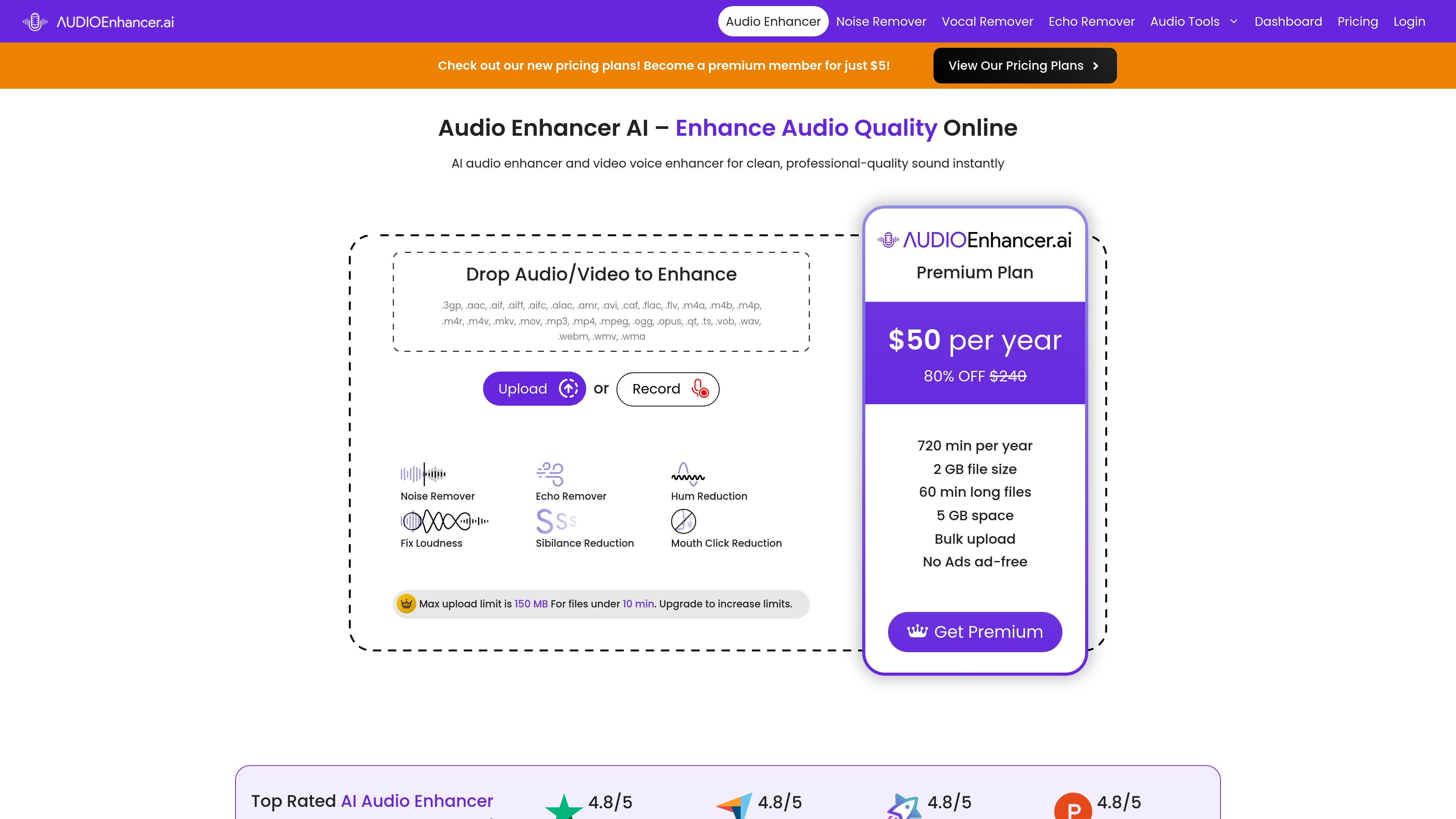
Audio Enhancer is an AI audio cleanup tool that processes uploaded audio or video files and applies one of several enhancement modes. The homepage presents it as a way to improve sound quality online, with options for speech cleanup, noise reduction, loudness balancing, and echo removal.
The product is aimed at people who need cleaner recordings without a manual editing workflow. The site highlights use for podcasts, videos, music recordings, and general voice capture, and it also supports direct recording in the browser as well as file upload.
Upload audio or video files, or record directly in the browser, then run the selected enhancement on the media you provide.
Choose from four main processing modes shown on the homepage: Clean Up Speech, Noise Reducer, Fix Loudness, and Noise/Echo Remover.
Clean Up Speech targets mouth clicking, plosives, and sibilance for more intelligible dialogue.
Noise Reducer suppresses static background sounds, while Noise/Echo Remover is positioned for echo and unwanted sound cleanup.
Fix Loudness balances loudness and levels to make recordings more even without manual editing.
The site lists supported audio and video formats and lets users download the enhanced file after processing.
Creators can clean up spoken audio in podcasts or interviews by reducing background noise, echo, and speech artifacts before publishing.
Video creators can improve the sound of recorded clips by uploading video files and applying a noise or echo reduction pass before export.
Musicians can use the vocal remover page to split vocals from instrumentals for remixes, backing tracks, or practice.
Teachers and meeting hosts can reduce room echo and distracting noise in recorded lessons or webinars so playback is easier to follow.
Music production workflows can use loudness balancing and speech cleanup to prepare rough recordings for further editing.
It is an online AI tool that accepts audio or video uploads, then applies a selected cleanup or enhancement step before you download the result.
The site shows four enhancement options on the main page: Clean Up Speech, Noise Reducer, Fix Loudness, and Noise/Echo Remover.
Yes. The site accepts audio/video uploads and also shows a recording option on the main page, so you can work from an uploaded file or a new recording.
The pricing page indicates a paid Premium plan is available, and the free pages also show attempt-based access with upgrade prompts. The site does not publish a full pricing matrix in the collected text.
The collected pages do not provide detailed export settings or team-workflow features beyond downloading the processed media.

Podfy.ai is a browser-based AI video tool that turns text, scripts, audio, and music into edited videos with narration, subtitles, effects, and soundtrack for faster short-form social content.

Rizzle turns articles into editorial-grade video and distributes it across major channels with AI-assisted, human-reviewed workflows for publishers.

SongCleaner is a web-based AI audio editor that removes unwanted words from songs for cleaner playback at home, in class, or at events.

Altered is an AI voice changer and voice content creation platform for media production and live voice use. It combines voice morphing, text-to-speech, transcription, translation, cloning, and editing in one application.

AnyClip is a visual intelligence platform for video that automates enrichment, improves discovery, and supports engagement and monetization.

Upsampler is an AI platform for creating, editing and upscaling images and videos in one workspace. Pay per credit, full API access, commercial use included.