

Batch crop multi-photo scans
Upload a single scan or many scans at once, then let AutoCropper detect and separate the individual images inside each file.

AutoCropper is a browser-based AI tool that splits scanned pages into separate images with automatic cropping, straightening, and batch export for photos, cards, and documents.
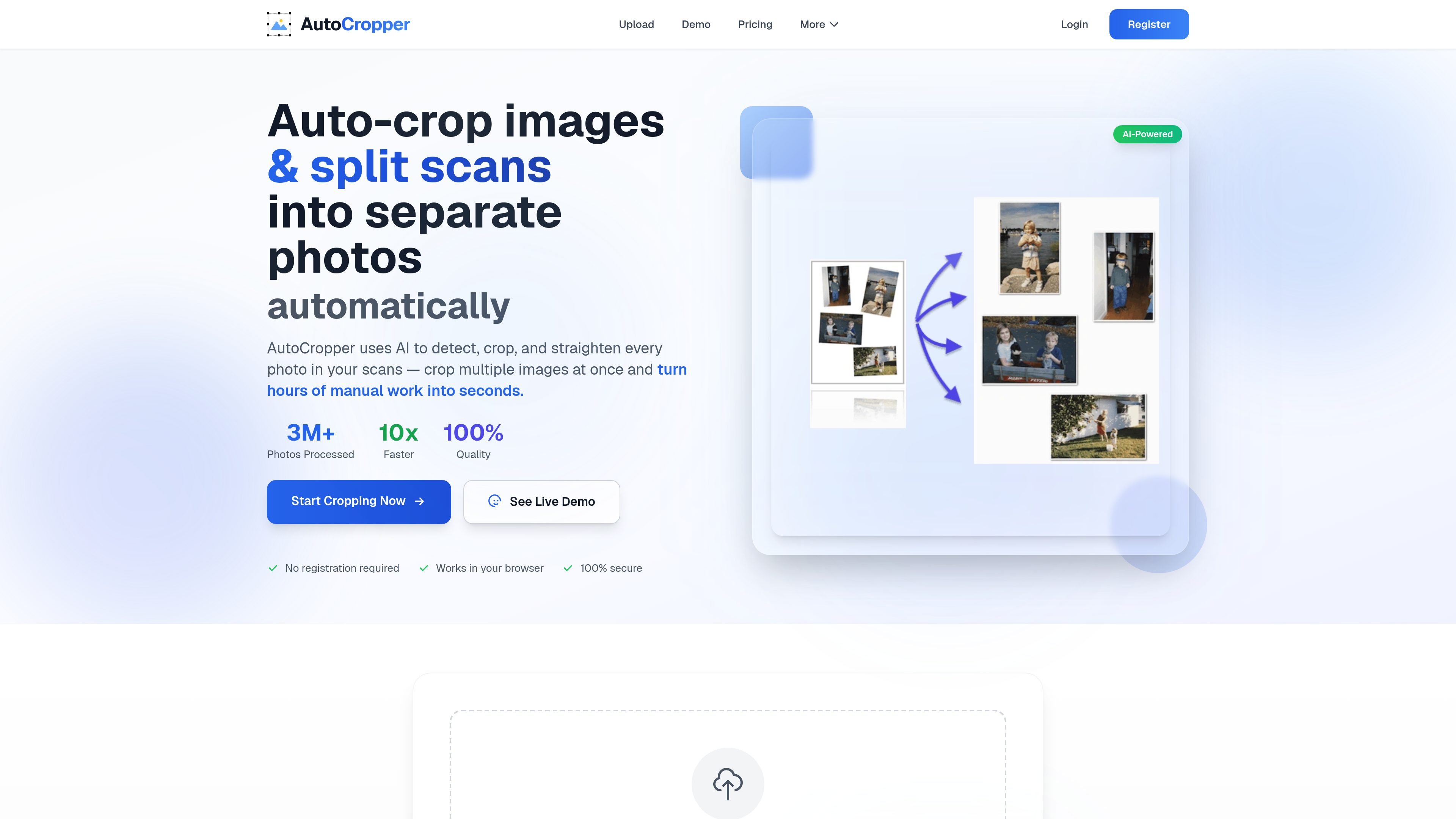
AutoCropper is a browser-based AI photo cropper for splitting scanned pages into separate images. It detects multiple photos, cards, or other rectangular items on a scan, crops them automatically, and can straighten rotated content before export.
The product is aimed at people digitizing prints, albums, cards, slides, documents, or receipts. The site emphasizes fast batch processing, full-quality exports, and editing tools for refining individual crops when the automatic detection needs adjustment.
Upload a single scan or many scans at once, then let AutoCropper detect and separate the individual images inside each file.
The app identifies crop boundaries automatically and can straighten rotated images before export.
Supported uploads include JPEG, PNG, TIFF, PDF, and HEIC/HEIF, with conversion for processing where needed.
Exports are described as full quality with no compression, so the separated images stay at original resolution.
An editor lets you move, resize, rotate, and delete individual crops, or clear crops in bulk when the automatic result needs cleanup.
Pro plans preserve EXIF data and can encode hidden metadata such as title, description, tags, and dates.
Scan a page of printed photos, upload it, and let AutoCropper split the page into separate images for archiving or sharing.
Use the tool on sheets of trading cards, baseball cards, slides, or negatives to export each item as its own file.
Upload several scans together and batch crop them in one session when working through a large backlog of albums or shoeboxes.
Crop scanned documents or receipts into separate files when one scan contains multiple items.
Adjust crop boundaries, size, or rotation in the editor when automatic detection is close but needs fine-tuning.
AutoCropper runs in the browser and can be used without a download. The site says you can start using it instantly, with no registration required for the free workflow.
The free plan includes up to 5 uploads per day and full-quality export. Pro plans add unlimited uploads, batch crop and export, EXIF preservation, and priority support.
Yes. The pricing page says Pro Commercial includes a commercial license and can be used for paid client work.
AutoCropper accepts JPEG, PNG, TIFF, PDF, and HEIC/HEIF scans. The crop-scans page notes that TIFF, PDF, and HEIC are converted to images for processing.
AutoCropper detects photos, slides, cards, documents, and receipts in a scan, crops each area, and exports each item as its own full-quality file. The advanced editor also lets you adjust crop dimensions and rotation by hand.

AI Watermark Remover is a free online tool to remove watermarks from photos and videos with manual brush selection and no added output watermark.

Photoroom is an AI visual editing platform for e-commerce that removes backgrounds, creates product images, and prepares listings from phone, web app, or API workflows.

豆绘AI is an online AI image generation and editing platform for ecommerce and design, supporting white background, scene, interior rendering and post-processing.

Upsampler is an AI platform for creating, editing and upscaling images and videos in one workspace. Pay per credit, full API access, commercial use included.

AI HomeDesign is a web-based photo editing toolbox for real estate listings, with AI staging, item removal, day-to-dusk rendering, enhancement, and renovation tools. It is built for agents and other listing workflows that need editable, listing-ready images quickly.

Nily AI is a browser-based AI assistant platform with 20+ models and tools for chat, writing, PDFs, email, images, and web page analysis. 7-day free trial.