

Video enhancement and upscaling
Upscale low-resolution footage, reduce blur, stabilize footage, and restore facial detail with AI video enhancement tools.

AVCLabs AI offers AI software and online tools for video and photo enhancement, including upscaling, restoration, blurring, object removal, and generation.
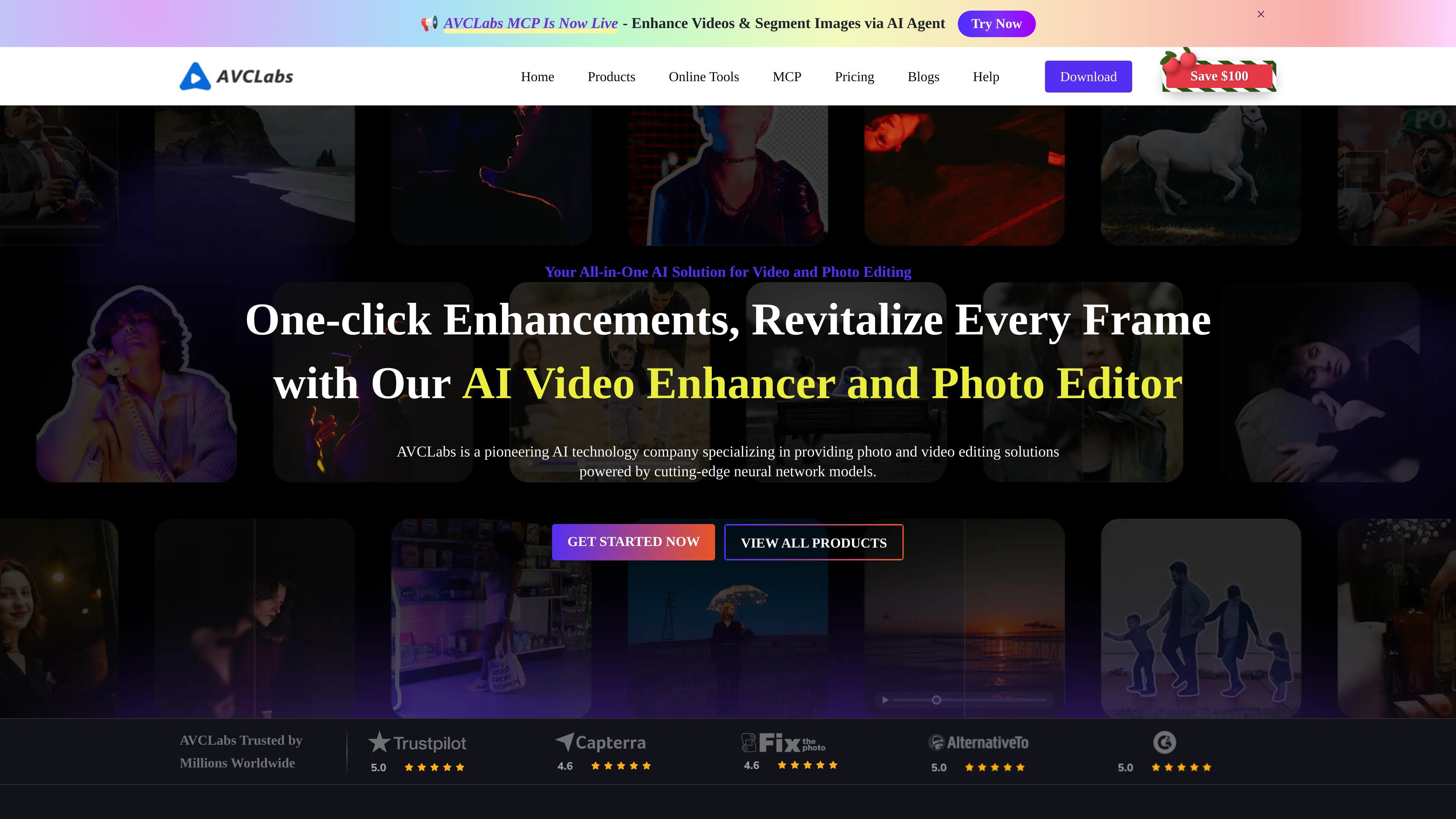
AVCLabs is an AI software and tools provider focused on video and photo enhancement. Its product lineup includes desktop applications for video upscaling, video blurring, photo enhancement, photo editing, and media conversion, along with online AI tools for browser-based editing and generation.
Across the site, AVCLabs positions these products around practical tasks such as improving low-resolution video, restoring old photos, blurring sensitive content, removing unwanted objects, and generating or editing visual assets online. The product pages indicate support for Windows and Mac desktop software, plus subscription-based online tools and MCP access for agent workflows.
Upscale low-resolution footage, reduce blur, stabilize footage, and restore facial detail with AI video enhancement tools.
Automatically detect and blur faces, backgrounds, objects, and license plates in video to reduce manual masking work.
Restore old or damaged images, upscale to 4K, reduce noise, and colorize photos with AI image enhancement tools.
Edit photos with tools for object removal, background changes, retouching, color adjustment, and generation-based editing.
Use browser-based tools for image enhancement, background removal, object removal, image generation, and video generation without installing desktop software.
Connect AVCLabs Media MCP for agent-ready media enhancement workflows and supported AI editing scenarios.
Improve low-resolution or blurry footage by upscaling, reducing noise, restoring face detail, and stabilizing the result before export.
Blur faces, license plates, backgrounds, or other sensitive areas in videos when privacy or compliance requires masking.
Restore older, damaged, or low-resolution photos and bring back color or detail for personal archives and historical images.
Edit images with object removal, background swaps, retouching, and generation tools when you need a broader photo workflow.
Use browser tools for quick, no-install jobs such as background removal, image upscaling, image generation, or video generation.
AVCLabs lists desktop software for video enhancement, video blurring, photo enhancement, photo editing, and video editing, plus browser-based AI tools such as image upscaling, background removal, and video generation.
The site shows AVCLabs products for Windows and Mac, and the purchase page describes some desktop products as available for both platforms. The FAQ also notes that licenses are platform-specific.
The FAQ states that all updates are free for licensed software products.
AVCLabs says one license code is for one computer only. If you move to a new computer, you can contact support to clear the old registration record.
The purchase page shows monthly subscription pricing for several products and a contact-us flow for bulk, enterprise, or custom pricing, while the pricing page URL itself currently returns a 404.

简单AI is Sohu’s online AI tool for AI image generation, AI writing, and online image editing—ideal for quickly creating images, copy, or basic retouching.

SupPixel AI is a web-based image enhancement and upscaling tool to improve resolution, clarity, and detail in photos and visuals, with background processing, credits, and plans.

Upsampler is an AI platform for creating, editing and upscaling images and videos in one workspace. Pay per credit, full API access, commercial use included.

AI HomeDesign is a web-based photo editing toolbox for real estate listings, with AI staging, item removal, day-to-dusk rendering, enhancement, and renovation tools. It is built for agents and other listing workflows that need editable, listing-ready images quickly.

Photoeraser is a web-based AI photo editor for removing backgrounds, erasing unwanted objects, and enhancing image quality with simple upload workflows.

Aiarty is a desktop AI suite for enhancing images and video and removing backgrounds with precision, built for local photography, e-commerce, design and content workflows.