

Template-based image generation
Create reusable templates in the Template Editor, then modify individual layers through the API so the same design can be generated many times with different content.

Bannerbear is an API and no-code automation platform for generating images and videos from templates. Create repeatable marketing visuals and ecommerce graphics without redesigning each variation.
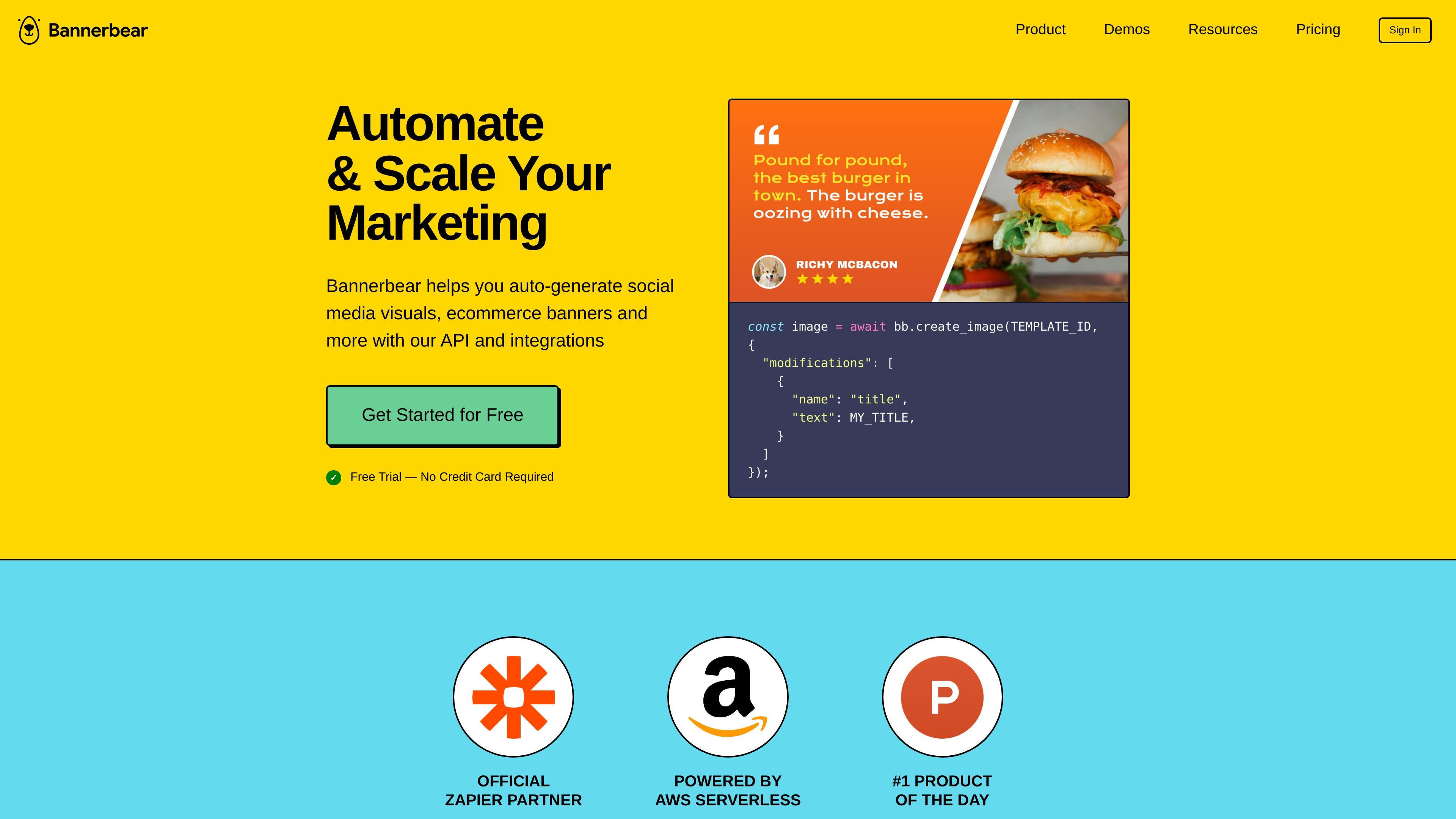
Bannerbear is an API-based platform for automated image, video, and PDF generation. It turns graphic templates into reusable assets that can be populated with new text, images, and other layer changes through the API or connected no-code tools.
The product is aimed at teams that need to produce marketing visuals, ecommerce banners, social media graphics, podcast videos, and similar repeatable assets without manually redesigning each variation. The source also describes official libraries, webhooks, and integrations that let the same template-driven workflow fit both developer builds and background automation.
Create reusable templates in the Template Editor, then modify individual layers through the API so the same design can be generated many times with different content.
Use the REST API or official libraries in Ruby, Node, and PHP to generate images and videos from your app or backend workflow.
Connect Bannerbear to Zapier, Airtable, Forms, URLs, and Make.com to trigger generation without writing code.
Generate images and videos asynchronously or synchronously, depending on whether your workflow needs queued processing or immediate output.
Auto-resize text, use optional AI face detection, and support multiple languages including right-to-left scripts for layouts that need to adapt to varying input.
Add team members, assign roles, and use features such as 2FA, DPA support, and optional data expiration controls for shared account management.
Generate social media graphics, banners, and other branded visuals by filling template layers with changing titles, images, or product data through the API.
Create ecommerce imagery such as product thumbnails and promotional banners, then automate variations for different offers or channels.
Trigger image or video generation from app events, spreadsheets, forms, or no-code automations so repeated design tasks happen in the background.
Generate podcast videos, social videos, or similar motion assets where a template-driven process can combine text and media inputs.
Invite designers and developers into the same project so one group creates templates while another connects API keys and automations.
Bannerbear is built to generate images and videos from templates through its API, with no-code options such as Zapier, Airtable, Forms, and URLs for automated workflows.
The source says Bannerbear is primarily asynchronous, but it also offers a synchronous endpoint for image generation if you prefer on-the-fly creation.
A free trial is available with 30 API credits and no credit card required. Plans can be upgraded, downgraded, or canceled from the account page.
Yes. The pricing page lists team members and roles on higher plans, and the FAQ notes that you can invite team members to help with template creation or API testing.
Simple images can render in 1-2 seconds according to the pricing FAQ, though rendering time depends on image complexity.

EZsite AI is an AI website builder that turns a URL into a fullstack React or Vue.js app with hosting, custom domains, code export, and backend features.

Paper is a design tool that connects canvas, code, and AI agents so teams can create, share, and ship work in one workflow. Includes desktop app and MCP access.

Superside is an AI-powered creative service for enterprise and in-house teams, with global talent, AI-first workflows, and subscription-based support.

Framer is an AI website builder for professional sites. It helps teams design, manage CMS content, optimize SEO, collaborate, and publish from a single no-code workflow.

Exalate is a bidirectional integration platform for syncing work items in real time across teams, systems and companies with controlled data flow.

Softr is a no-code platform for business apps, portals, and internal tools with AI-assisted creation, visual editing, and data connections.