

AI Edit for full-video editing
Upload footage and let Captions automatically cut scenes, apply stylized edits, add B-roll, music, transitions, and other finishing details.

Captions is an AI video editor and generator for captions, edits, translation, and avatars. Edit video on web or mobile with free and paid plans.
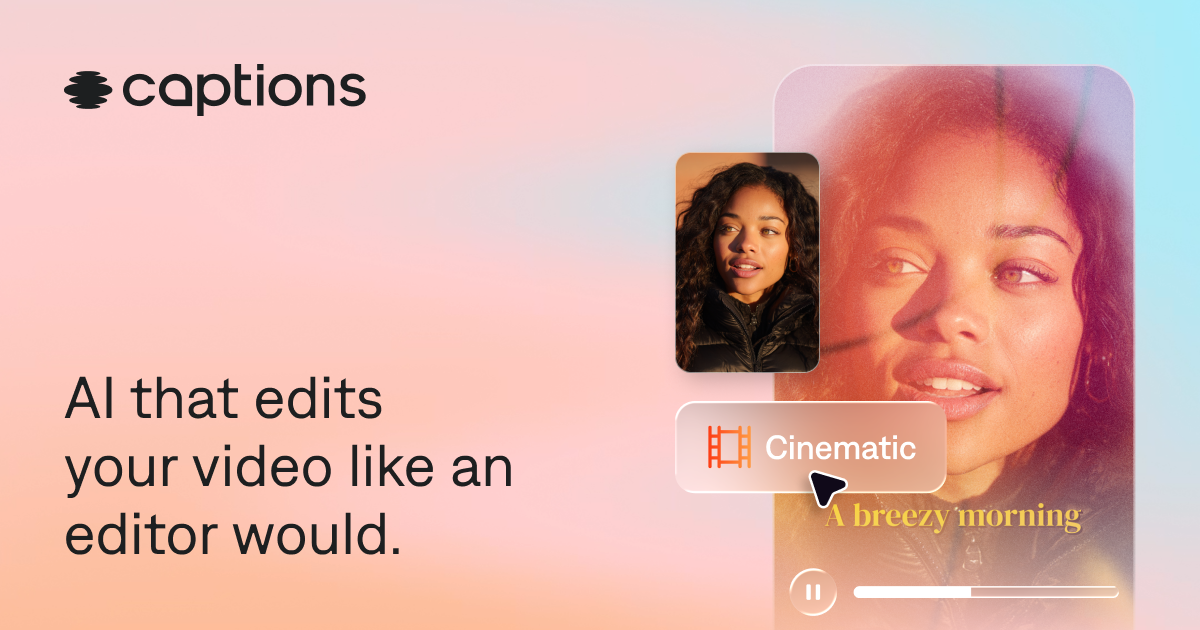
Captions is an AI video editor and generator built to take footage from rough input to a shareable video. The site describes it as software that can edit like a professional editor, whether you start with existing footage, a selfie, or a prompt-driven workflow.
It combines automatic editing, captioning, translation, audio cleanup, and avatar generation in one app. The product is positioned for people who want to make polished videos without doing manual editing step by step, and it can be used on the web or in the mobile app.
Upload footage and let Captions automatically cut scenes, apply stylized edits, add B-roll, music, transitions, and other finishing details.
Generate and style captions with automatic transcription, timing, and formatting. The product says it supports captions in 100+ languages and lets you customize fonts, colors, layouts, and animation effects.
Use the chat-based editor to request changes in natural language, such as adding B-roll, zooms, sound effects, or other adjustments.
Create talking videos from selfies or generate AI actors and digital twins, then reuse those characters across multiple videos.
Translate and dub videos, with the site citing support for 30+ languages on the home page and 100+ languages on the captions page.
Clean up common recording problems with tools for trimming pauses, denoising audio, correcting eye contact, removing backgrounds, and adding music or sound effects.
Turn raw footage into a finished social video by letting AI Edit add cuts, B-roll, transitions, music, and other styling choices without hand-editing every step.
Add accurate, stylized captions for content that will be watched on mute, including short-form social posts, clips, and branded videos.
Create talking-head content from a selfie or AI actor, then reuse the same character across multiple videos for recurring series or product content.
Clean up recording problems such as filler words, pauses, poor eye contact, background noise, or distracting backgrounds before publishing.
Translate and dub content for multilingual audiences while keeping the video shareable across platforms that rely on burned-in captions.
Yes. The pricing page says Captions has a free version with a more limited feature set, and paid plans unlock generative AI and more advanced editing tools.
Captions can be used on a phone or computer. The site says you can sign up in a browser or download the app from the App Store or Google Play.
Captions can generate captions, edit whole videos with AI, and create new footage or AI actors. The site also says you can upload existing footage and make edits through a chat-based editor.
The pricing page says you can upgrade or downgrade at any time. If you upgrade, the new features and limits are available immediately; if you downgrade, the current plan stays active until the end of the billing cycle.
The site says Captions supports export and posting to social platforms, and captions are burned into the video so they display consistently across platforms. Specific export formats are not detailed in the provided sources.

Podfy.ai is a browser-based AI video tool that turns text, scripts, audio, and music into edited videos with narration, subtitles, effects, and soundtrack for faster short-form social content.

Rizzle turns articles into editorial-grade video and distributes it across major channels with AI-assisted, human-reviewed workflows for publishers.

Altered is an AI voice changer and voice content creation platform for media production and live voice use. It combines voice morphing, text-to-speech, transcription, translation, cloning, and editing in one application.

Subtitle Translate AI is a browser-based subtitle translation tool for SRT and related files. Translate subtitles into 100+ languages while preserving timing, formatting, and context.

Upsampler is an AI platform for creating, editing and upscaling images and videos in one workspace. Pay per credit, full API access, commercial use included.

Nim Video is a web-based AI video and image creation platform for turning prompts, images, and source footage into editable visuals. It offers a free tier and paid subscriptions with added credits, higher output options, and commercial-use features.