

One-button recording
Start recording with a single press, with a quick buzz confirming capture has begun. The pen is designed so you can keep writing without opening an app or changing your workflow.

Flowtica Scribe is an AI recording pen that captures conversations while you write and turns them into structured summaries and action items.
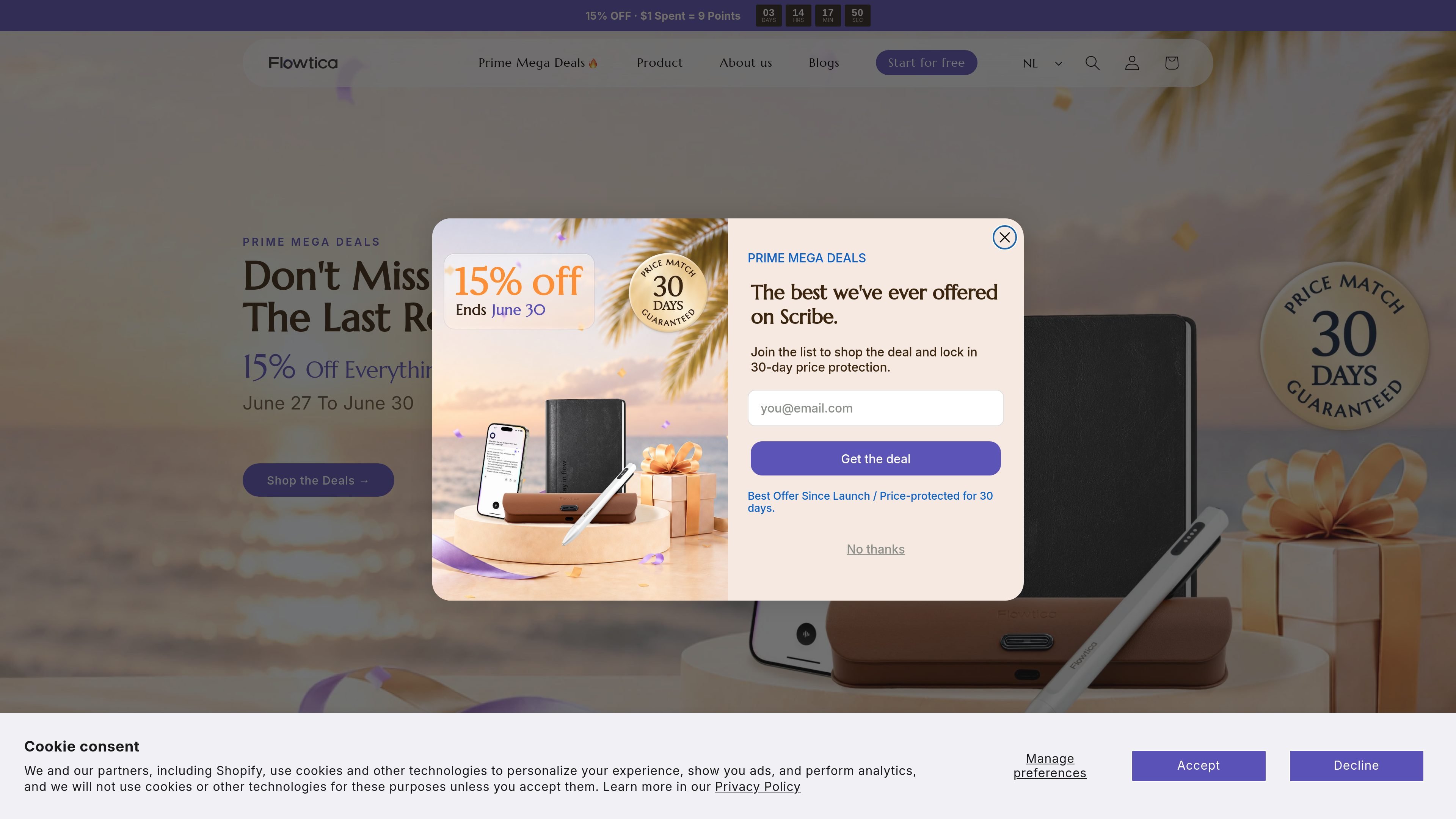
Flowtica Scribe is an AI recording pen for note-taking while you write on paper. The product is designed to capture meetings, interviews, consultations, lectures, and other conversations, then turn the recording into a structured summary with action items instead of a long transcript.
The site presents the pen as a natural writing tool that works without special paper and without needing a screen or app during the conversation. It also says recorded audio can be paired with handwritten notes and photos, and that standard AI transcription is free for as long as you own the pen, with optional paid memberships for additional features.
Start recording with a single press, with a quick buzz confirming capture has begun. The pen is designed so you can keep writing without opening an app or changing your workflow.
The pen records while you write, then Flowtica turns the conversation into a structured summary and action items. The product page positions this as an alternative to reviewing a long transcript later.
A studio-grade MEMS microphone is described as capturing up to 15 speakers within 16.4 ft and supporting 39 languages. The page also says each speaker is labeled by name.
FlowMark lets you flag an important moment during the recording. The site also says handwritten notes, audio, and images can be captured together.
The product page says FlowTran moves audio to your phone over local wireless after you finish, with no screen or cable needed at that step.
The pen is described as Apple MFi certified, compatible with iPhone, and also working with Android. The site also states it uses Bluetooth Classic and BLE.
Executives and managers can keep their attention on the conversation while the pen captures decisions and follow-ups automatically.
Lawyers and client-facing advisors can review exact phrasing later when wording and nuance matter in the discussion.
Clinicians and patient educators can listen more naturally during consultations while preserving the record for later review.
Students, lecturers, and researchers can record lectures or discussions and return to organized notes afterward.
Journalists and other freelancers can turn interviews into organized quotes and summaries without replaying the audio repeatedly.
The source indicates Flowtica Scribe records while you write, then produces structured summaries and action items rather than a raw transcript. It also says you can snap a photo of handwritten notes to fold them into the result.
The product page says one press starts recording and a quick buzz confirms it. The page also describes FlowTran moving audio to your phone over local wireless after you finish.
The product page says Flowtica Scribe works with iPhone through Apple MFi certification and also works with Android.
The source says the complete set includes a charging case, and the tech specs list 30 hours of continuous recording on the pen plus up to 100 hours total with the case.
The site states there is no subscription required to record and that standard AI transcription is free for as long as you own the pen. It also shows optional annual Premium and Unlimited memberships.

Minutes is an AI note taking and transcription app for meetings, lectures, and recordings. Turn live audio, files, or YouTube links into notes, transcripts, and summaries.

Read AI is an AI meeting assistant and enterprise search product that captures meetings, emails, and messages into summaries, transcripts, and searchable answers. It is built for individuals, teams, and organizations that want meeting recaps, cross-workspace search, and workflow integrations.

讯飞会议 cloud video conferencing for enterprise collaboration, with video meetings, AI transcription and translation, and automatic meeting notes. Public and private cloud.

闪念贝壳 is an AI voice notes app to quickly capture ideas by voice, then organize, summarize, and expand them with AI.

Gloww is a browser-based interactive video meeting and webinar tool for teams, educators, and event hosts. Sunsetted July 1, 2025.
Answers AI is an AI-powered education platform for students and educators, offering answers, study help, and assignment support across web, mobile, and Chrome tools.