

Internal Workspace
Create internal hubs for teams to organize sales material, process documentation, knowledge, collaboration, file storage, and meeting context in one place.

FuseBase is an AI-native client portal and collaboration platform for agencies, consultants, and client-facing teams, combining workspaces, portals, and AI agents.
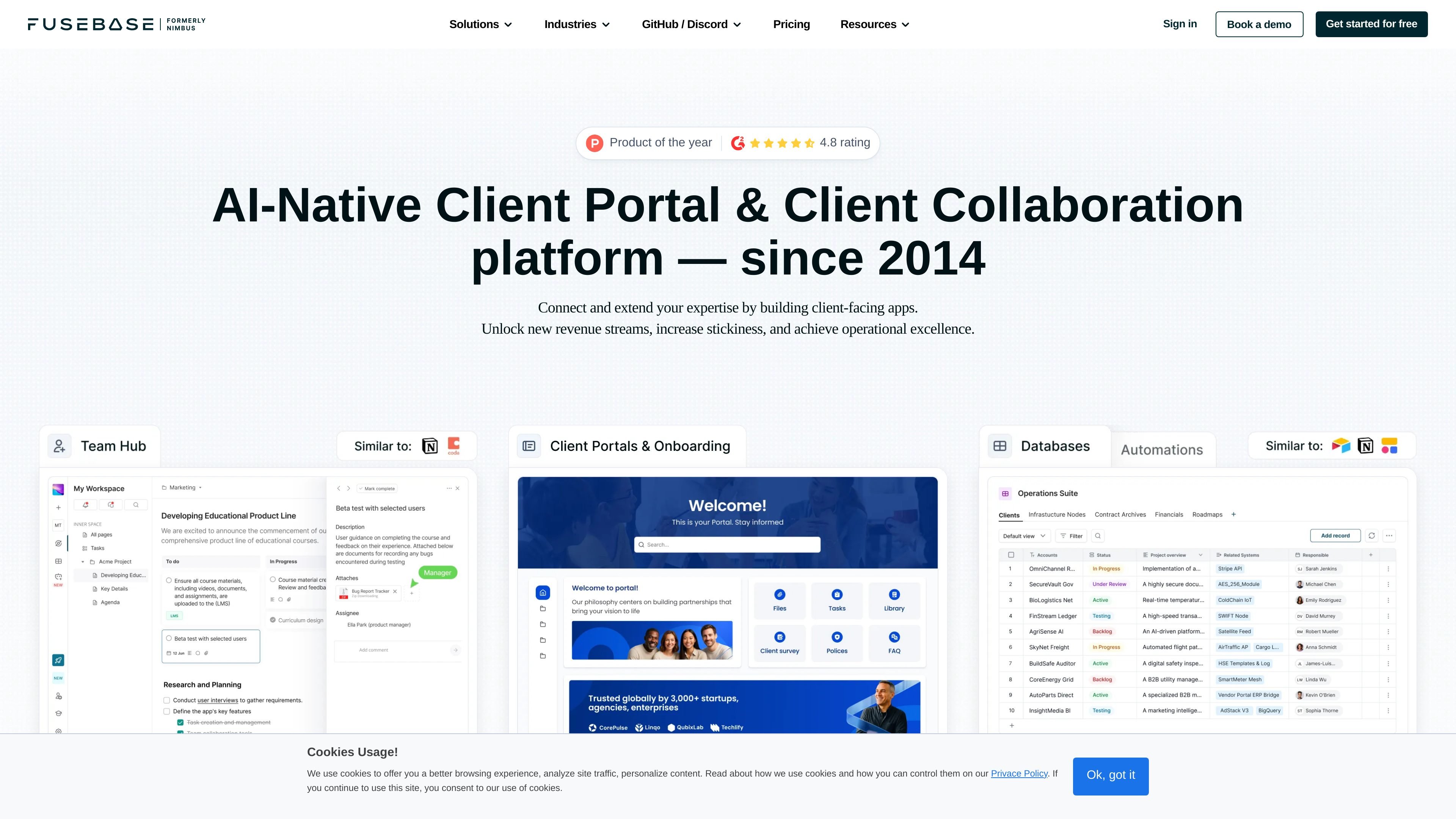
FuseBase is an AI-native client portal and client collaboration platform for agencies, consultants, and other client-facing teams. The site presents it as a system for connecting and extending your expertise through internal workspaces, external client portals, and AI agents.
The product is designed to support both operational collaboration and client delivery. On the home page, FuseBase groups its offering around internal workspaces for team organization, external workspaces for branded client experiences, and AI agents that work inside those tools. The pricing page shows tiered plans, add-ons, and a free trial, while the demo form offers a free consultation for teams that want help tailoring the setup.
Create internal hubs for teams to organize sales material, process documentation, knowledge, collaboration, file storage, and meeting context in one place.
Build branded client or partner portals with a drag-and-drop page builder, shared files, task lists, forms, live chat, analytics, and optional white-label support.
Use AI agents inside everyday workspaces to answer questions, take action, and automate routine tasks from content already in the system.
Set up workflow automation for recurring processes and use features such as Kanban boards, task lists, dashboards, calendar view, and content templates.
Store and share video recordings, meeting notes, transcriptions, and searchable content to keep project context attached to the work.
Use client-ready sharing, secure file sharing, and role-based or granular permissions to control what different users can see and do.
Use the internal workspace to centralize sales portals, process documentation, knowledge, file storage, and meeting notes for the team.
Create a branded client portal for onboarding, project updates, shared files, task lists, and client communication.
Set up AI agents to answer questions from existing content and automate repetitive busywork inside the workspace.
Use the platform as a partner, vendor, or deal space when you need a secure place to share information with external stakeholders.
FuseBase is positioned for service businesses that want to improve client collaboration. The site specifically calls out digital agencies, marketing, creative, and consulting services, and the demo form describes it as a way to build secure AI-powered portals for clients and partners.
The pricing page shows four plans: Solo, Essentials, Advanced, and Unlimited. The page also says add-ons such as Client Portals and FuseBase AI are charged separately, and it offers a free trial/start-free-trial flow.
Yes. The pricing page says there is a dedicated implementation team that can set everything up for you, and you can book a free consultation to discuss the setup.
Yes. The pricing page says White Label is supported, and the home page also lists white-label and SMTP support under External Workspace features.
The source does not list a public integrations directory, but it does say FuseBase can connect and extend with FuseBase apps, and the home page mentions tool integrations and AI agents that work with your existing stack.

TakeCareOS is a web platform for home care, disability, and aged care agencies, with rostering, billing, compliance, and AI admin tools.

Speakflow online teleprompter for writing and organizing scripts, voice scrolling, team collaboration, and cross-device syncing. Free and paid plans available.
Twine AI Launcher is an Android launcher with AI assistant access, bringing ChatGPT-style help to your homescreen for quick answers, notes, tasks, reminders, and people memory.

Hurree is an AI-powered reporting and analytics platform that centralizes company data, shared dashboards, and Riva summaries, recommendations, and forecasts.

Firebase Studio is a web-based workspace for full-stack app development with Gemini-assisted coding, app previews, cloud emulators, collaboration, and browser deployment.

AI Magicx is a unified AI workspace for chat, image, video, voice, music, email and developer tasks, helping teams and creators manage multiple models in one place.