

Unified calendar and inbox
Combines Google, Apple, and Microsoft accounts into one central calendar and email inbox so scheduling and messaging happen in one place.

Iris is an AI assistant that unifies calendar and email workflows, helping you schedule meetings, draft replies, and summarize context across connected accounts.
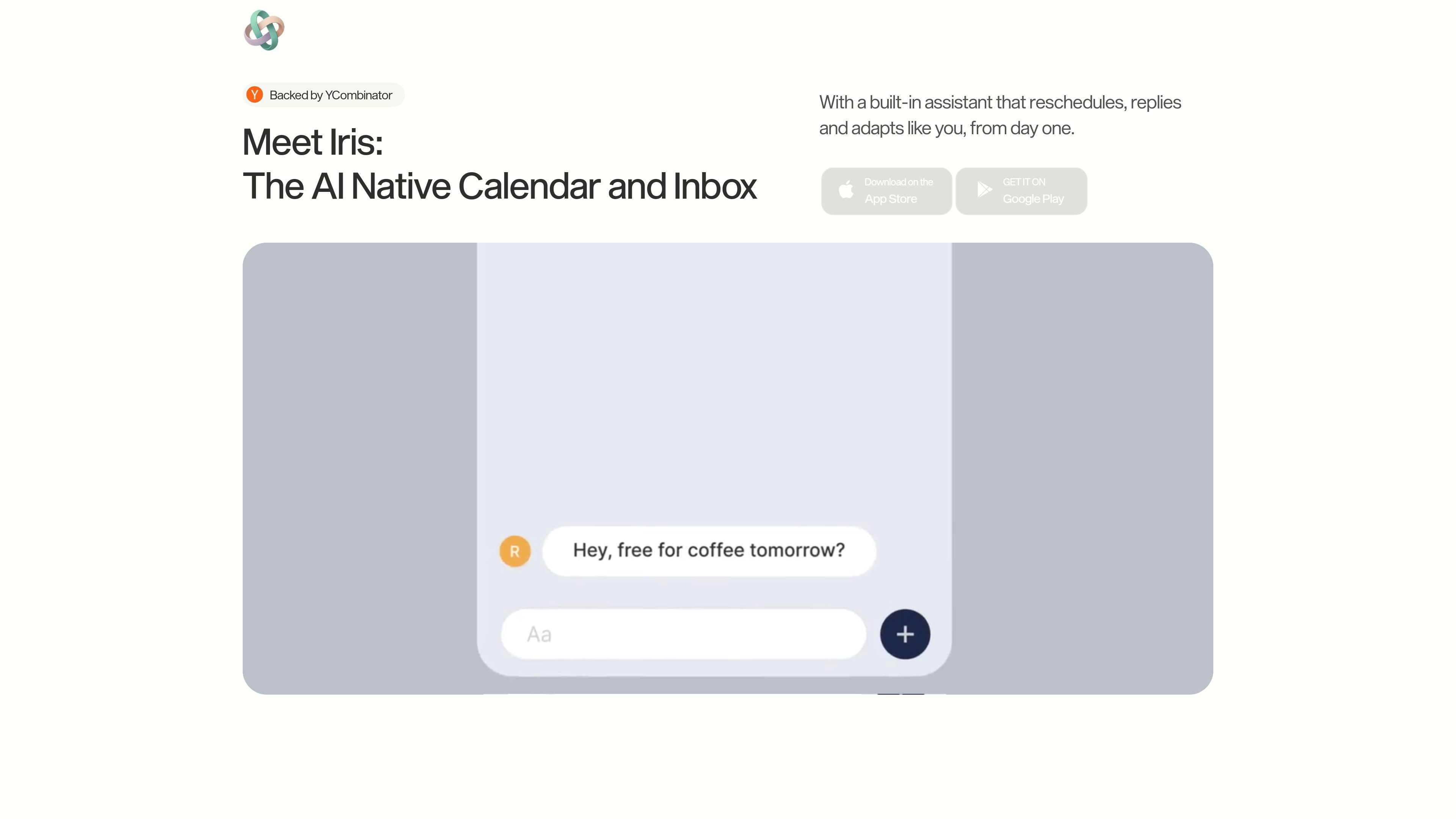
Iris is an AI assistant and calendar-and-inbox interface built to help people manage scheduling, email, and related daily coordination in one place. The homepage describes it as an assistant that understands your context, handles your schedule, and acts before you ask.
Across the homepage and App Store listing, Iris is presented as a tool for rescheduling meetings, drafting and sending email, summarizing context, and connecting multiple accounts into a single workflow. It is designed to learn your routines over time, reduce busywork, and keep decisions and follow-ups moving with less manual effort.
Combines Google, Apple, and Microsoft accounts into one central calendar and email inbox so scheduling and messaging happen in one place.
Plans and reschedules meetings, drafts replies, and handles routine email actions from natural-language prompts or voice input.
Summarizes unread email and meeting context so you can quickly catch up before replying or joining a call.
Learns patterns over time, adapts to shifting priorities, and reduces notification noise as it observes how you work.
Suggests places and routes through Google Maps integration on the iOS app listing, supporting day-to-day logistics around meetings and errands.
Uses granular permissions, retention controls, and approval for actions to keep the assistant within user-defined boundaries.
Use Iris to move meetings around, protect focus time, and reorganize a packed day when priorities change.
Ask Iris to summarize unread messages, draft replies, and send quick updates without switching between multiple tools.
Let Iris surface meeting context before a call so you can see who you are meeting and why at a glance.
Use Iris to plan errands, find nearby places, or coordinate routes around appointments and breaks.
Rely on Iris to handle routine coordination across work and personal calendars while preserving approval over actions.
Iris is designed around calendar and inbox workflows. The homepage says it connects Google, Apple, and Microsoft accounts into one central calendar and email inbox, and the App Store listing says it also works with Gmail, Google Calendar, and Maps.
The source material supports the iOS app and the web homepage. The App Store listing shows iPhone and iPad compatibility, and the homepage promotes App Store and Google Play downloads, but the Android page itself is not available.
Iris is meant to plan and carry out common scheduling and email tasks, such as rescheduling meetings, drafting replies, summarizing unread email, and suggesting places or routes. It still requires you to approve actions, according to the homepage privacy copy.
The homepage says Iris is built with privacy by design, uses end-to-end encryption in transit and strong safeguards at rest, and lets you control what it learns, how long it keeps data, and when actions are approved.
The source does not show a live pricing page. The pricing URL returns a not-found page, so pricing details are not available from the provided evidence.

Gemma AI is a phone call reminder app that calls you with scheduled reminders instead of push notifications. It helps people who want a more direct way to stay on schedule, with Google Calendar sync and conversational call interactions.
Twine AI Launcher is an Android launcher with AI assistant access, bringing ChatGPT-style help to your homescreen for quick answers, notes, tasks, reminders, and people memory.

MailerLite is an email marketing platform for sending campaigns, building automations, and creating landing pages, forms, and websites. It also supports digital products, paid newsletters, and recurring subscriptions.

AI Magicx is a unified AI workspace for chat, image, video, voice, music, email and developer tasks, helping teams and creators manage multiple models in one place.

阶跃AI is a personal efficiency assistant from 阶跃星辰 for knowledge search, writing, coding, and daily automation. Download on desktop and mobile, and trigger web, files, and reminders by voice.

TakeCareOS is a web platform for home care, disability, and aged care agencies, with rostering, billing, compliance, and AI admin tools.