

Chat-based creation
Create videos by chatting with Medeo instead of working through a traditional complex editor. The homepage positions this as a text-first workflow for turning ideas into video content.

Medeo is an AI video generator that lets you create and edit videos through chat. It supports starting from text, audio, images, videos, or links, with export options for 16:9 and 9:16 video.
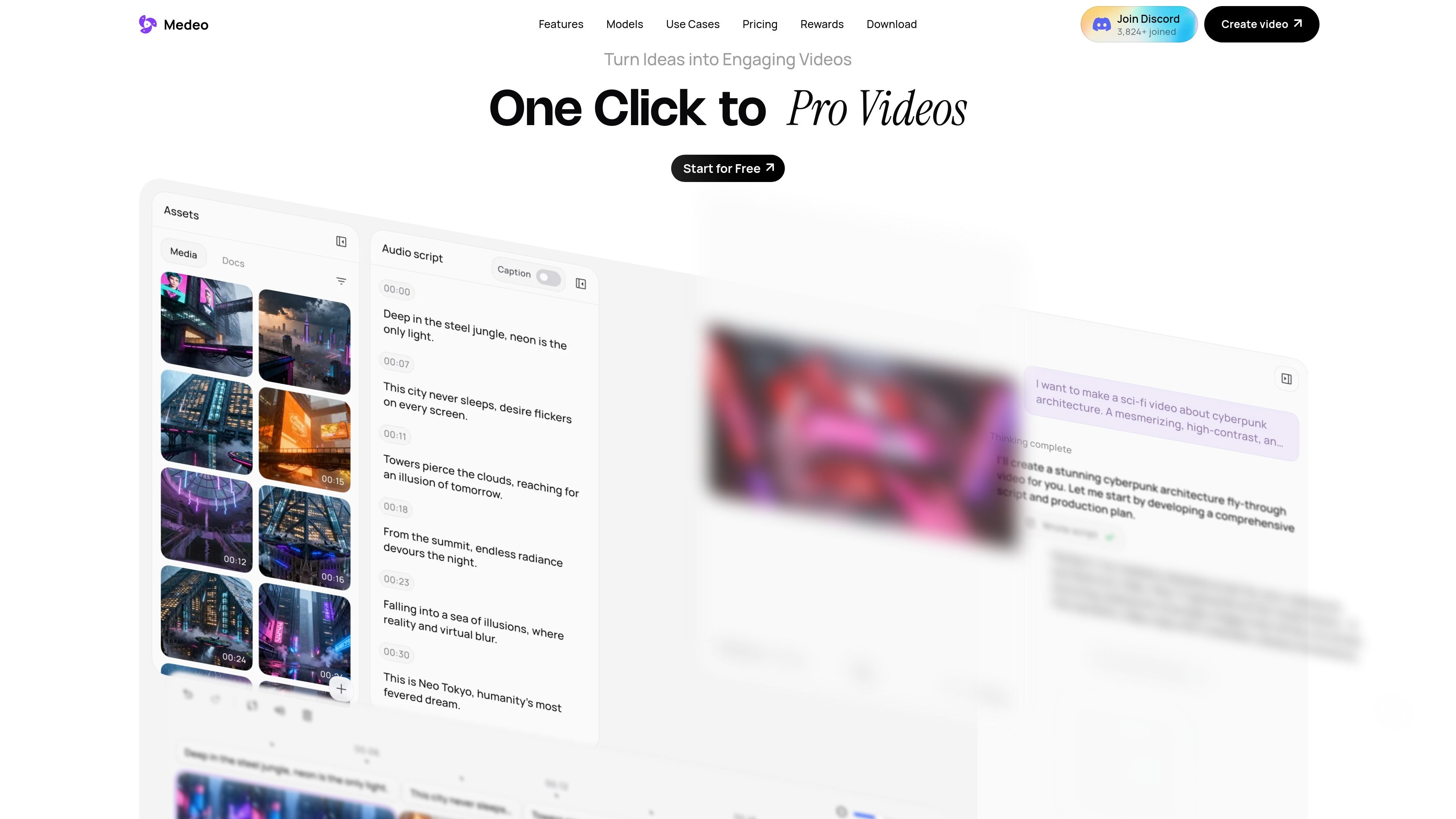
Medeo is an AI video generator built around chat-based creation and editing. The homepage describes it as a way to turn ideas into videos from text, audio, images, videos, or links without needing traditional editing skills.
The product combines generation, editing, and asset management in one workflow. It highlights chat-style edits, character consistency, a visual track for sound, subtitles, and assets, and exports in both 16:9 and 9:16 formats.
Create videos by chatting with Medeo instead of working through a traditional complex editor. The homepage positions this as a text-first workflow for turning ideas into video content.
Ask for changes in plain language, such as making a section faster or changing the music, and the video updates instantly. This makes iterative editing more direct for non-editors.
Keep a character visually consistent across new locations, actions, and emotions while preserving the same identity. This is useful when a project needs the same on-screen person in multiple scenes.
Work from one system that supports marketing ads, educational explainers, and animated shorts. The site frames Medeo as a general-purpose video production tool rather than a single-format generator.
Pull from millions of stock images and videos, hundreds of AI voices, or upload your own files, text, and URLs. This combines asset sourcing and AI generation in one workspace.
Adjust sound, subtitles, and other assets on a visual track that stays synced with the script. The product also supports exports in both 16:9 and 9:9?
Draft promotional videos by describing the message in chat, then refine pacing, music, and scenes through follow-up instructions.
Turn source material such as articles, notes, or links into a structured video for a lesson, tutorial, or internal explanation.
Generate short-form social videos and export them in vertical format for platforms that favor mobile-first viewing.
Build character-led scenes where the same person appears in different settings or emotions while maintaining visual consistency.
Edit a project by giving plain-language change requests instead of manually adjusting every control in a conventional timeline.
Medeo is an AI video generator that lets you create and edit videos by chatting with the system. The homepage says you can start from text, audio, images, videos, or links.
The site presents a free tier and paid plans, plus an enterprise option for teams and organizations that need custom plans, solutions, API access, and more.
The pricing page shows collaborative video editing tools as part of the product experience, along with AI generative features and a video editor.
The homepage says exports are available in both 16:9 and 9:16 aspect ratios.
The source does not document a public integration list. It does mention access to stock images, stock videos, AI voices, and the ability to upload your own files, text, and URLs.

Pika is an AI video generation platform for creating and editing short videos from prompts, images, and existing footage. It also offers plan-based commercial use, watermark-free downloads on higher tiers, and select partner API access.

Nim Video is a web-based AI video and image creation platform for turning prompts, images, and source footage into editable visuals. It offers a free tier and paid subscriptions with added credits, higher output options, and commercial-use features.

CoCoClip.AI is a web-based AI video editor for short-form content, with text-to-video, image-to-video, and audio-to-video workflows for YouTube Shorts, TikTok, and Instagram Reels.

Podfy.ai is a browser-based AI video tool that turns text, scripts, audio, and music into edited videos with narration, subtitles, effects, and soundtrack for faster short-form social content.

SkyReels is an AI video generation platform and API for cinematic videos from text, images, and reference media, with avatar, lip-sync, extension, and restyling workflows.

HappyHorse is a web-based AI video generator for turning text prompts, images, and video references into short clips. It offers free starting credits plus paid plans and credit packs for creators who need more output.