

Multi-format design generation
Generate a range of visual assets, including icons, logos, stickers, posters, coloring pages, mockups, tattoos, and illustrations, from the same product.

Redesign With AI is a web-based AI design tool for creating logos, icons, posters, stickers, mockups, illustrations, and more from prompts.
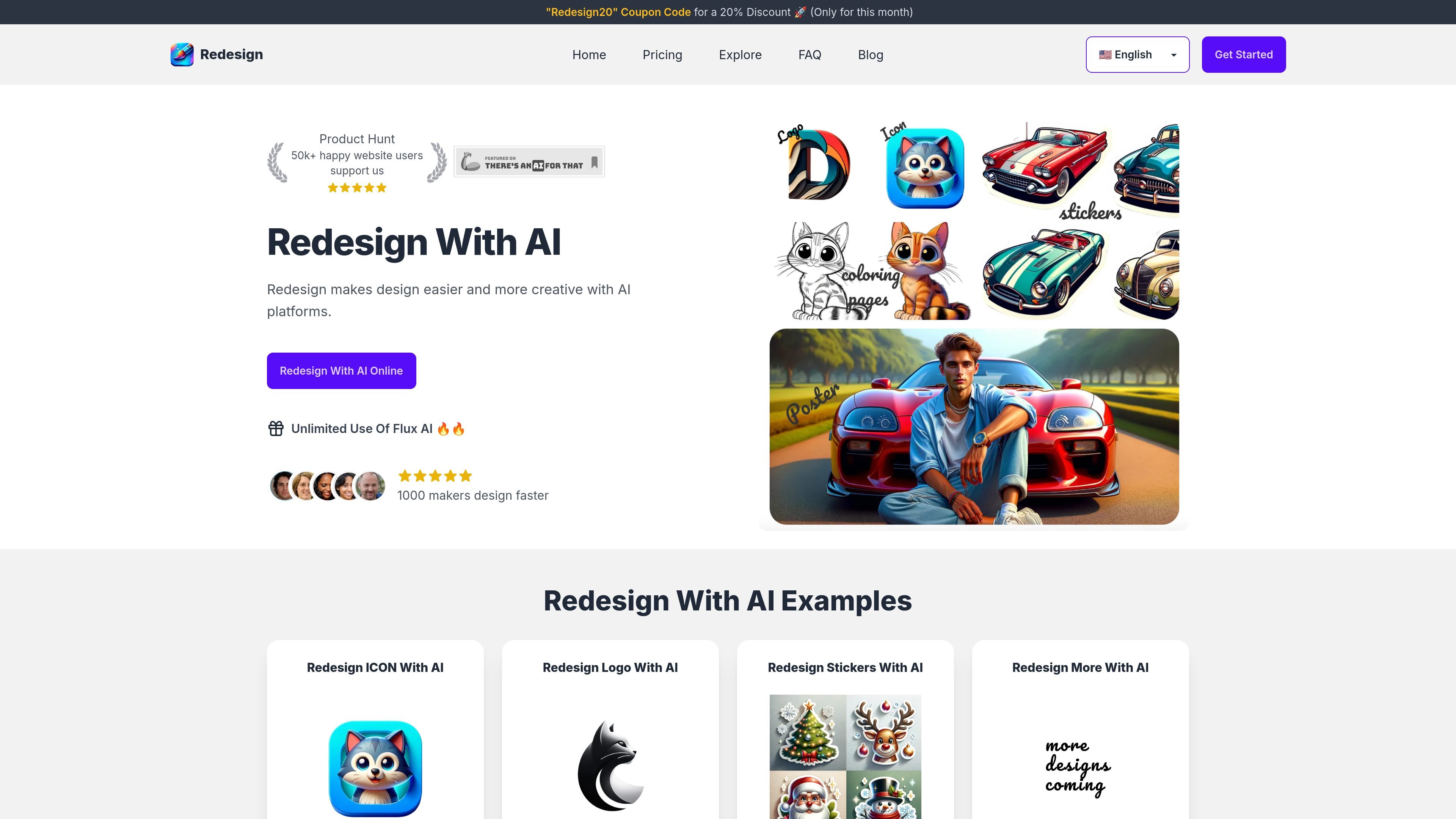
Redesign With AI is a web-based AI design platform for generating visual assets from text prompts. The site says it can create icons, logos, stickers, posters, coloring pages, mockups, tattoos, illustrations, and similar design outputs.
The product is presented as a way to make design faster and more accessible for people who need quick visual concepts or finished graphics without relying on a traditional design workflow. The homepage and explore page show prompt-driven creation, multiple image types, and style variations for different kinds of design tasks.
Generate a range of visual assets, including icons, logos, stickers, posters, coloring pages, mockups, tattoos, and illustrations, from the same product.
The homepage positions the tool as a faster way to create designs without hiring a professional designer.
The site describes the interface as intuitive and suitable for users with different levels of design experience.
The homepage and explore page show prompt-driven creation, where users describe the desired image or design and pick image type and style.
The pricing page shows a free plan and paid plans, with monthly or annual billing options.
The explore page presents many image styles and examples, suggesting the tool supports experimentation across different visual directions.
Create quick logo concepts, app icons, or brand marks by describing the shape, style, and subject you want.
Generate posters, birthday cards, promotional graphics, and similar one-off visuals for events or campaigns.
Produce stickers, coloring pages, illustrations, and tattoo ideas when you need a more playful or decorative image.
Explore different visual directions by switching image type and style across repeated prompt ideas before choosing a final direction.
Redesign With AI is an AI design platform that generates design images from prompts. The site says you can just type what you want in the dashboard to get started.
The site describes Redesign With AI as generating icons, logos, stickers, posters, coloring pages, mockups, tattoos, illustrations, and other design outputs with AI.
The homepage says to go to the dashboard and follow the instructions. The sign-in page shows Google sign-in and magic link access.
The FAQ says payment processing is handled by Stripe and Airwallex, and that card details are not retained by the service.
The FAQ states that refunds are not offered because image processing requires significant resources.

Recraft is an AI image generation and design platform for designers, creatives, sellers, and teams. It supports raster and vector generation, custom styles, mockups, editing, and API-based workflows.

简单AI is Sohu’s online AI tool for AI image generation, AI writing, and online image editing—ideal for quickly creating images, copy, or basic retouching.

Paper is a design tool that connects canvas, code, and AI agents so teams can create, share, and ship work in one workflow. Includes desktop app and MCP access.

Superside is an AI-powered creative service for enterprise and in-house teams, with global talent, AI-first workflows, and subscription-based support.

Image Fx is a web-based AI image generator that turns text prompts into images, with free basic access, no sign-up, and paid credit-based premium models.

PixelPrompt is a browser-based AI image and video workspace for prompt optimization, text-to-image, and text-to-video generation. It supports ecommerce visuals, ad creatives, and short-form UGC-style content without requiring a local GPU.