

Collaborative doc editing
Slite includes a real-time collaborative editor with comments, mentions, notifications, custom templates, recurring docs, and doc history for day-to-day knowledge work.

Slite is an AI knowledge base for team docs and knowledge management. Write, verify, search, and keep docs accurate over time.
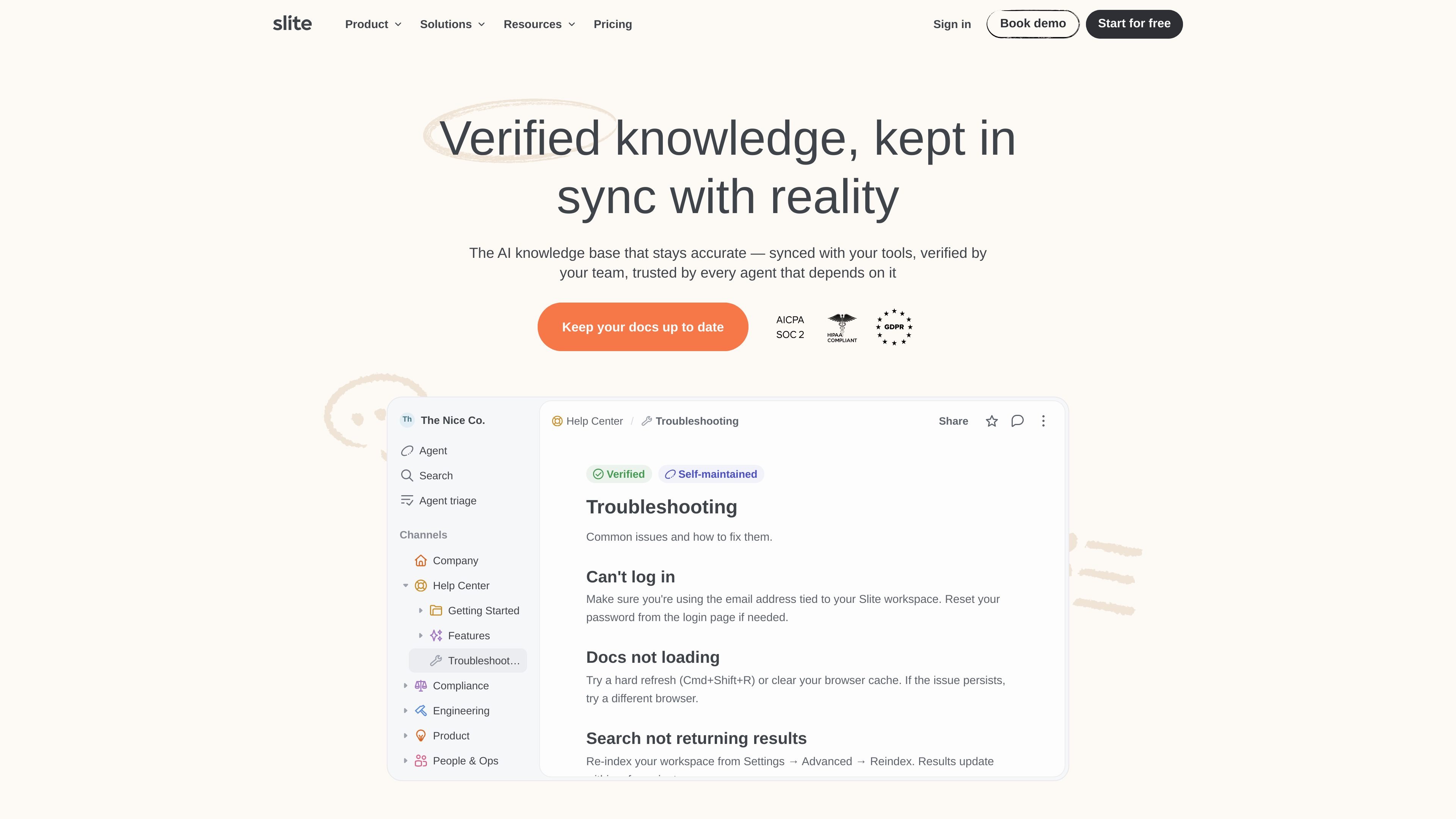
Slite is an AI knowledge base for teams that want documentation to stay accurate over time. The product is positioned as a self-maintaining workspace where team members verify content and connected tools help keep answers in sync.
The site presents Slite as useful for writing, organizing, verifying, and searching internal docs. Its pricing and feature set center on collaborative documentation, AI search and answers, verification workflows, and maintenance tools that help teams manage knowledge at scale.
Slite includes a real-time collaborative editor with comments, mentions, notifications, custom templates, recurring docs, and doc history for day-to-day knowledge work.
Docs can be verified and owned, and the Knowledge Management Panel adds a place to review and maintain workspace content in bulk.
Ask provides AI search and answers, with scope shown in the pricing table as within Slite docs on Basic and across connected tools on Pro and Enterprise.
The platform includes an AI writing assistant, AI answers insights, Chrome extension support, custom assistants, automated digests, bulk mode, and AI answers in Slack.
Slite exposes a public API, embeds and link previews, authenticated embeds, Slack integration, and MCP access for connecting docs to other tools.
Admin and security features include OpenID SSO, SCIM provisioning, audit logs, role and permission controls, workspace analytics, and public sharing controls.
Use Slite to write and maintain internal documentation that should remain accurate as processes, tools, and team knowledge change.
Use the verification workflow and Knowledge Management Panel to review existing content, check ownership, and clean up docs in bulk.
Use Ask to search across Slite docs or connected tools, then surface answers in the workspace or in Slack.
Use the public docs features, custom branding, and SEO indexing options when you need externally accessible documentation.
Use the security and admin controls when rolling the product out to larger teams that need SSO, SCIM, audit logs, and access management.
Slite starts a 14-day free trial when you sign up. The trial includes the Basic and Pro plans, and no credit card is required. You can also book a demo during the trial.
After the 14-day free trial ends, you need to purchase a subscription plan to keep using Slite. The purchase must be made by a workspace admin.
Yes. Slite offers discounts for eligible non-profit and academic organizations on the Basic plan. The site directs users to contact [email protected] for details.
Yes. The pricing page says Slite is HIPAA compliant and can sign a BAA for eligible plans. Users are directed to contact sales for more information.
Slite lets you add extra users directly in the product. Monthly plans bill added users on the next invoice, while yearly plans prorate the cost and adjust future invoices based on the member count.
Twine AI Launcher is an Android launcher with AI assistant access, bringing ChatGPT-style help to your homescreen for quick answers, notes, tasks, reminders, and people memory.

书生 is a general-purpose large model suite for language, multimodal, weather, ocean, industrial design, 3D, finance, and scientific discovery tasks.

AI Magicx is a unified AI workspace for chat, image, video, voice, music, email and developer tasks, helping teams and creators manage multiple models in one place.

阶跃AI is a personal efficiency assistant from 阶跃星辰 for knowledge search, writing, coding, and daily automation. Download on desktop and mobile, and trigger web, files, and reminders by voice.

TakeCareOS is a web platform for home care, disability, and aged care agencies, with rostering, billing, compliance, and AI admin tools.

Speakflow online teleprompter for writing and organizing scripts, voice scrolling, team collaboration, and cross-device syncing. Free and paid plans available.